Luxe Themes
Senna
$89
Updated August 2026 · Screenshots from our own Ghost 6 sites
Ghost is an open-source blogging and publishing platform that bundles a fast website, an email newsletter, and paid memberships into one tool. It is free to self-host, or from $15/month (billed yearly) on the official Ghost(Pro) service, and it takes 0% of your subscription revenue. It is the strongest choice for writers, newsletters, and independent publications; it is the wrong choice if you need plugins, a page builder, or e-commerce.
We build premium themes for Ghost and run our own fleet of Ghost 6 sites, so this page is written from daily use — not from a feature list. Below: what Ghost actually does, what it costs on each hosting path, the honest limitations, and how to decide.
Ghost started in 2013 as a Kickstarter project by John O'Nolan, former deputy lead of the WordPress UI team, with a simple pitch: a publishing tool that does one thing — writing and publishing — extremely well. It is run by the non-profit Ghost Foundation, released under the MIT license, and written in JavaScript on Node.js with a MySQL database. The company funds itself by selling managed hosting (Ghost(Pro)) rather than by taking a cut of what publishers earn.
That origin explains the product. Ghost is not a general-purpose CMS you assemble from plugins. It is an opinionated publishing platform where the pieces a modern publication needs — a website, an editor, email newsletters, member accounts, paid tiers, analytics, comments — ship together and are designed to work as one. You trade WordPress-style flexibility for speed, simplicity, and far less maintenance.
In practice that makes Ghost the platform behind a growing number of independent newsrooms and paid newsletters, plus company blogs that want a fast, focused publishing tool. Our roundup of real Ghost websites shows the range.
The editor is the reason many writers stay. It is a clean, distraction-free document with a title, a feature image, and text — no widgets, no meta boxes. Type / to insert cards: images and galleries, video and audio, embeds (YouTube, Spotify, SoundCloud, and any URL with a preview), callouts, toggles, buttons, bookmarks, code blocks, Markdown and raw HTML, products, signup forms, and a paywall marker that splits free from members-only content. Everything is keyboard-first and autosaves.
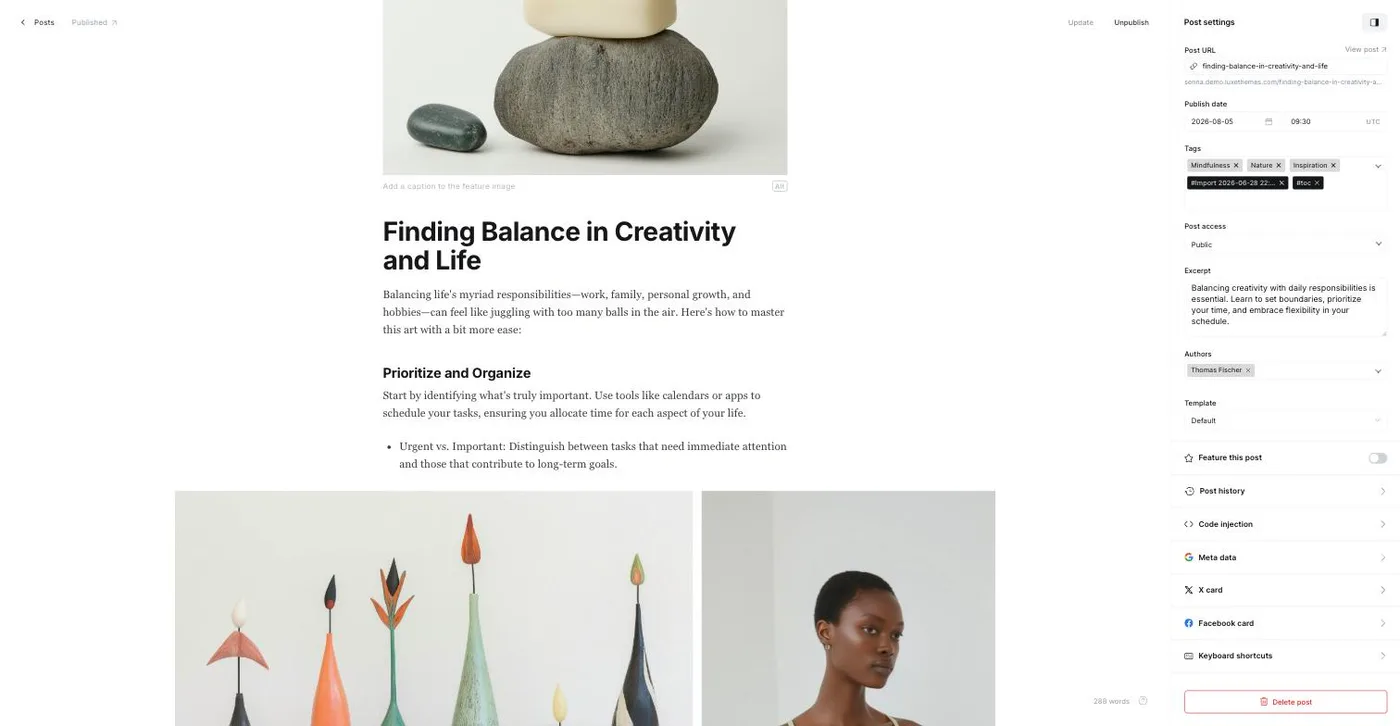
The settings panel is where publishing decisions live: URL and publish date (with scheduling), tags and authors, who can read the post (public, members, paid, or specific tiers), a custom excerpt, per-post template (if your theme provides several), post history, meta data, X and Facebook cards, and code injection for that post only. When you hit Publish you choose whether the post goes to the web, to email, or both — and which newsletter and segment receives it. Our Ghost editor guide walks through every card.
This is where Ghost stops being "just a blog." Every post can be sent as an email newsletter to your subscribers at the moment it publishes; you can run several newsletters with different audiences from one site. Readers sign up through Portal, Ghost's built-in signup and account overlay, and become members with a free or paid tier. Paid tiers run on Stripe with monthly and yearly prices, free trials, offers and discount codes, gift subscriptions, and one-off tips. Ghost's platform fee on all of that is 0%; you pay only Stripe's processing fee.
On top sit the things a publication needs around content: native comments (members only, so no spam), a recommendations network for cross-promoting other Ghost sites, welcome emails, signup forms you can embed anywhere, and — since Ghost 6 — publishing to the social web via ActivityPub, so your posts can be followed and replied to from Mastodon-compatible apps.
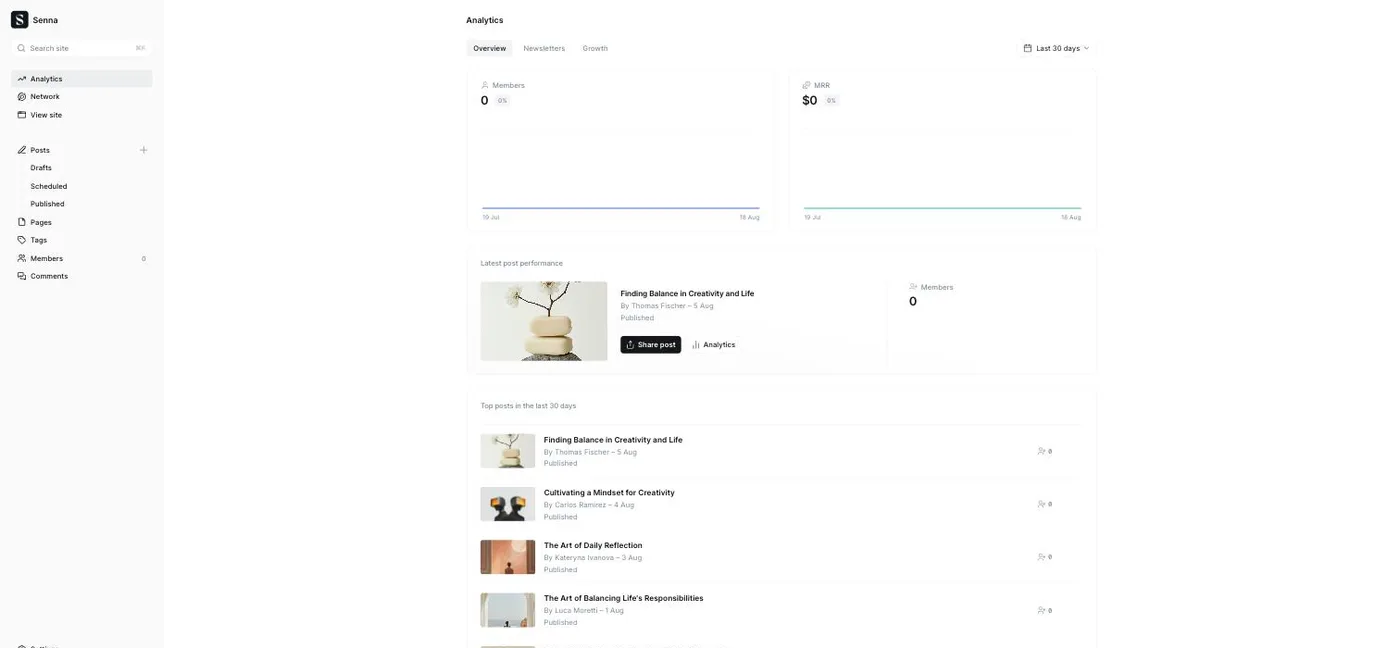
Ghost 6 also added first-party analytics: web traffic, member growth, MRR, and per-post and per-newsletter performance, all inside the admin (self-hosted sites connect a Tinybird account for the web-traffic part; Ghost(Pro) Starter gets the basics, advanced analytics start at Publisher). For deeper tracking you can still add Google Analytics, Plausible, or Umami with code injection; our analytics setup guide covers the options. To turn all this on step by step, use the membership setup guide and the Ghost newsletter guide.
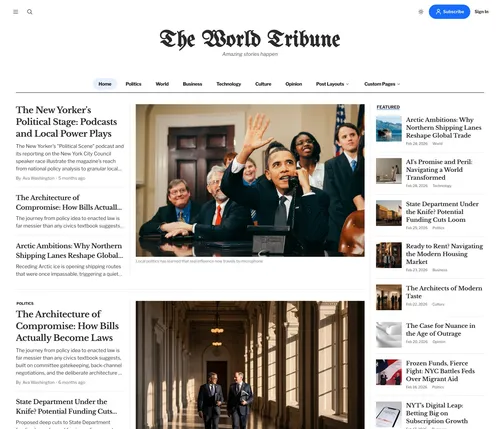
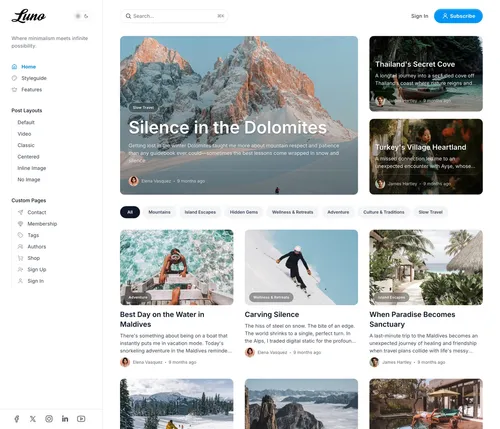
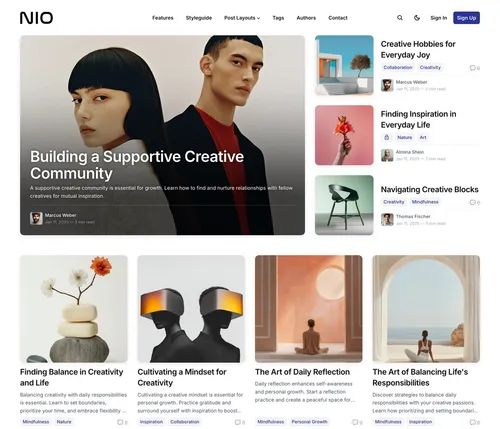
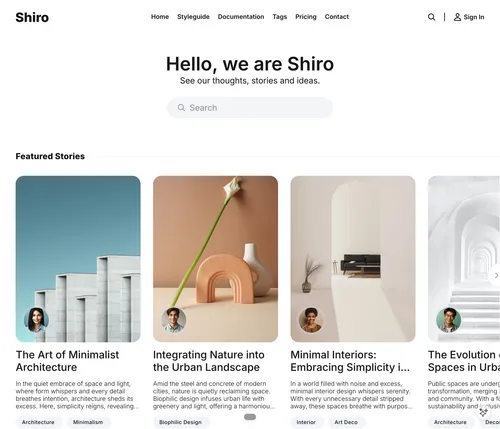
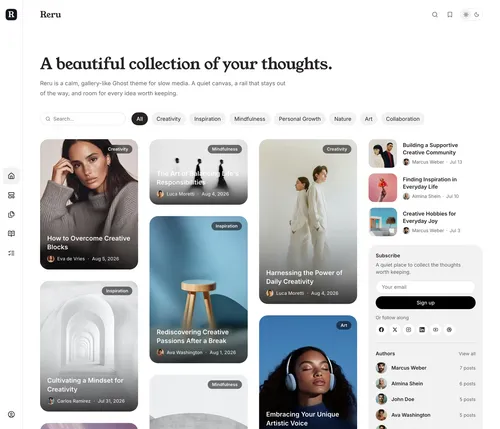
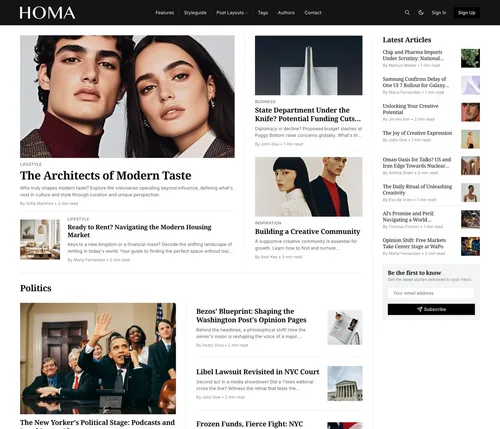
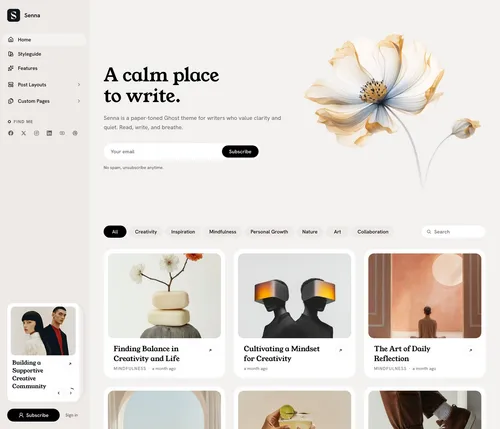
Ghost has no page builder. The look of your site — homepage layout, post templates, navigation, dark mode, membership and pricing pages — comes from the theme, a package of Handlebars templates, CSS, and JavaScript that you upload once in Settings → Theme. That makes theme choice a bigger decision on Ghost than on WordPress: the theme is your layout. Ghost ships a set of free official themes, and a marketplace of premium themes covers magazines, newsletters, portfolios, and membership publications.
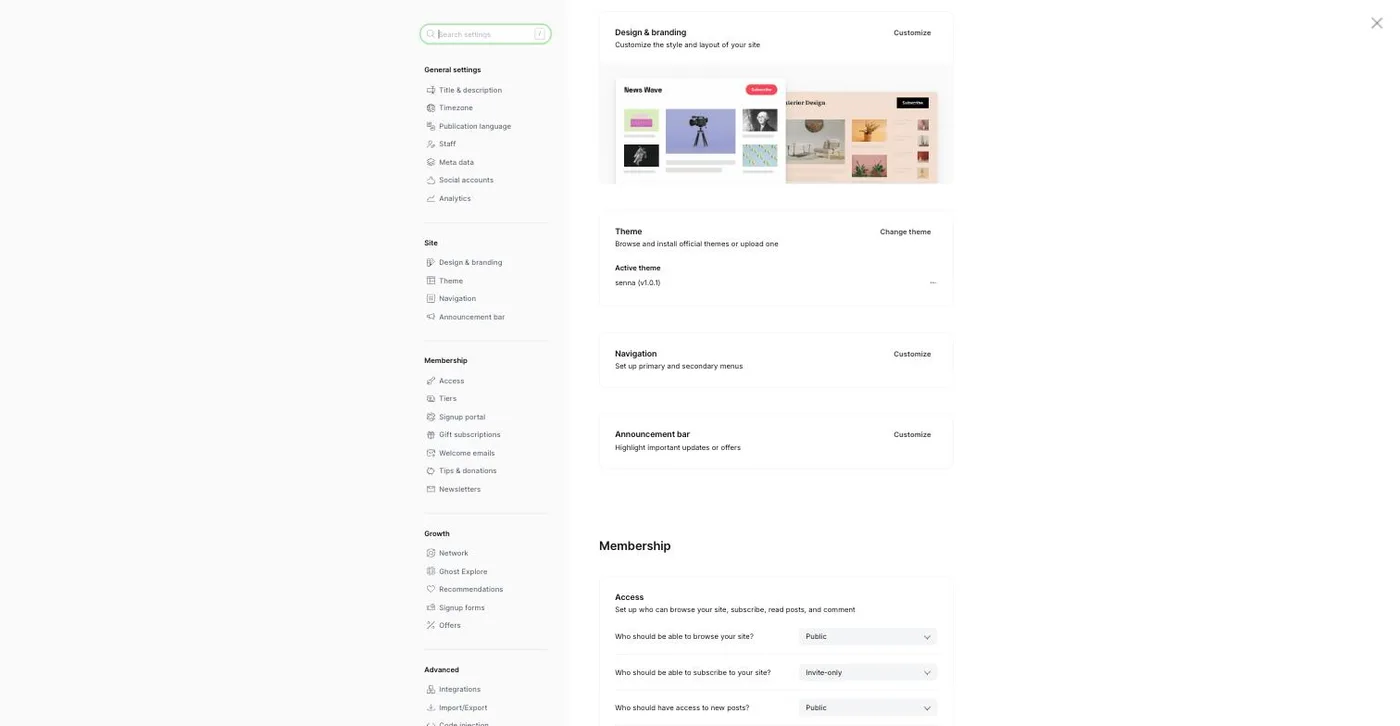
Modern themes expose their options (colors, fonts, homepage and post layouts, feature toggles) as design settings in the admin, so day-to-day customization needs no code. For anything beyond that, code injection lets you add CSS and scripts without touching theme files. Our theme collection and the best Ghost themes guide are the place to start; if you're weighing free against paid, read free vs premium Ghost themes.
One thing that catches new Ghost(Pro) users: the Starter plan comes with the default theme only — no marketplace or custom themes, and no paid subscriptions. A premium theme or paid members require the Publisher plan or higher — or a self-hosted site, where you can install anything.
Ghost's SEO story is "sensible defaults, no plugin needed." Every post and page gets clean semantic HTML, a canonical URL, Open Graph and X card tags, JSON-LD structured data, and an XML sitemap; you can override meta titles and descriptions per post and set canonicals for syndicated content. Redirects are managed by uploading a redirects file in the admin. Because the front end is server-rendered from a Node.js app with no plugin overhead, sites are fast by default — the theme is what determines how fast, which is why we optimize ours for Core Web Vitals. The Ghost SEO guide covers what to configure beyond the defaults, and the image sizes guide covers the one thing that most often slows a Ghost site down.
There are two ways to run Ghost, and the price depends entirely on which you choose:
The full breakdown — every Ghost(Pro) plan and feature gate, self-hosting line items, and hidden costs — is in the Ghost pricing guide; the provider-by-provider comparison is on the Ghost hosting page.
Our verdict: if your site is fundamentally about publishing words to readers — and especially if you want to grow an email list or charge for access — Ghost is the most focused, lowest-maintenance tool available. If your site is a store, an app, a brochure with a blog attached, or a heavily customized portal, WordPress or a site builder will fight you less.
Ghost vs WordPress
Ghost is faster to set up and run, with newsletters and memberships built in; WordPress wins on plugins, page builders, WooCommerce, and multilingual sites.
Full comparison
Ghost vs Substack
Substack is free to start and takes 10% of paid subscriptions; Ghost costs a flat fee, takes 0%, and gives you your own domain, design, and full data ownership.
Full comparison
Ghost vs Medium
Medium gives you an audience but owns the relationship; Ghost gives you the site, the list, and the revenue — you bring the audience.
Full comparison
Also see: best blogging platforms, best newsletter platforms, and Ghost vs beehiiv.
Pick hosting
Ghost(Pro) if you want zero maintenance; a VPS, PikaPods, or Docker if you want the lowest cost. See our hosting comparison.
Compare Ghost hostingSet up your domain and email
Point DNS at your host and, if self-hosting, connect Mailgun so newsletters can send.
Custom domain setupInstall a theme
Upload a theme zip in Settings → Theme → Change theme → Upload theme, then adjust colors, fonts, and layouts in Design & branding.
Browse Ghost themesTurn on memberships and newsletters
Connect Stripe, create free and paid tiers, and decide what's public, members-only, or paid.
Membership setup guidePublish
Write in the editor, choose web, email, or both, and schedule. Ghost handles the rest.
Ghost editor guideComing from another platform? See WordPress → Ghost and Substack → Ghost.
Because the theme is your layout on Ghost, it's the first upgrade worth making. Every Luxe theme includes multiple post layouts, dark mode, and no-code customization, works with Ghost members, and is Ghost 6 ready.
Ready to pick a design? Browse all premium Ghost themes.
Ghost Themes
Every premium Luxe theme, compared by feature and use case.
Ghost Hosting
Ghost(Pro), managed hosts, PikaPods, and VPS options compared with verified prices.
Ghost Memberships
Free and paid tiers, Stripe checkout, gated content, 0% platform fee.
Ghost Newsletters
Set up sending, design, segments, and paid subscriptions step by step.