 Luxe Themes
14-day money-back guarantee
See how Homa compares in the best Ghost themes guide, or compare all Ghost themes by feature.
Homa
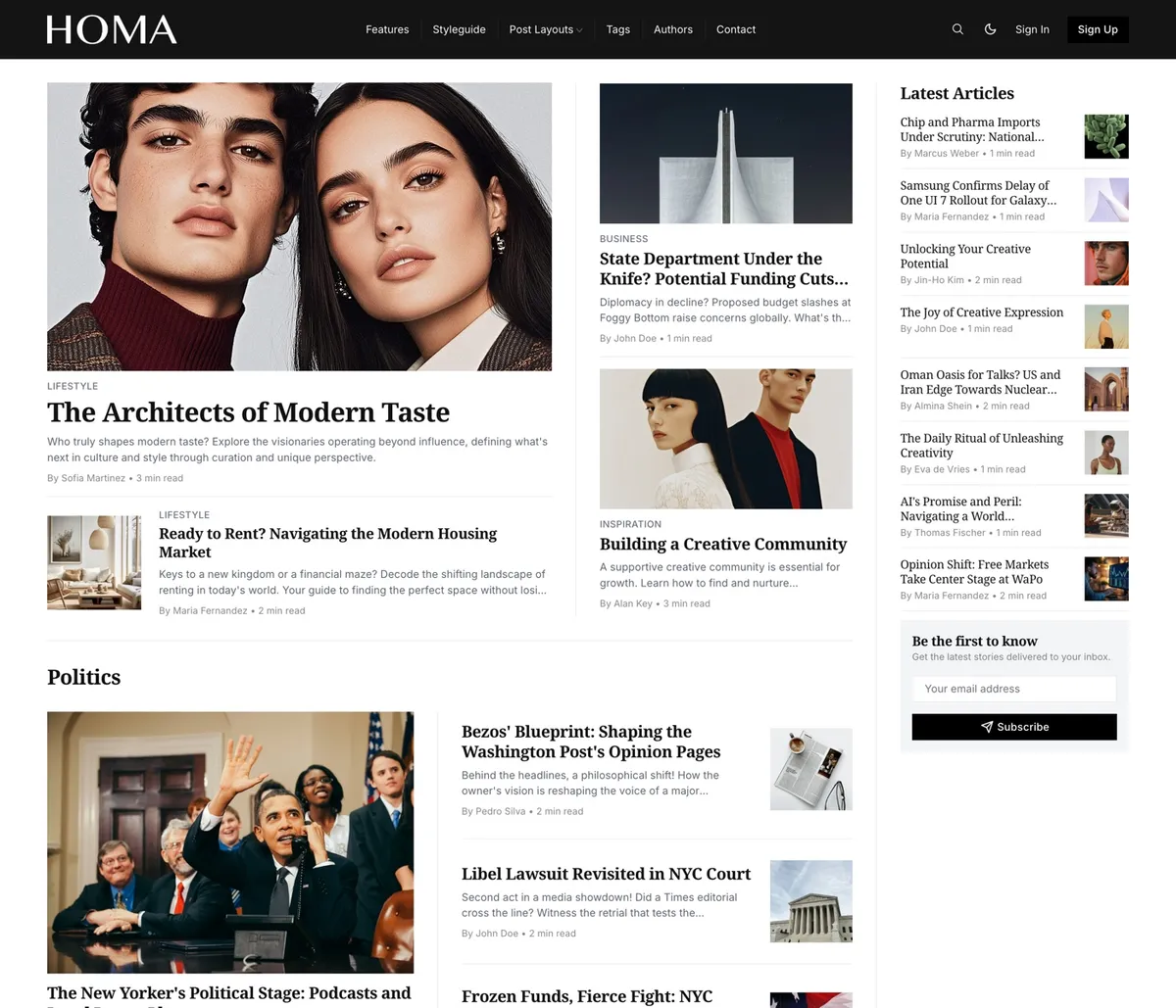
Homa is a magazine built from your topics. Featured stories open the page as a grid beside a list of the latest articles, then a section for every topic you name, a full-width band for the one you highlight, and your authors at the end. Built for magazines with steady sections and several writers, and managed entirely from Ghost admin.
Features
- Featured grid of up to four stories
- Latest Articles list with a subscribe form
- A homepage section for every tag you name
- Full-width carousel for one highlighted topic
- Authors band at the end of the front page
- Four post layouts, including full-width and split
- Dropdown menus two levels deep, overflow into More
- Light, dark and system, with a switch for readers
- Dark header and footer option
- 21 heading and 14 body fonts
- Authors, tags and contact pages
- 46 languages
A Front Page Built From Your Topics
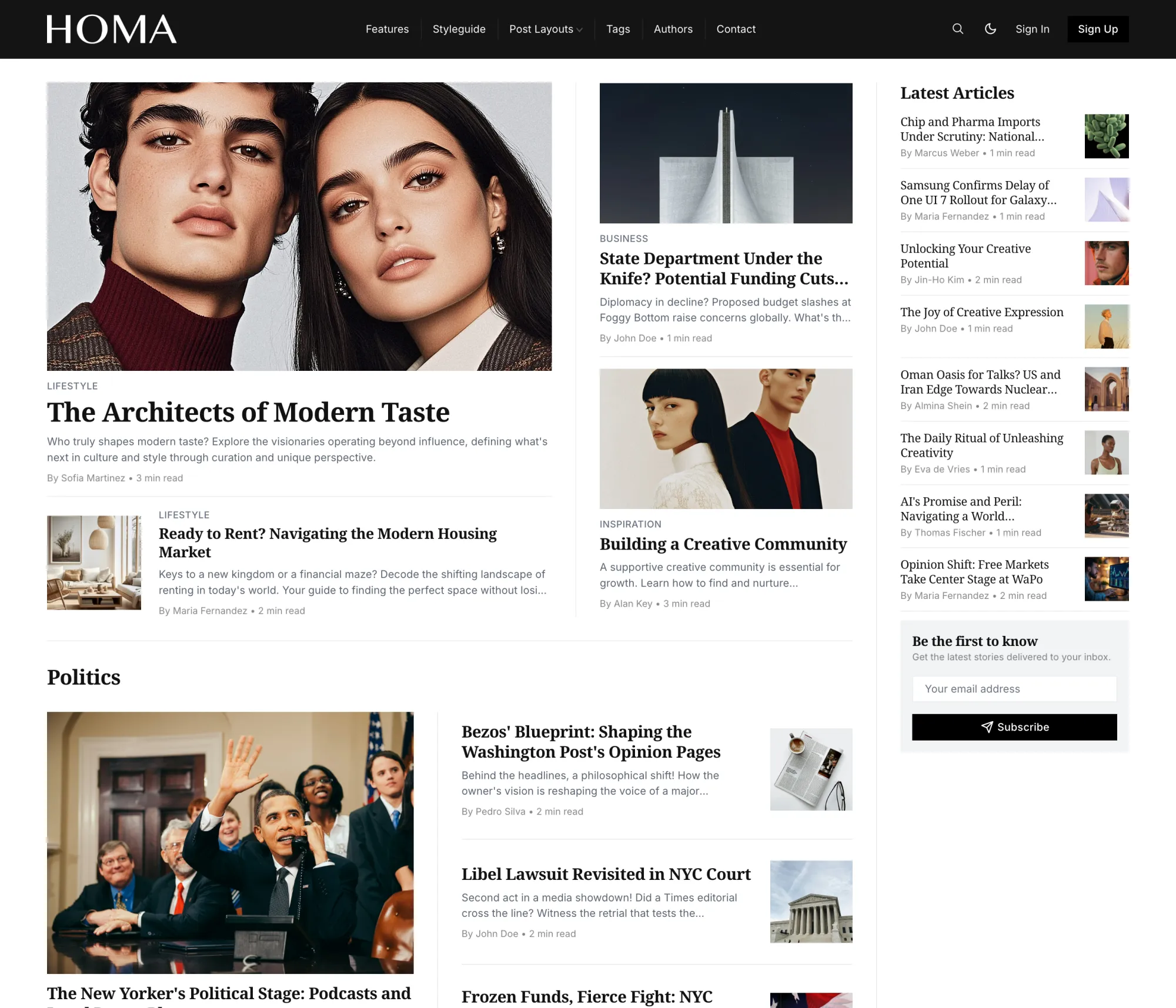
Your featured stories open the page as a grid: one lead, a small card beneath it, two stacked beside it, and a list of the latest articles with a subscribe form at the edge. Below, a section for every topic you name, in the order you name them.
We let your tags do the editing. Name the topics once, and the front page fills itself every time you publish.
One Topic, Front and Center
Further down, a full-width band in one topic's own image or color, with its name and description on the left and its stories scrolling sideways. Then a Read More grid and a band of your authors with their photos and links. The page ends with the people behind it.
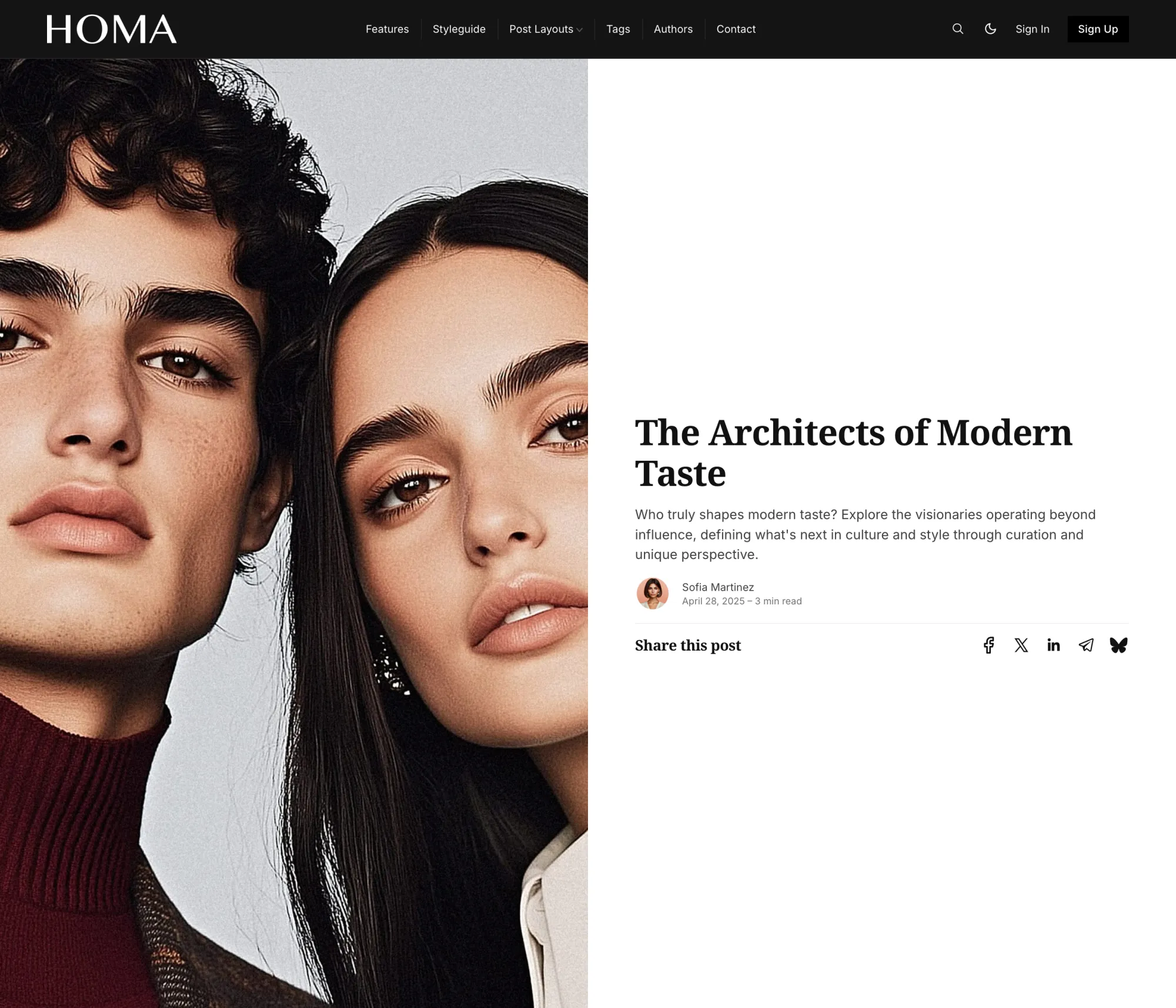
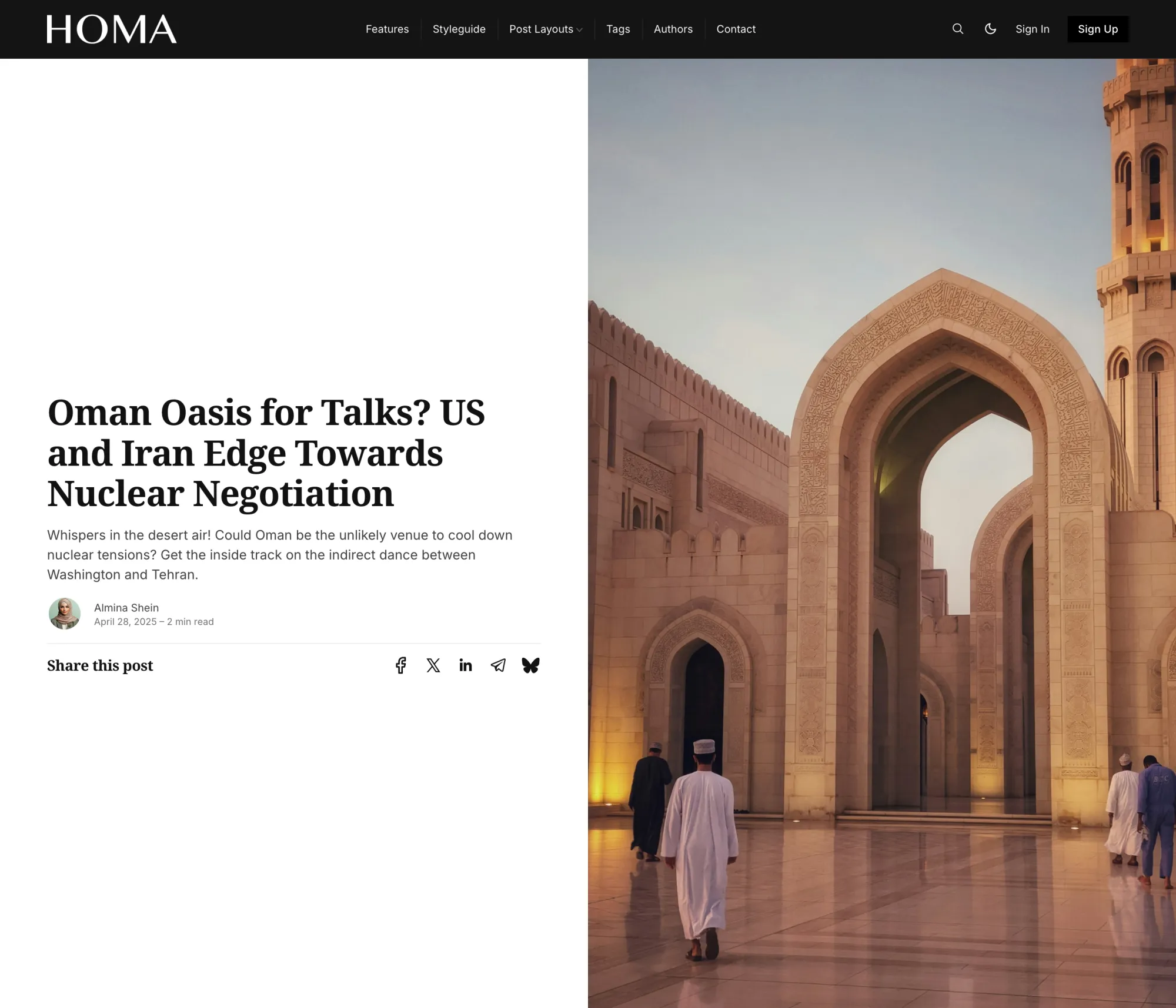
Four Ways to Open a Story
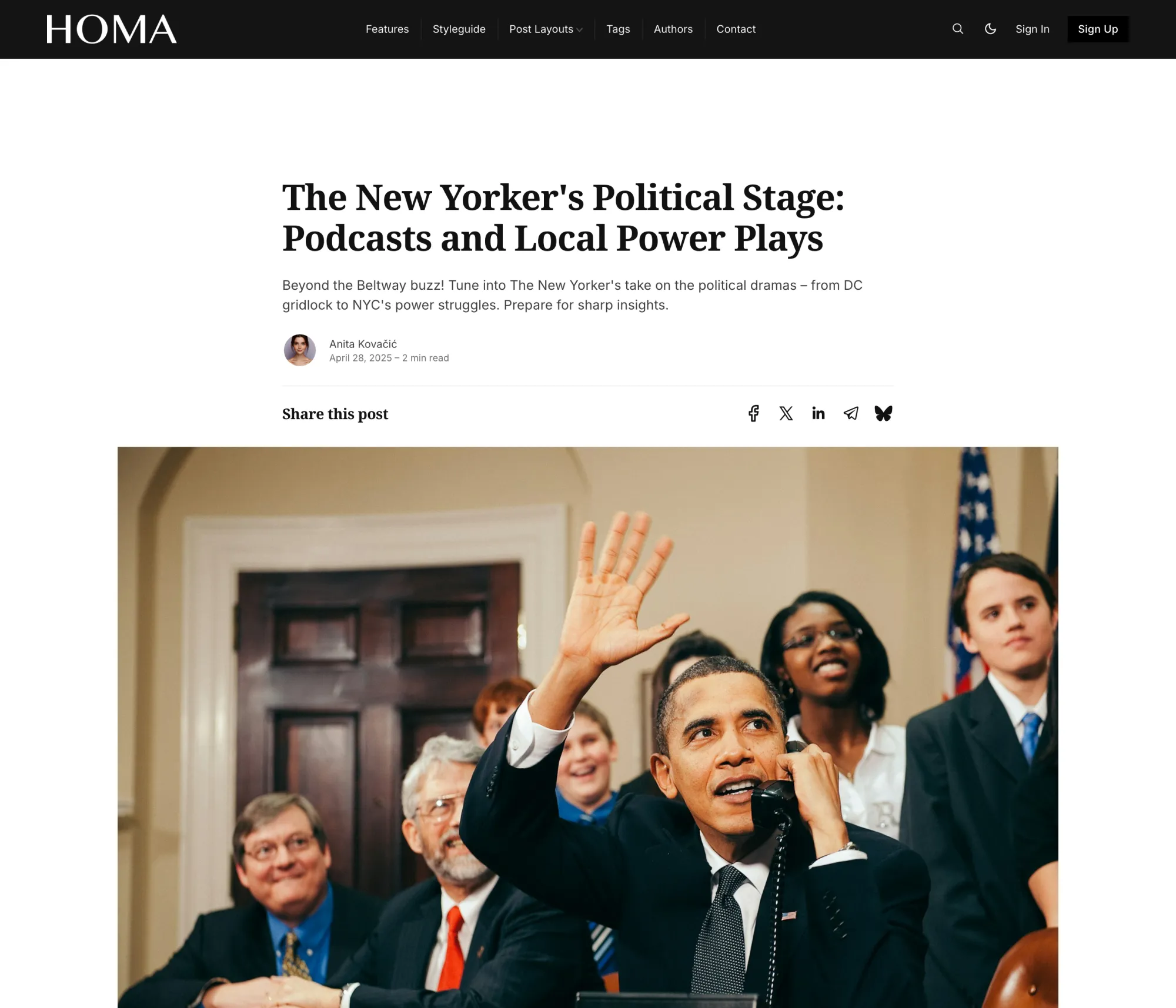
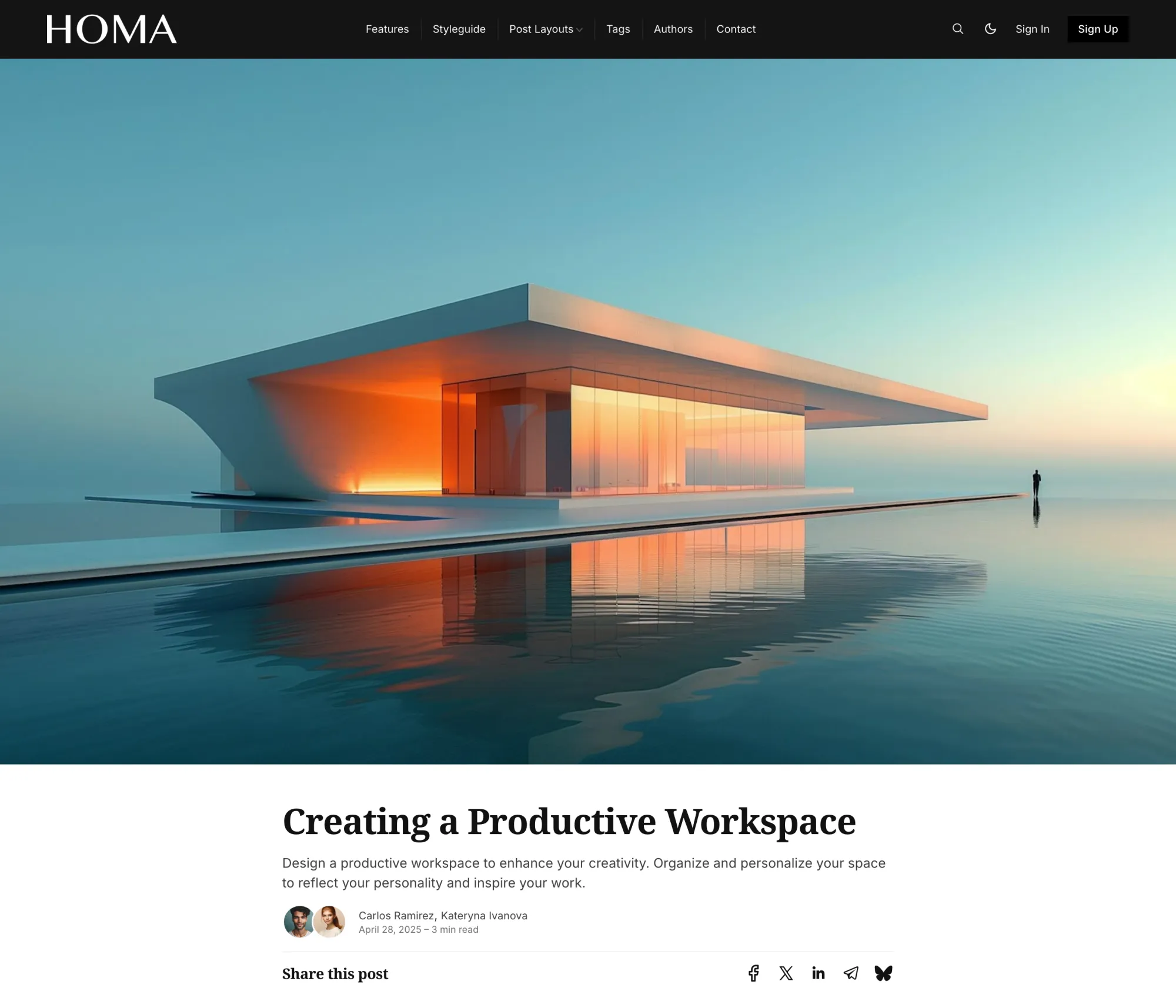
The title first with the image beneath. A photograph across the whole screen that the title slides up over. Or the picture beside the title, on the left or the right. You choose per story, in the editor.
Authors, Tags, and a Way to Reach You
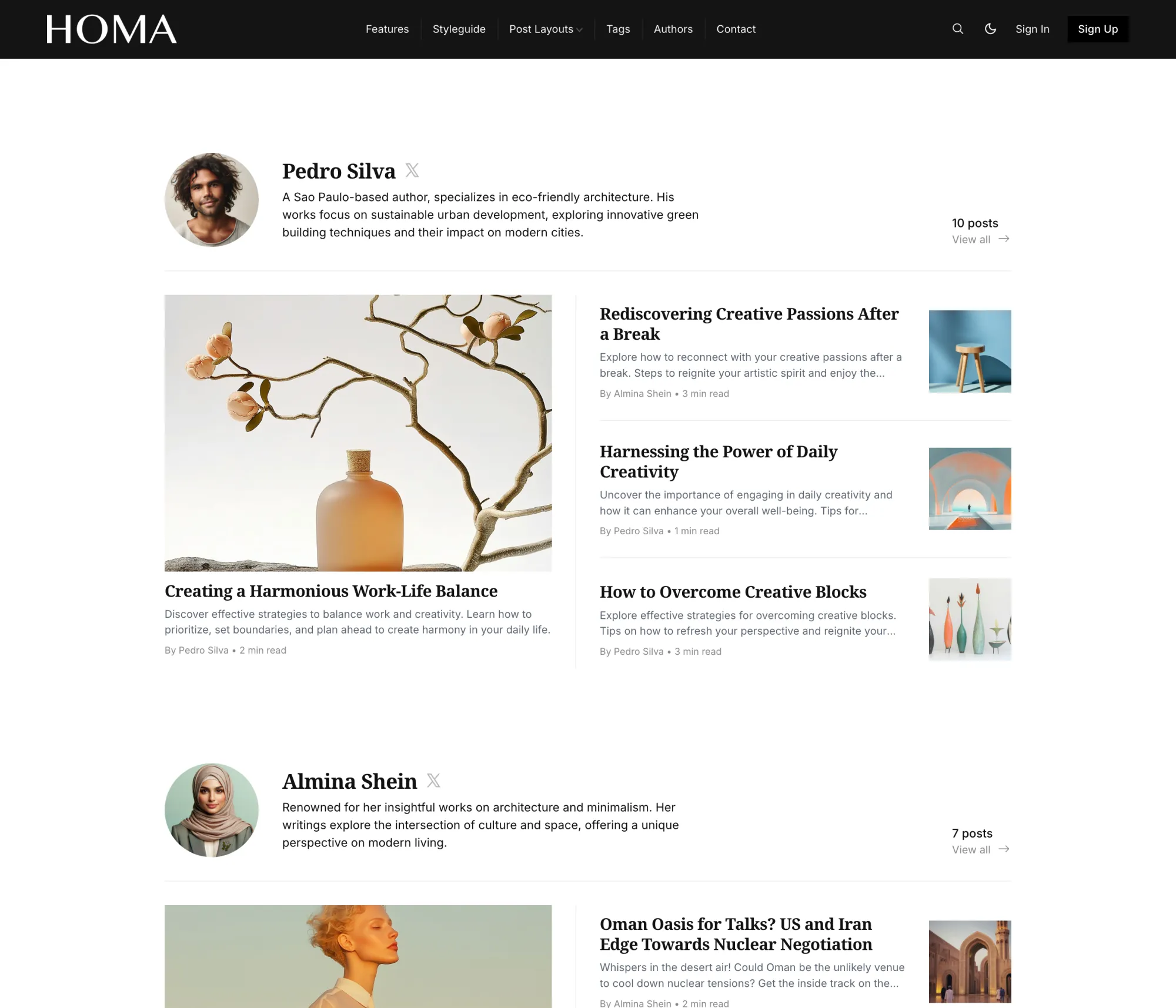
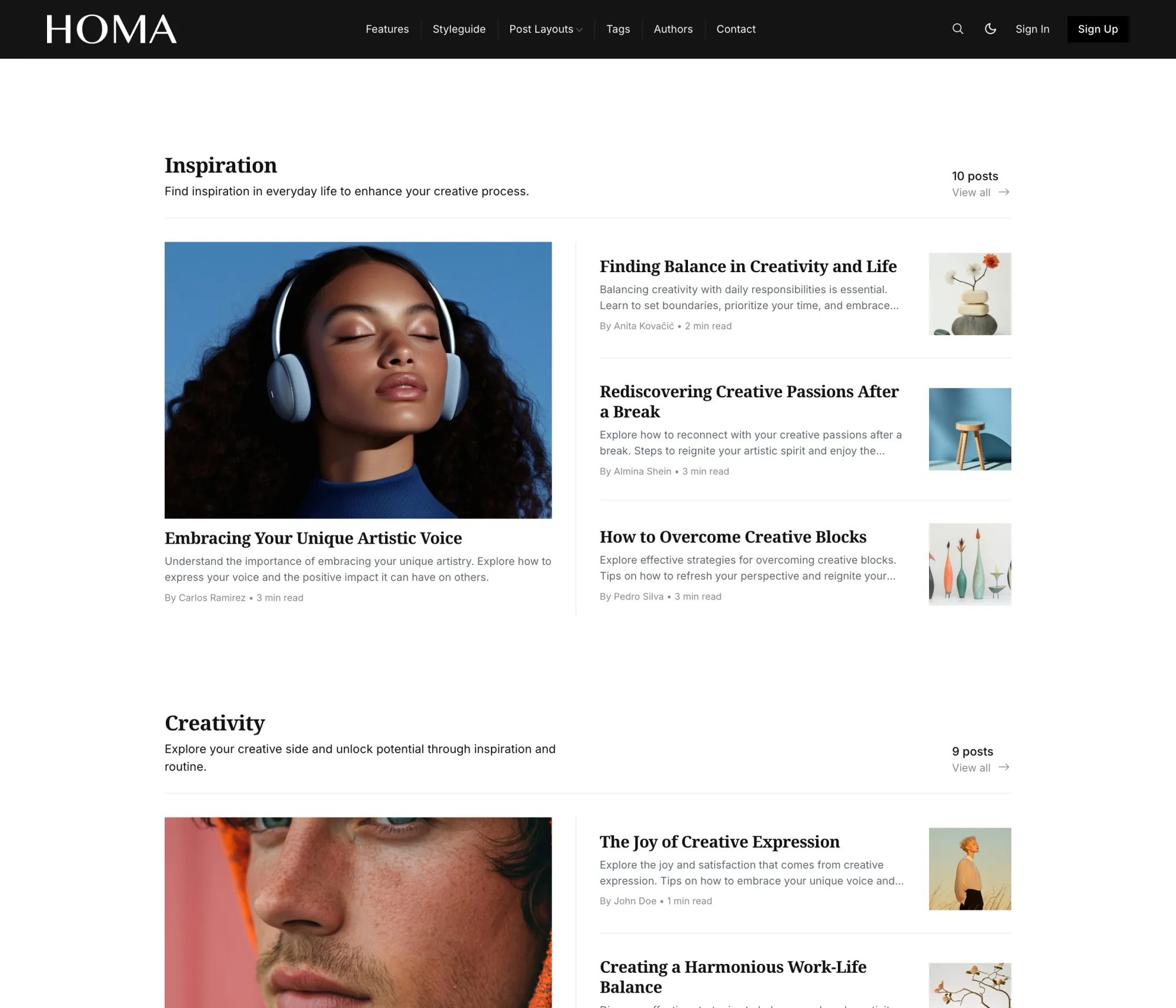
An authors page that gives each writer a portrait, links and their four latest stories. A tags page that does the same for every topic. A contact page with your photo beside the form, posting to the service you already use.
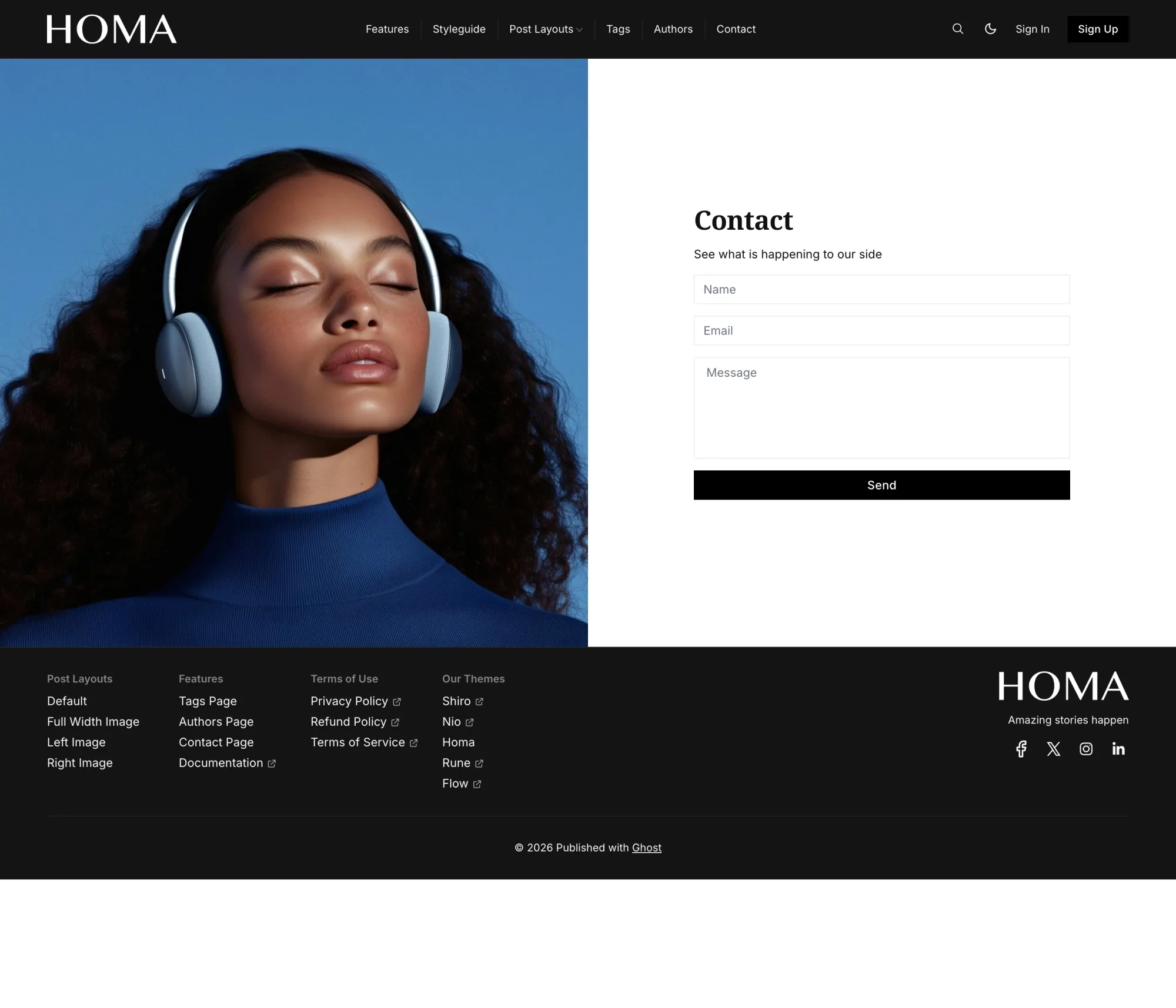
A Menu That Never Wraps
Dropdowns two levels deep, opening on hover. Items that do not fit on one line fold into a More menu by themselves, so a magazine with many sections keeps a single tidy row. On phones the whole menu opens as a full-height panel under the header.
Dark Mode, or Just a Dark Frame
Light, dark, or whatever the reader's device prefers, with a sun and moon switch in the header you can offer your visitors. Or keep the page light and the header and footer dark, the way the demo does. A second logo for dark backgrounds, 21 heading and 14 body fonts, and your accent color on tags and buttons.
Made For
Magazines with a few steady sections and several writers, where the front page should sort itself. If you sell memberships and want a pricing page in the theme, Rune and Tribune have one.
The Details
| Post layouts | Default, Full Width Image, Left Image, Right Image |
|---|---|
| Page templates | Authors, Tags, Contact |
| Homepage | Featured grid, Latest Articles list with subscribe form, a section per tag, highlighted-topic carousel, Read More grid, authors band |
| Color | Light, dark and system, optional visitor switch, dark header and footer option, dark logo slot, accent from Ghost |
| Fonts | 21 heading and 14 body fonts, or Ghost's own font settings |
| Reading | Related posts, five-platform share row, image lightbox, code highlighting, comments in an accordion, progress ring |
| Members | Sign in, sign up and account through Ghost Portal, subscribe form on the homepage |
| Languages | 46 |
| Phones | Full-height menu panel, optional app mode for the home screen |
| Ghost | 5 and 6 |


$249 lifetime, was $821
Homa questions
How do the topic sections on the homepage work?
What decides the featured grid at the top?
Does Homa have a pricing or membership page?
How do I add dropdown menus?
# as its URL and start the labels beneath it with a dash. Those become a dropdown that opens on hover, two levels deep if you need it. Items that would not fit on one line fold into a More menu on their own. See the navigation docs.