 Luxe Themes
14-day money-back guarantee
See how Luno compares in the best Ghost themes guide, or compare all Ghost themes by feature.
Luno
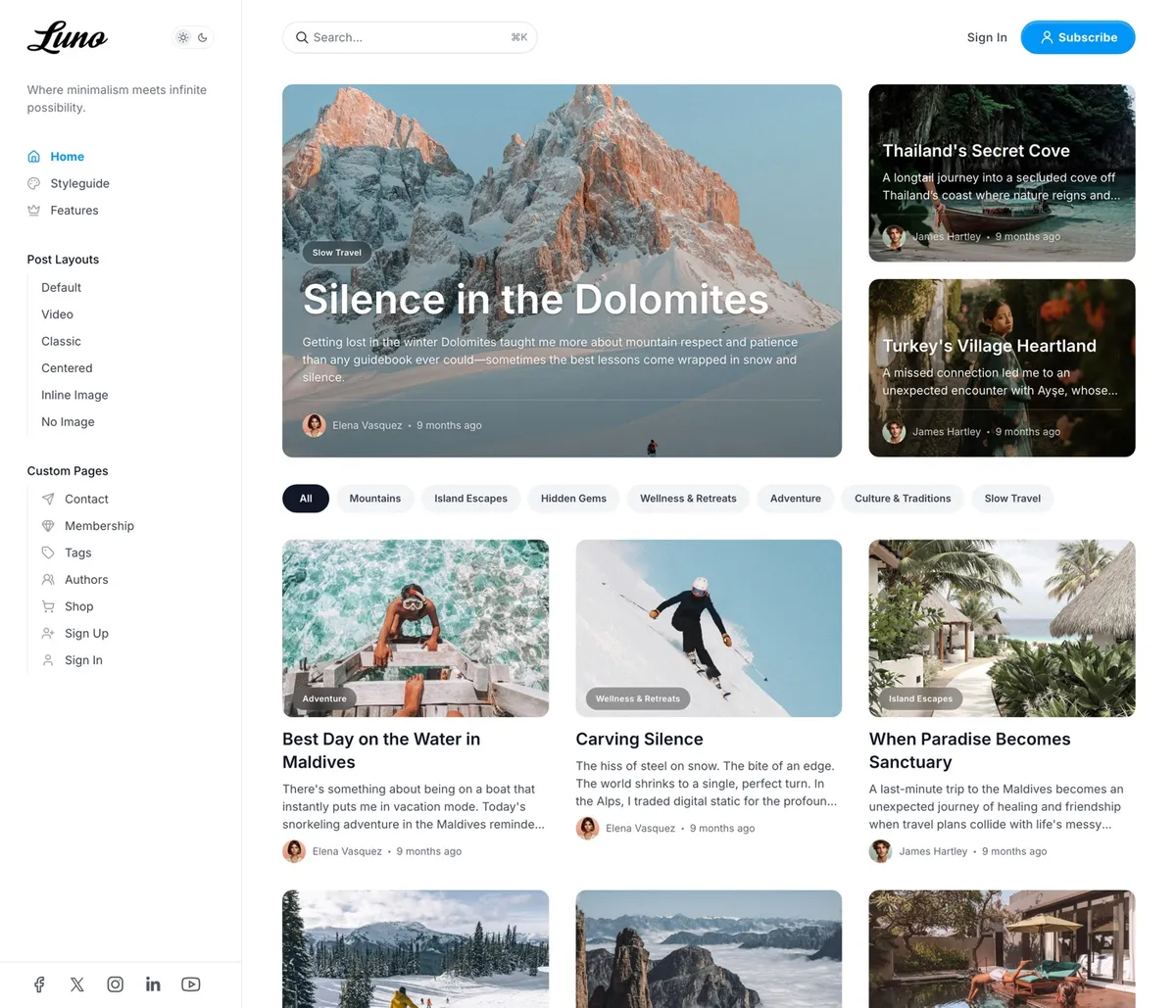
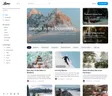
Luno is a blog that works like an app. A menu that stays open in a fixed sidebar, search a keystroke away, a light and dark switch beside your logo, and a homepage that opens with three featured stories as cover cards. Built for travel, lifestyle and product blogs whose readers expect an interface they already know, and managed entirely from Ghost admin.
Features
- Fixed sidebar menu with groups and icons
- Search with a keyboard shortcut
- Light, dark and system, with a switch for readers
- Dark mode tinted with your accent color
- Three featured cover cards, then sections per tag
- Hero from a tagged page, five arrangements
- Six post layouts, including full-screen and video
- What's Next list beside every post
- Table of contents on posts you tag for it
- Membership pricing from your Ghost tiers
- Shop, contact, authors, tags, sign-in and sign-up pages
- 48 languages, English plus 47 translations
A Sidebar, Search, and a Switch
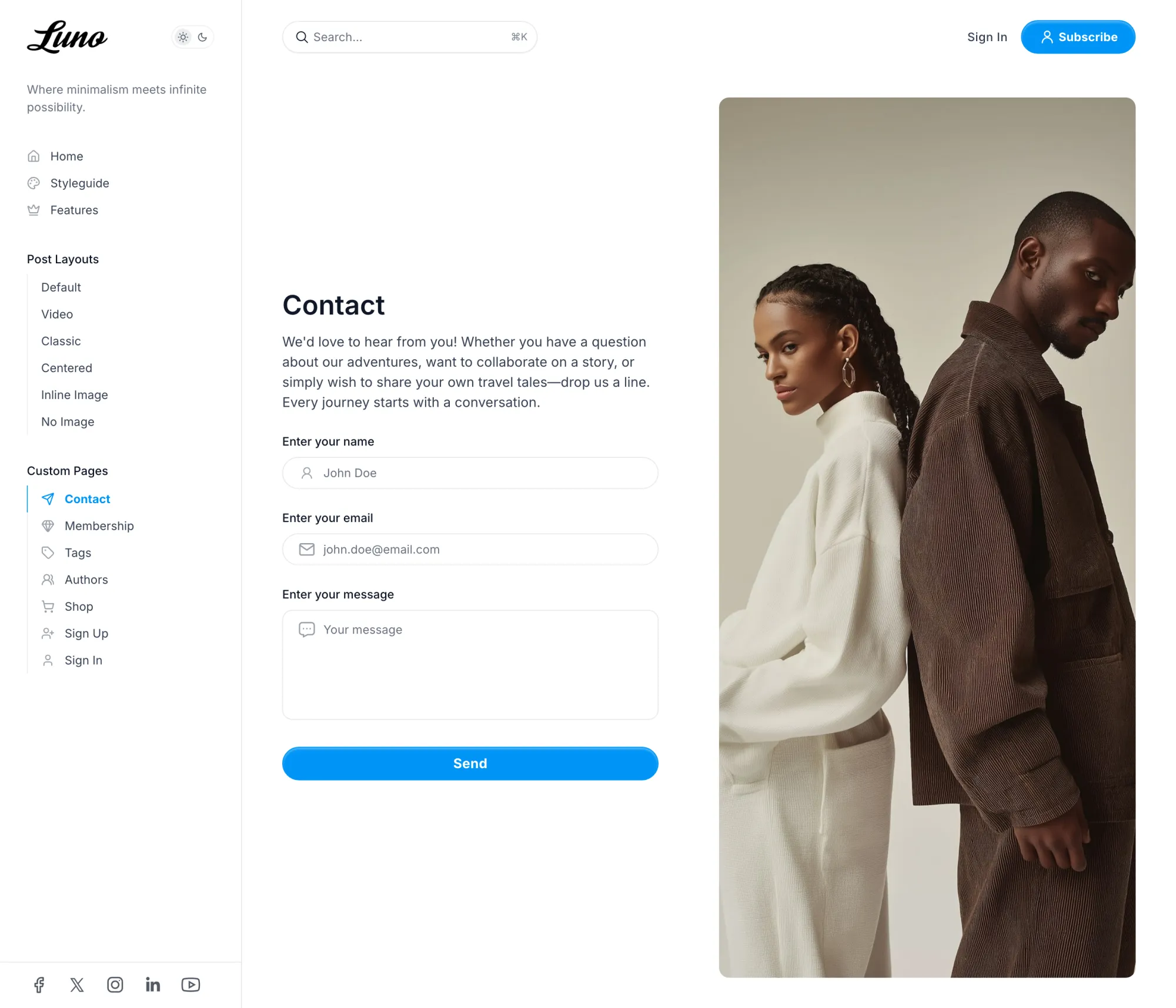
Your menu lives in a fixed column on the left with your logo, a light and dark switch and your social links. Above the content, a search field waits with a keyboard shortcut beside it. The site behaves like an app the reader already knows.
We kept the menu open instead of hiding it behind a button. A reader who can see every section reads more of them.
A Front Page That Fills Itself
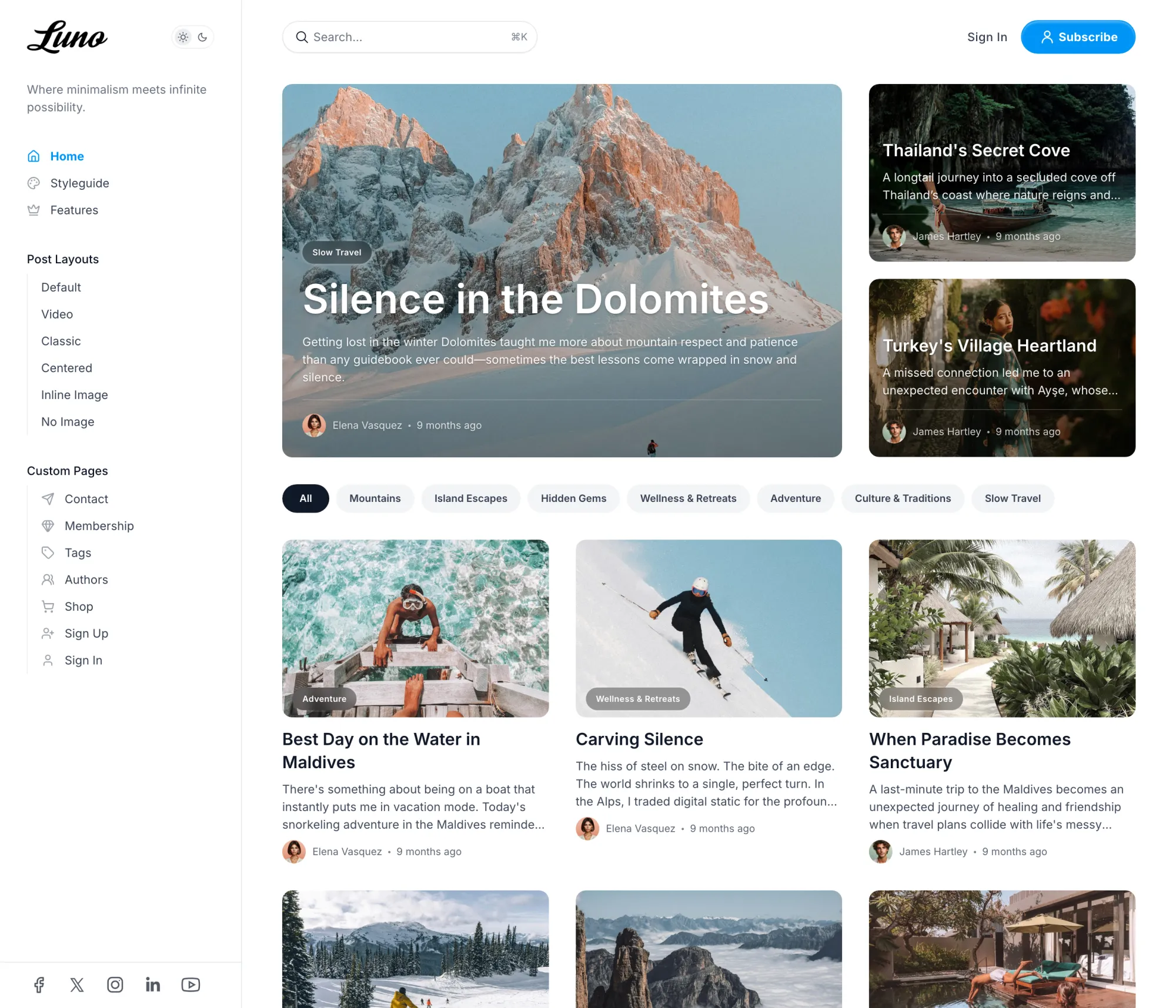
Three featured stories open the homepage as cover cards, one large and two beside it. Then a row of topic pills, the latest posts, and a section for each tag you name, in the order you name them. Mark a story featured and it moves to the top; the page keeps itself current.
Add a hero from a tagged page in one of five arrangements, and a carousel of your authors at the bottom, or leave both off.
Six Ways to Open a Post
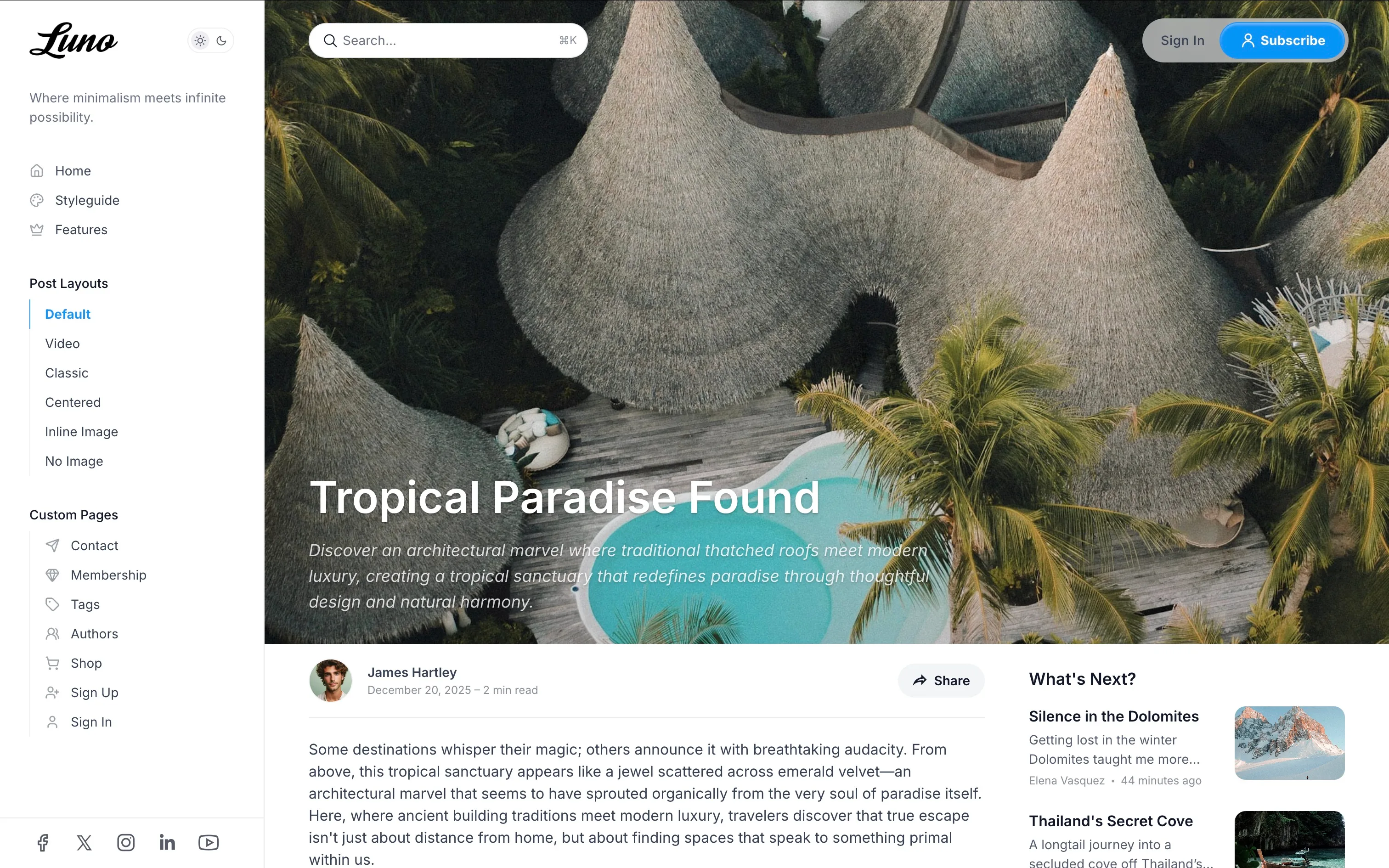
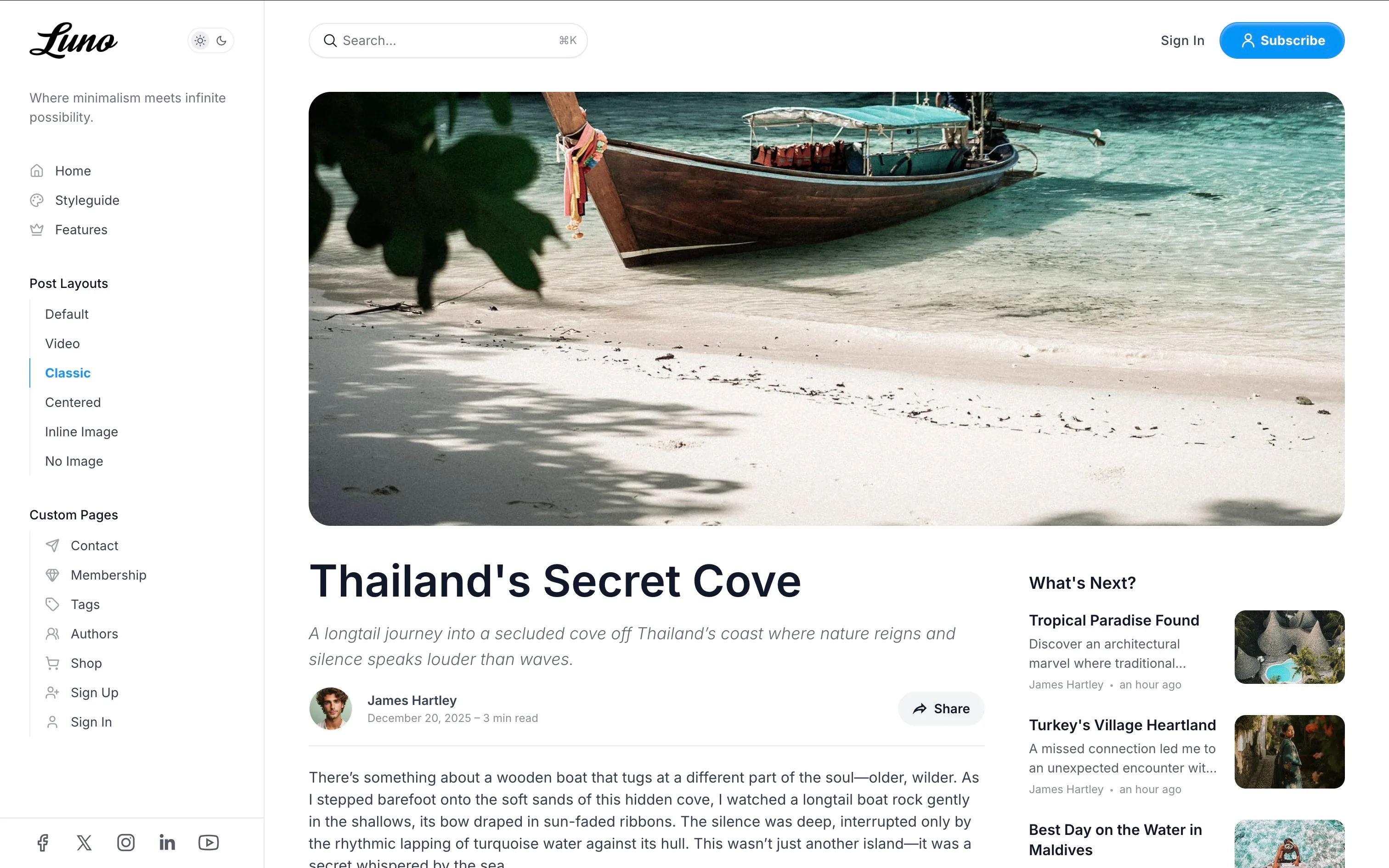
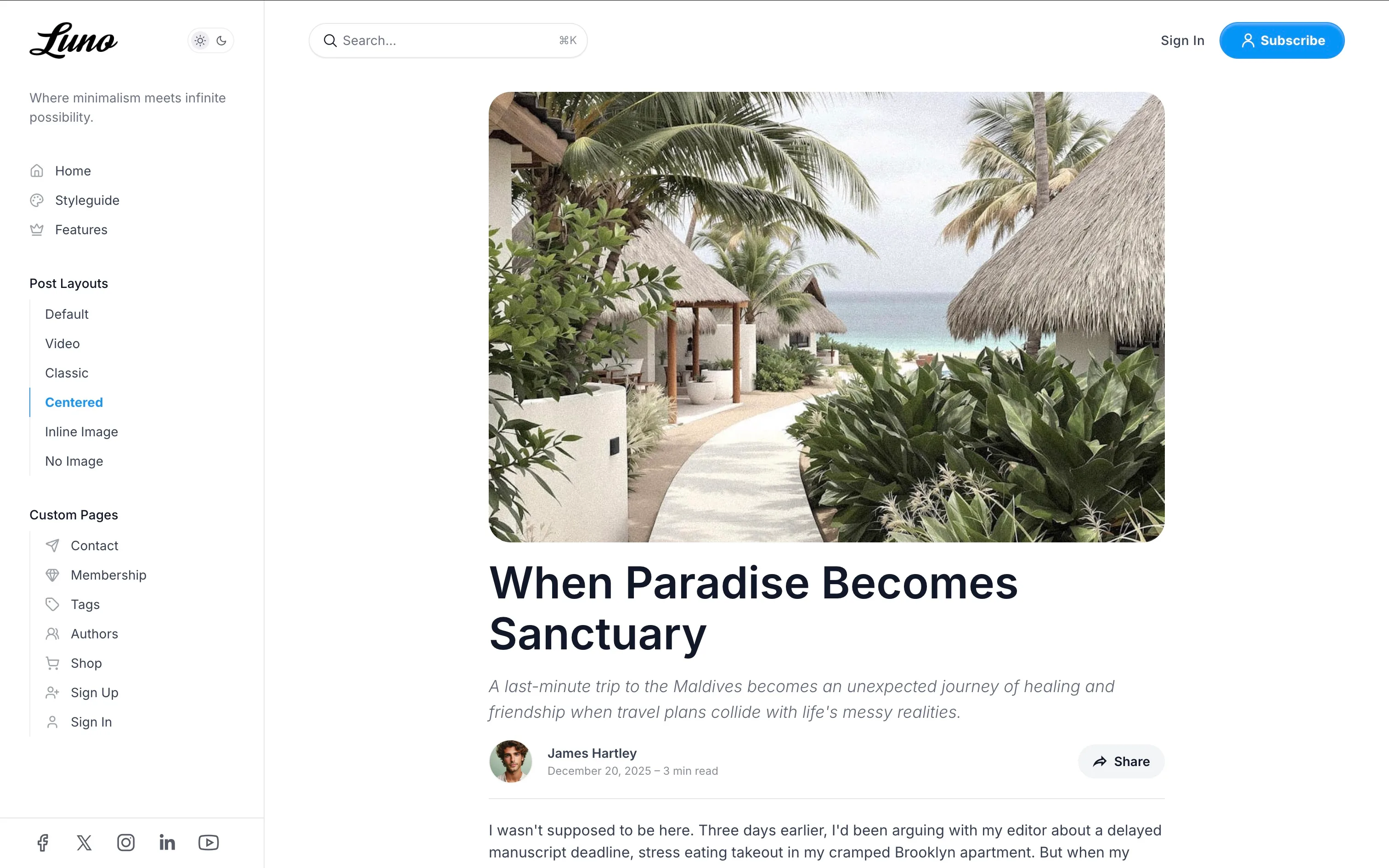
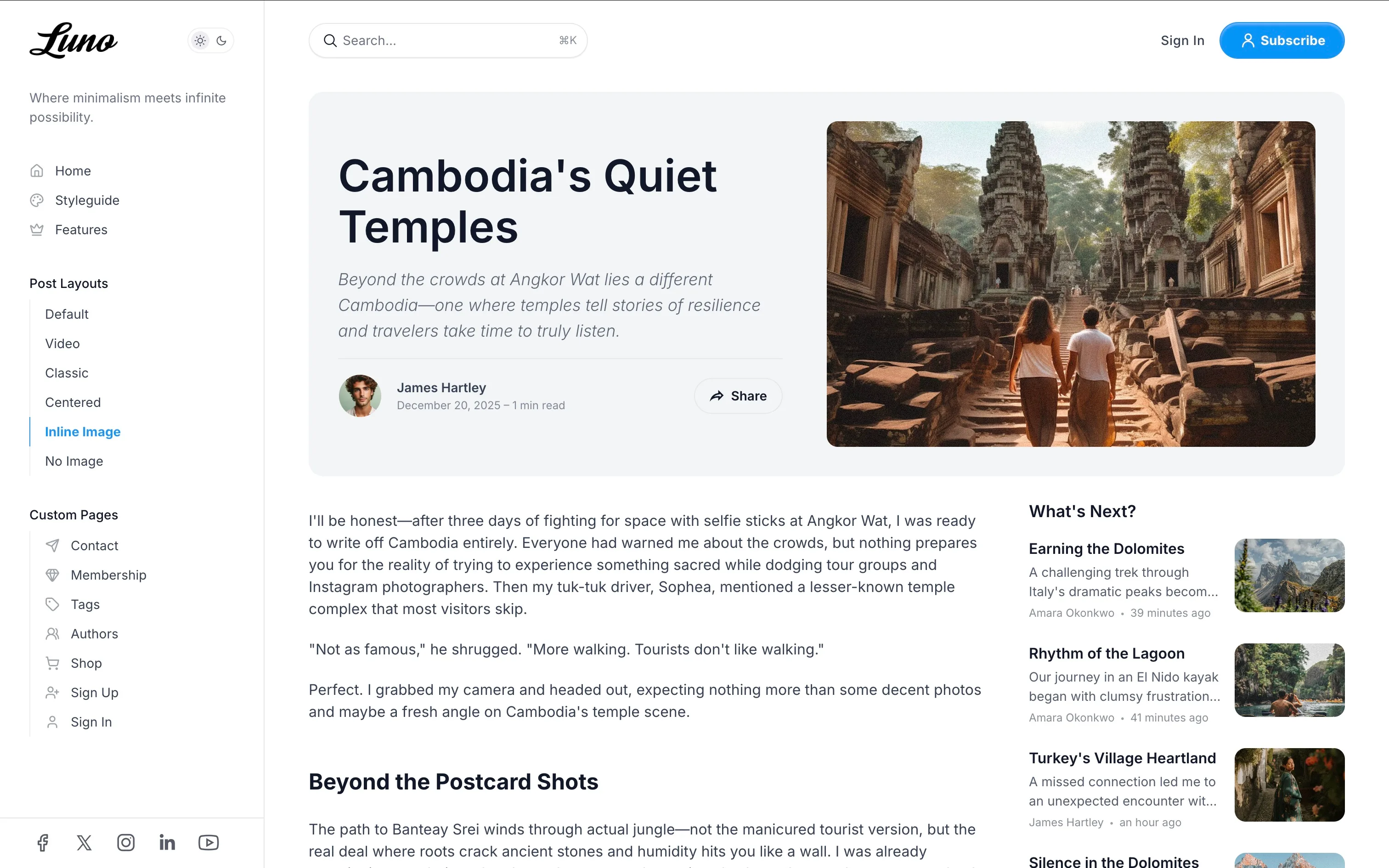
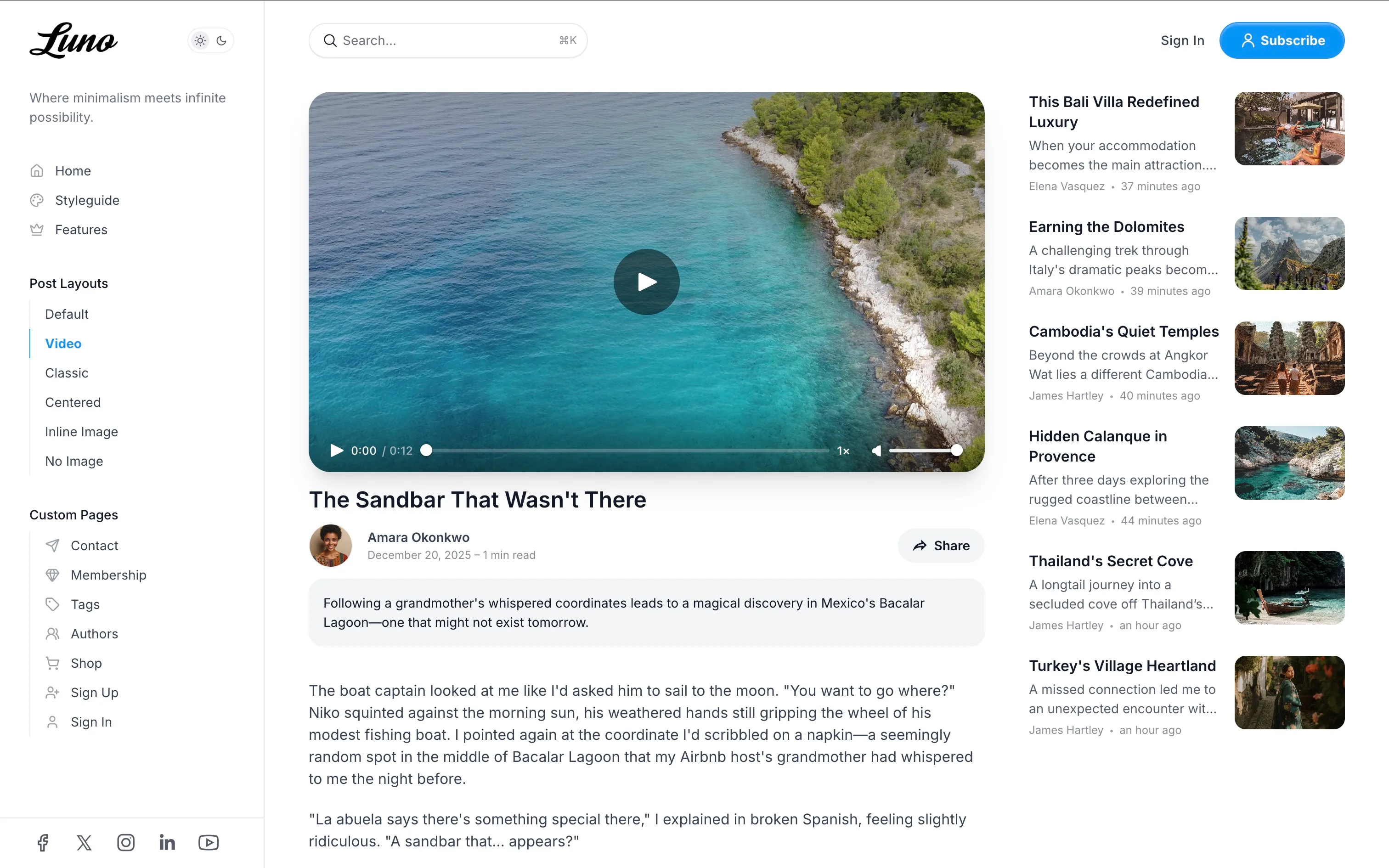
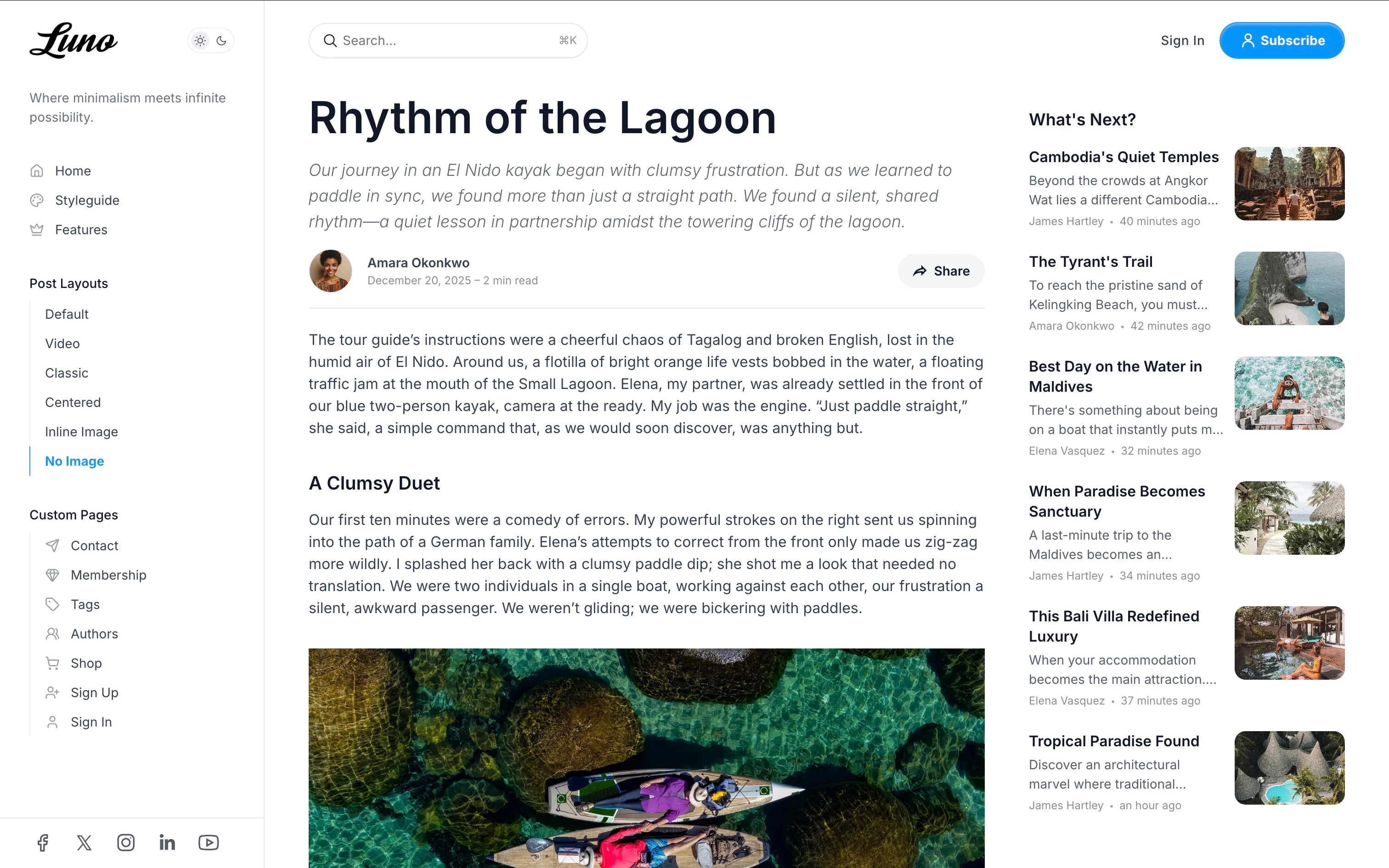
A photograph filling the screen with the headline set over it. A framed image above the title. A single centered column. The image beside the title on a gray panel. A video first. Or no image at all. You choose per post, in the editor.
Every Page a Publication Needs
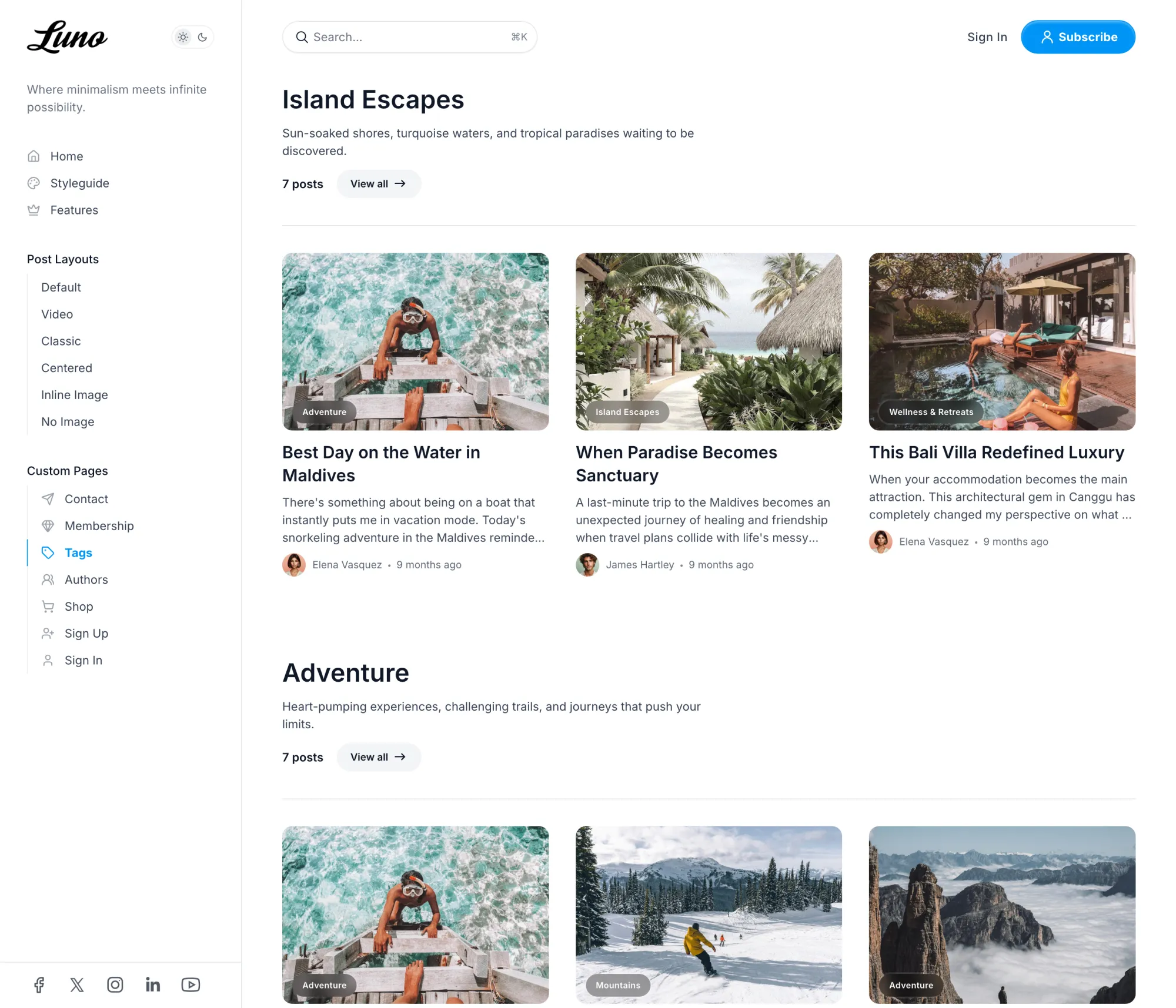
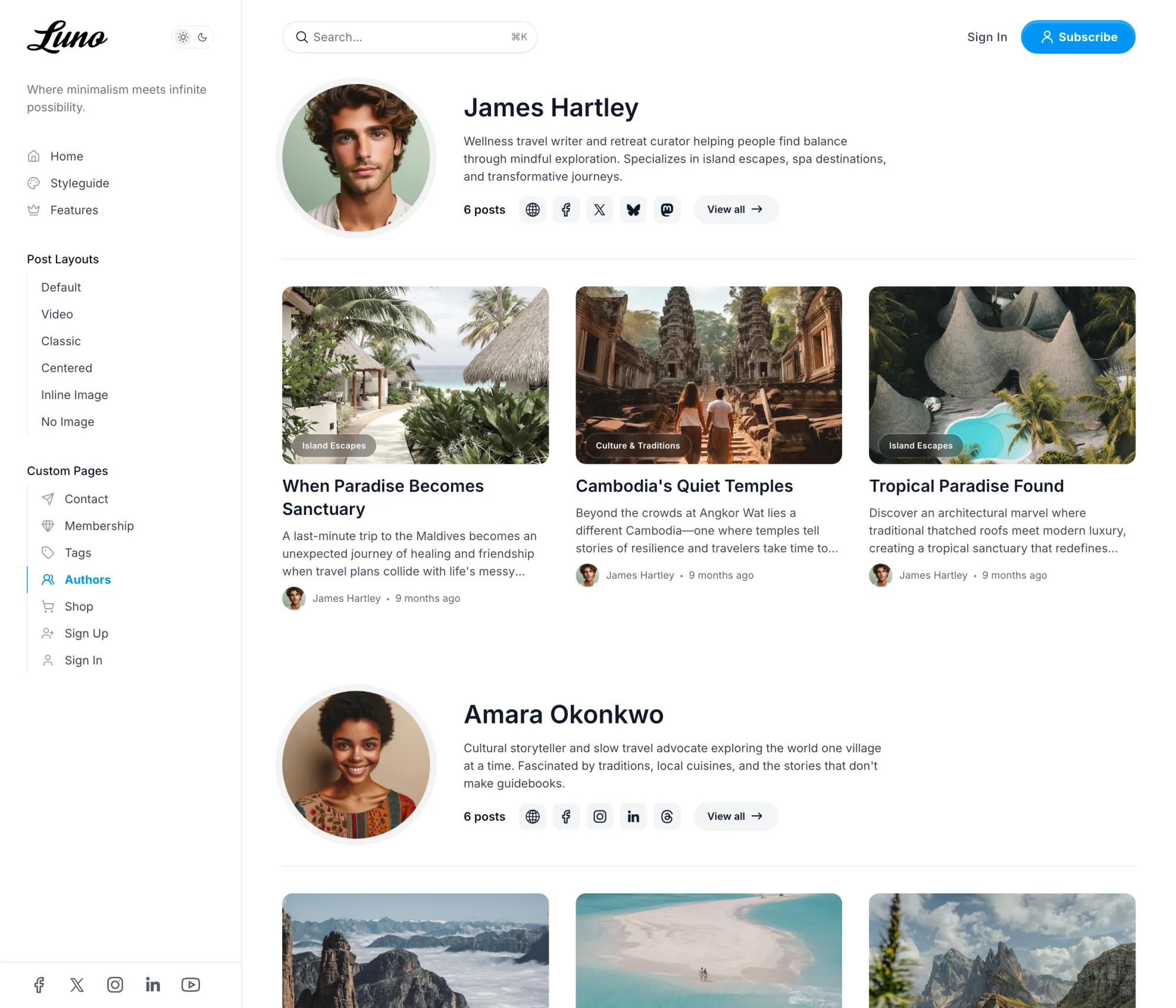
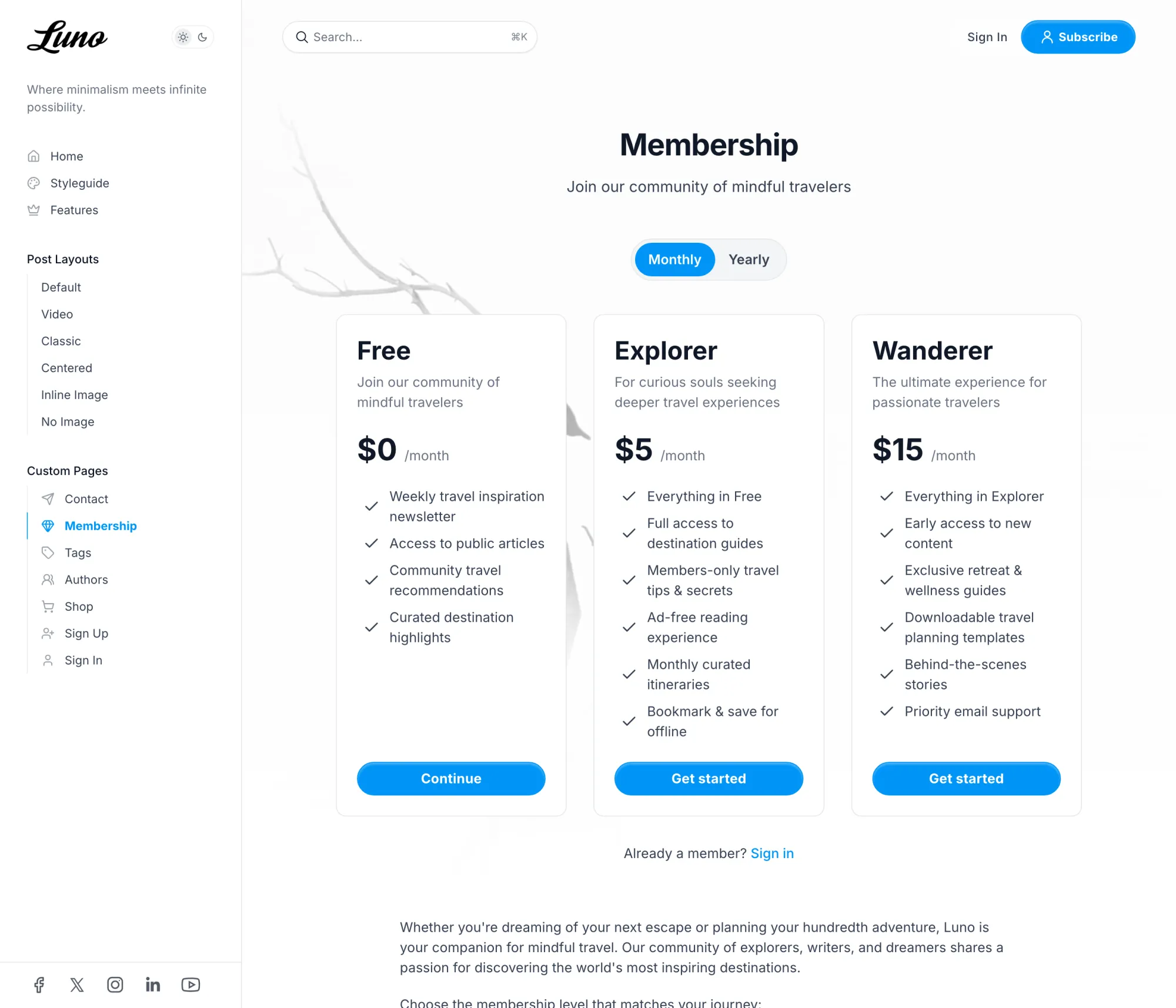
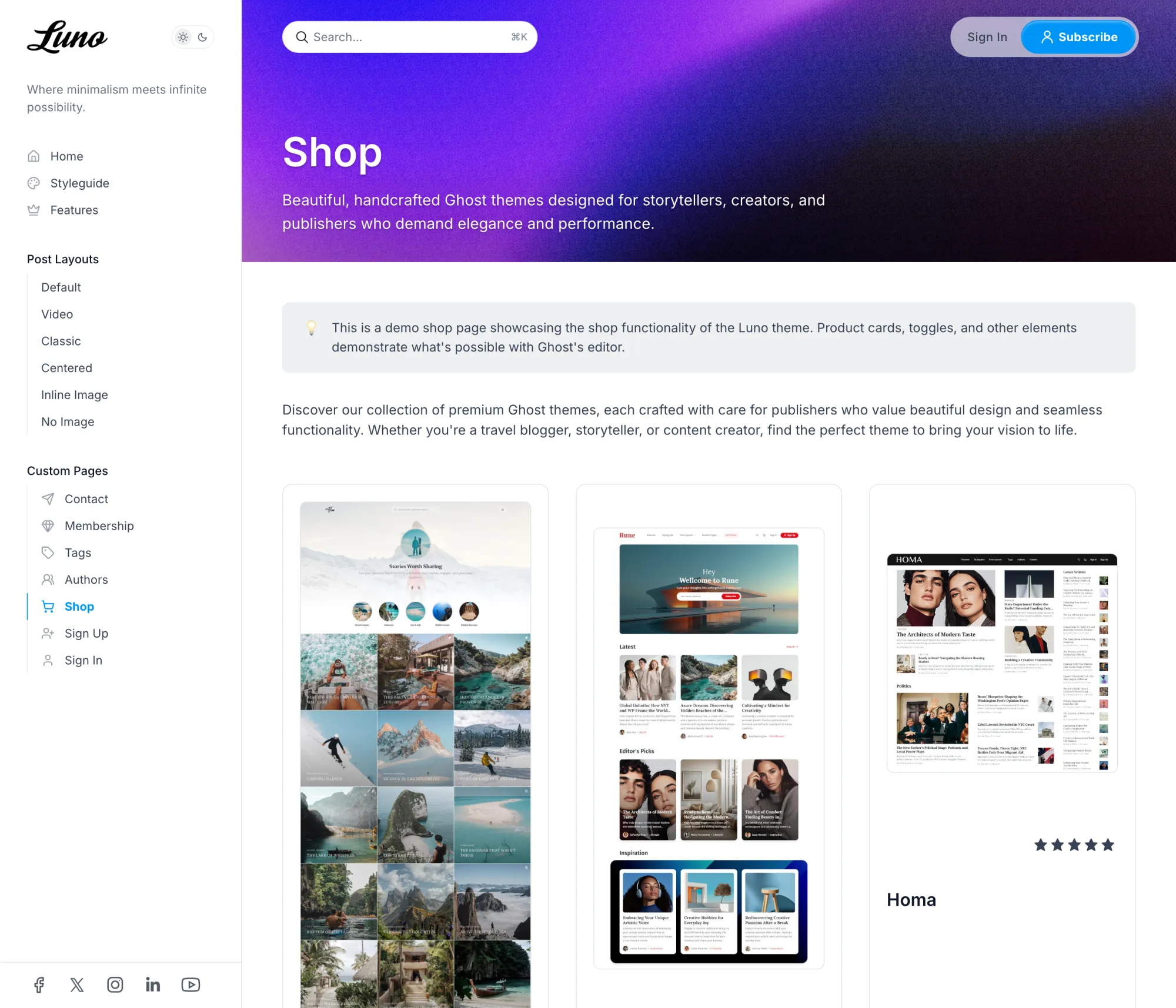
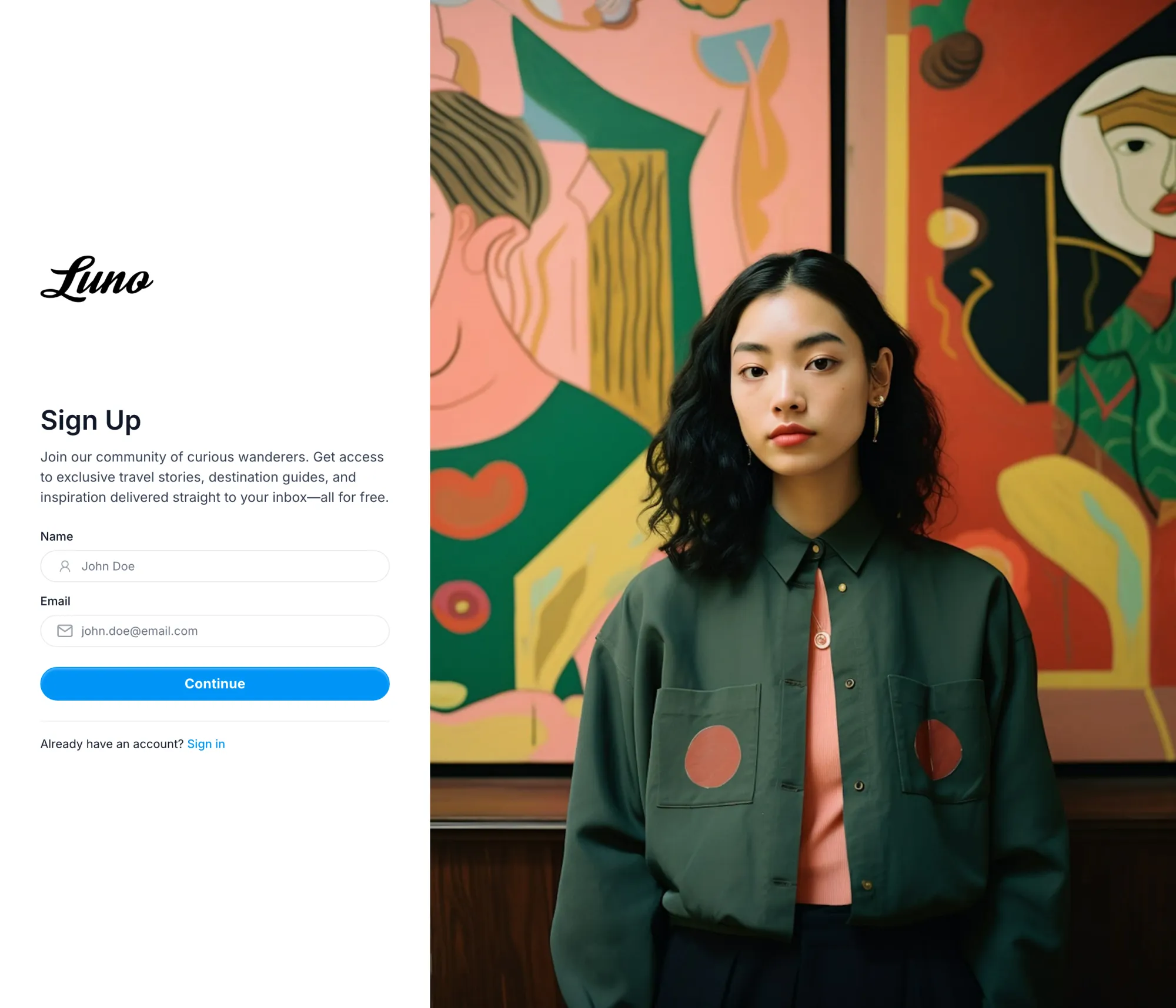
Authors and tags, each with their three latest posts. A membership page priced from your Ghost tiers. A shop built from Ghost's product cards, a contact form, and sign-in and sign-up pages that share the design. One theme, no page left plain.
Nobody Reaches a Dead End
Beside every post, a What's Next list of the previous and next stories, more on the same topic, and your featured pieces. Below it, every author's bio and links, comments, and sharing to twelve places from one dialog. A table of contents joins the sidebar on the guides you tag for it.
Dark Mode in Your Colors
Light, dark, or whatever the reader's device prefers, with a switch beside your logo you can offer your visitors. The dark surfaces take a faint tint from your accent color, so the night version still looks like you. Choose from 25 heading and 16 body fonts, seven card image ratios and six corner radii.
Made For
Travel and lifestyle blogs, product and company blogs, and creators whose readers arrive from an app and expect to feel at home. If you want the same sidebar on warm paper with a serif, Senna is the quieter cousin.
The Details
| Post layouts | Default, Classic, Centered, Inline Image, Video, No Image |
|---|---|
| Page templates | Authors, Tags, Membership, Shop, Contact, Wide page, Sign in, Sign up |
| Homepage | Hero from a tagged page in five arrangements, three featured cover cards, tag pills, latest posts, sections per tag, authors carousel, Ghost recommendations |
| Color | Light, dark and system, optional visitor switch, dark logo slot, accent from Ghost |
| Fonts | 25 heading and 16 body fonts, or Ghost's own font settings |
| Cards | Seven image aspect ratios, six corner radii |
| Reading | What's Next sidebar, table of contents on tagged posts, 12-platform sharing, image lightbox, code highlighting, native comments, optional progress ring |
| Languages | 48, English plus 47 translations |
| Phones | Sidebar becomes a drawer with search, installable to the home screen |
| Ghost | 5 and 6 |
$249 lifetime, was $821
Luno questions
Can I add a hero to the homepage?
#hero, and its title, text and feature image open the homepage above the featured cards. You choose one of five arrangements for it in the design settings, and four treatments for the image, including a circle. Without a tagged page the homepage starts at the featured cards, as the demo does. The hero section of the docs shows each arrangement.How do I group the sidebar menu and add icons?
# as its URL to make a group heading and start the labels beneath it with a dash. Add [icon=name] to any label to show that Lucide icon beside it. Groups stay open in the sidebar; there are no dropdowns to hunt through. The navigation docs walk through it.Does every post get a table of contents?
#table-of-content, and only on wide screens, where it sits at the top of the post sidebar and follows the reader's position. It is meant for guides and long reads rather than every note you publish. See the table of contents docs.