 Luxe Themes
14-day money-back guarantee
See how Senna compares in the best Ghost themes guide, or compare all Ghost themes by feature.
Senna
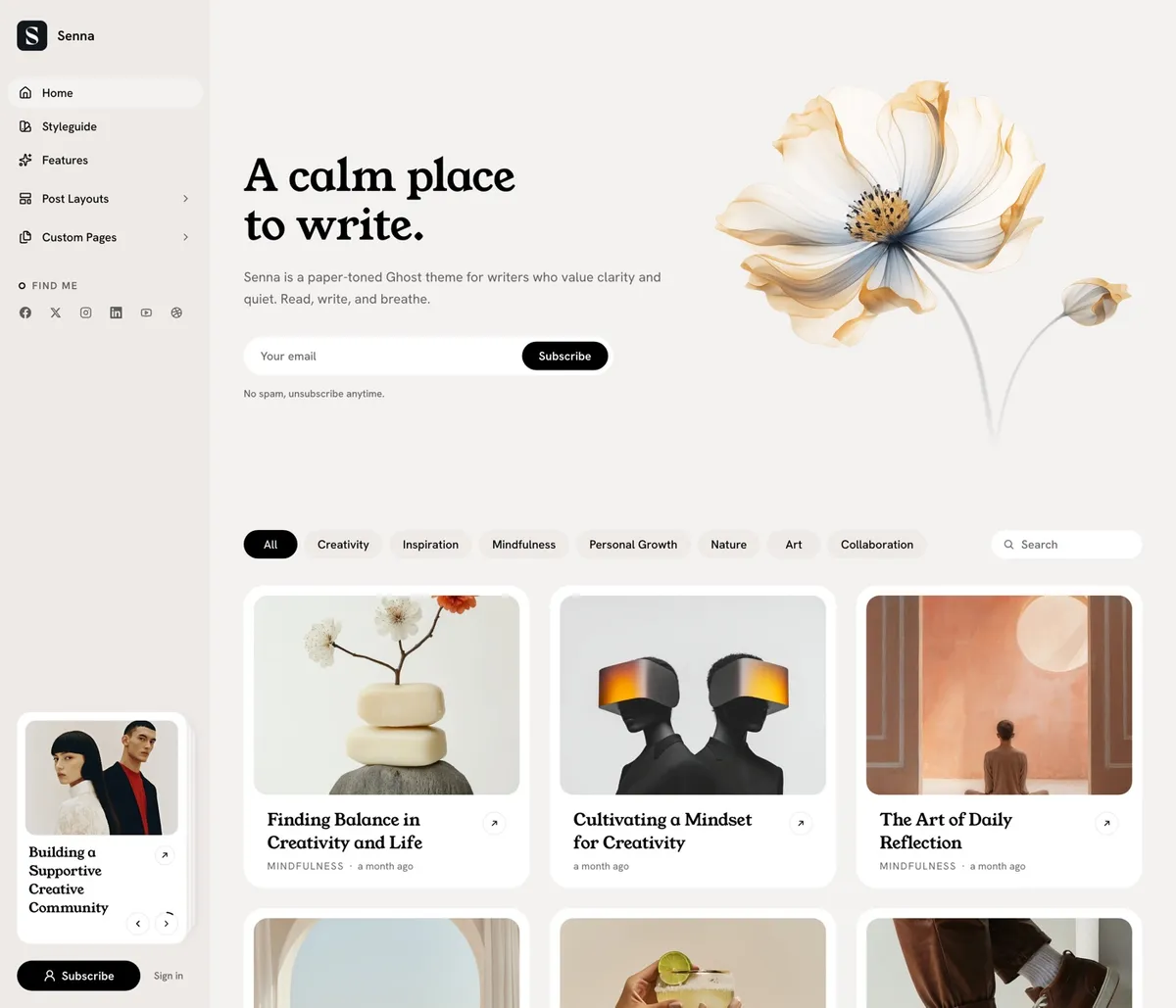
Senna is writing on paper. A warm paper ground, white cards resting on it and a serif carrying the headlines, with the navigation in a sidebar that stays beside your work instead of above it. Built for writers, newsletters and small magazines where the words come first, and managed entirely from Ghost admin.
Features
- Sidebar navigation with icons and dropdown groups
- Featured posts pinned in the sidebar
- Six post layouts, including video
- Seven color schemes plus a system option
- 27 heading and 17 body fonts
- Hero built from a tagged page
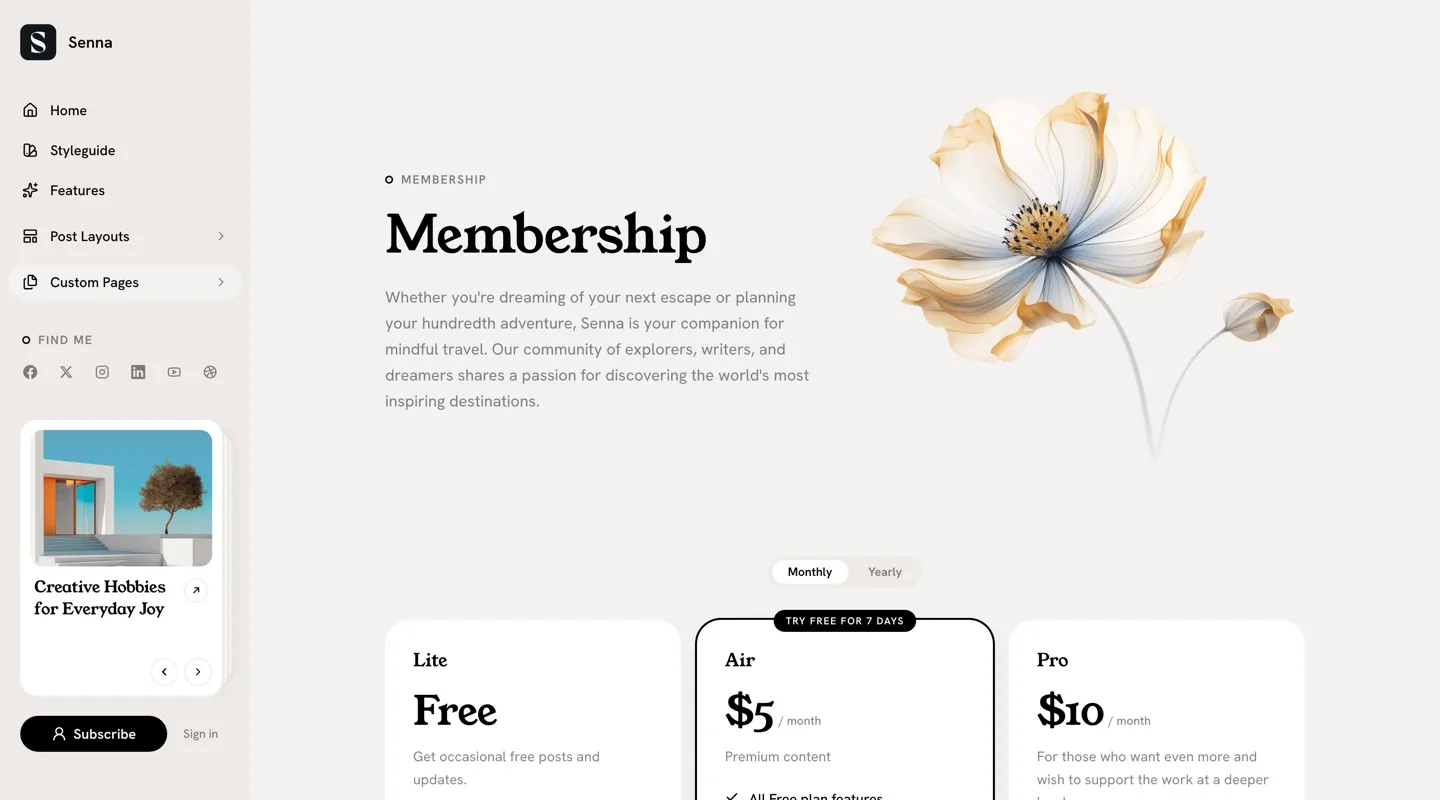
- Membership pricing from your Ghost tiers
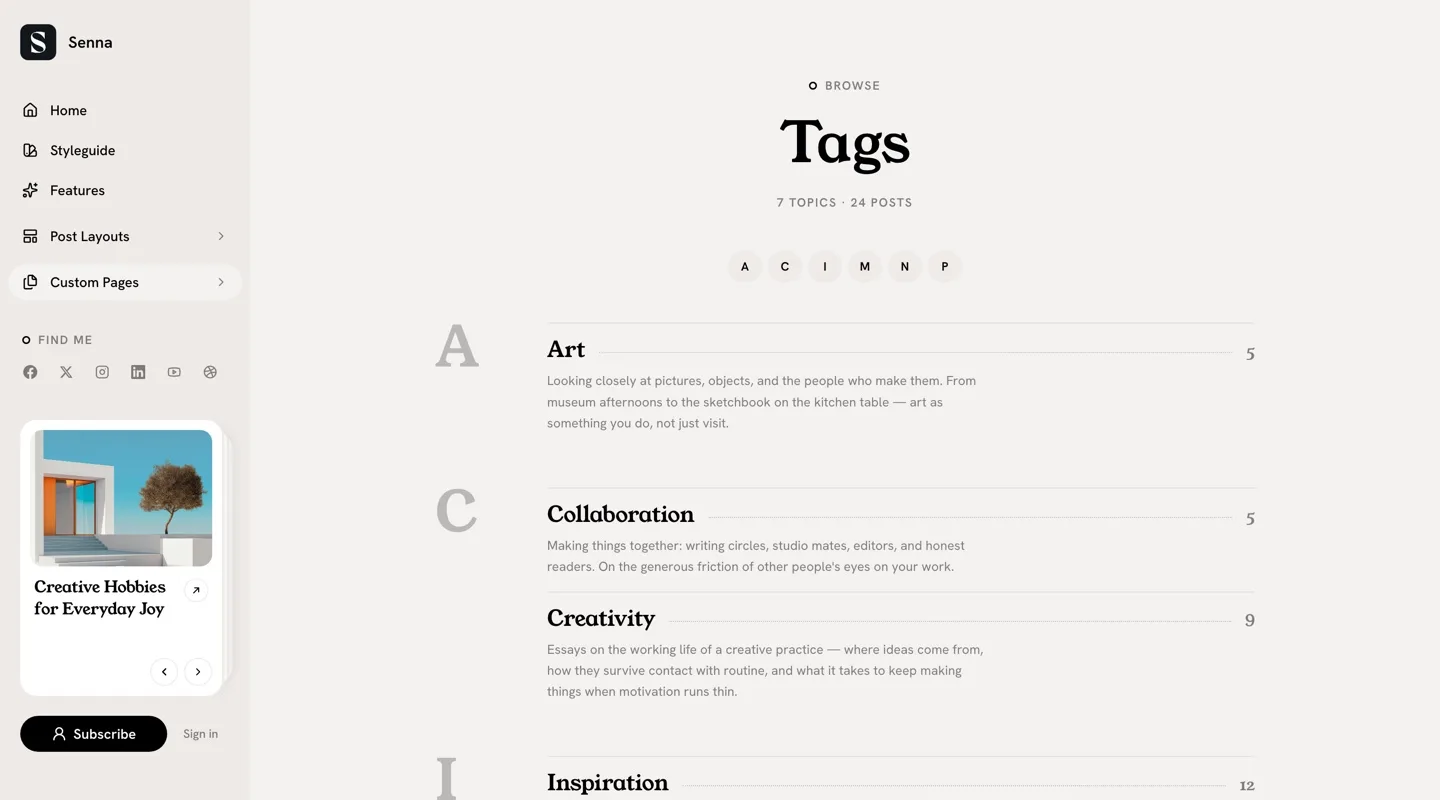
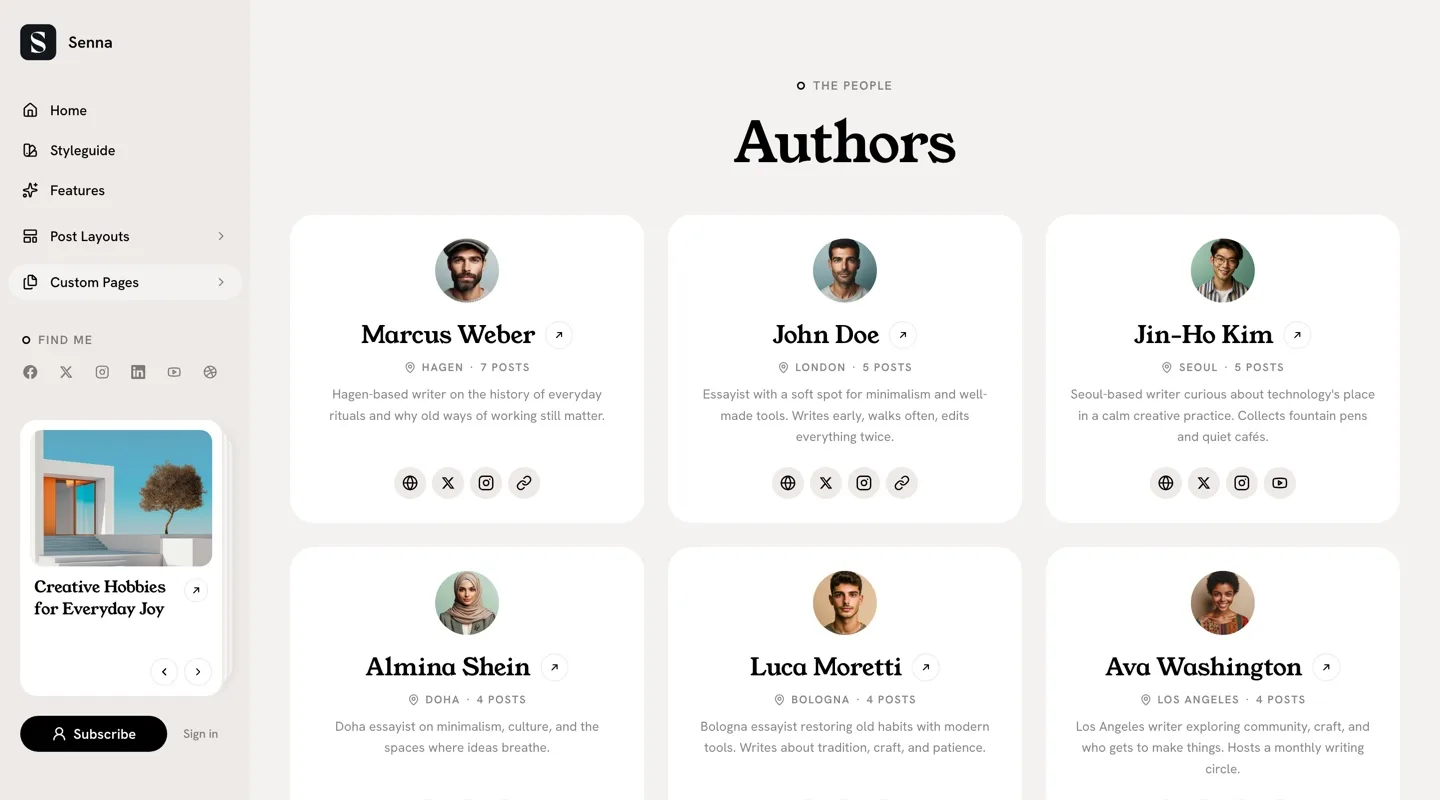
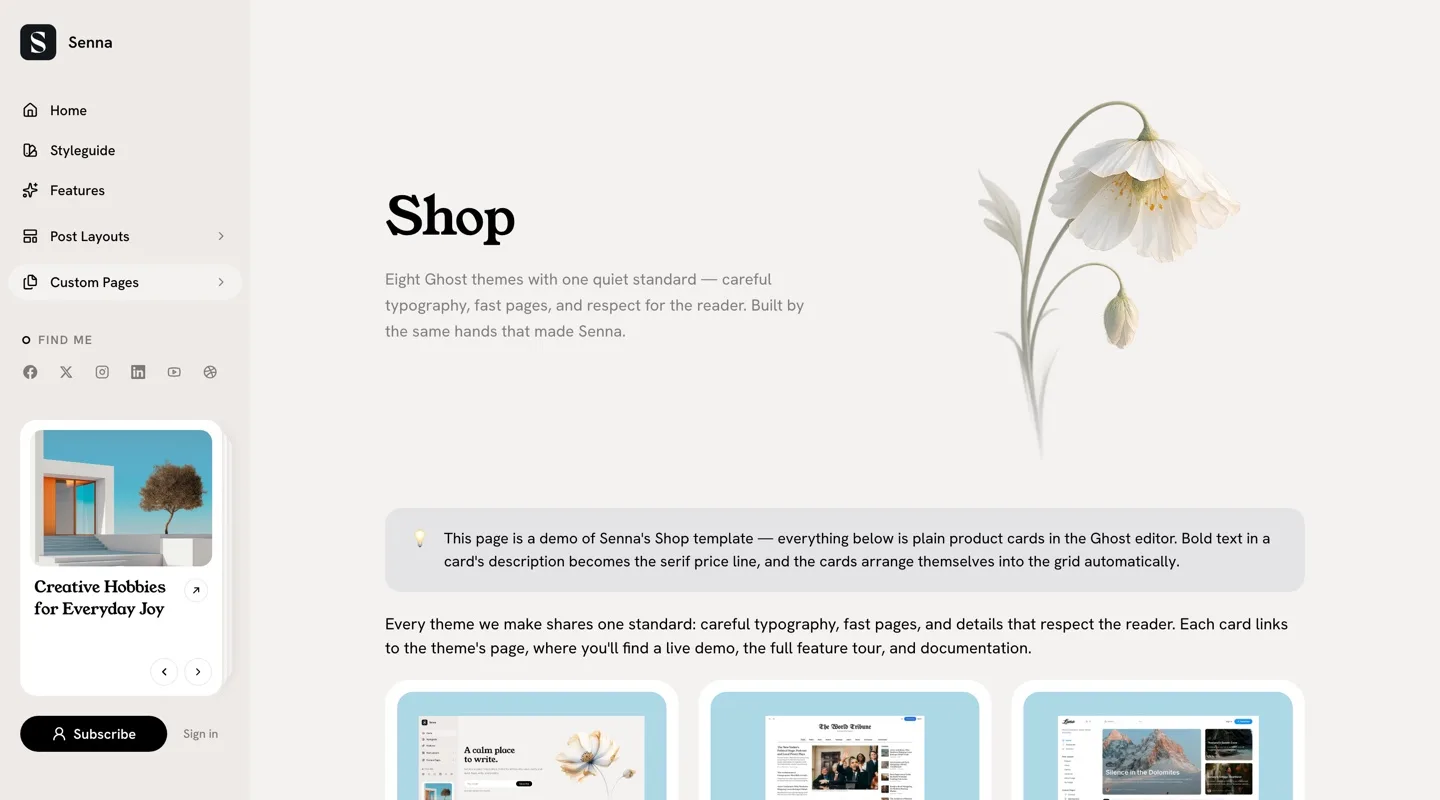
- Shop, contact, authors and tags pages
- Table of contents on posts you tag for it
- Bottom tab bar and drag-to-close sheets on phones
- Sharing to twelve platforms from one dialog
- 48 languages, English plus 47 translations
A Sidebar That Stays
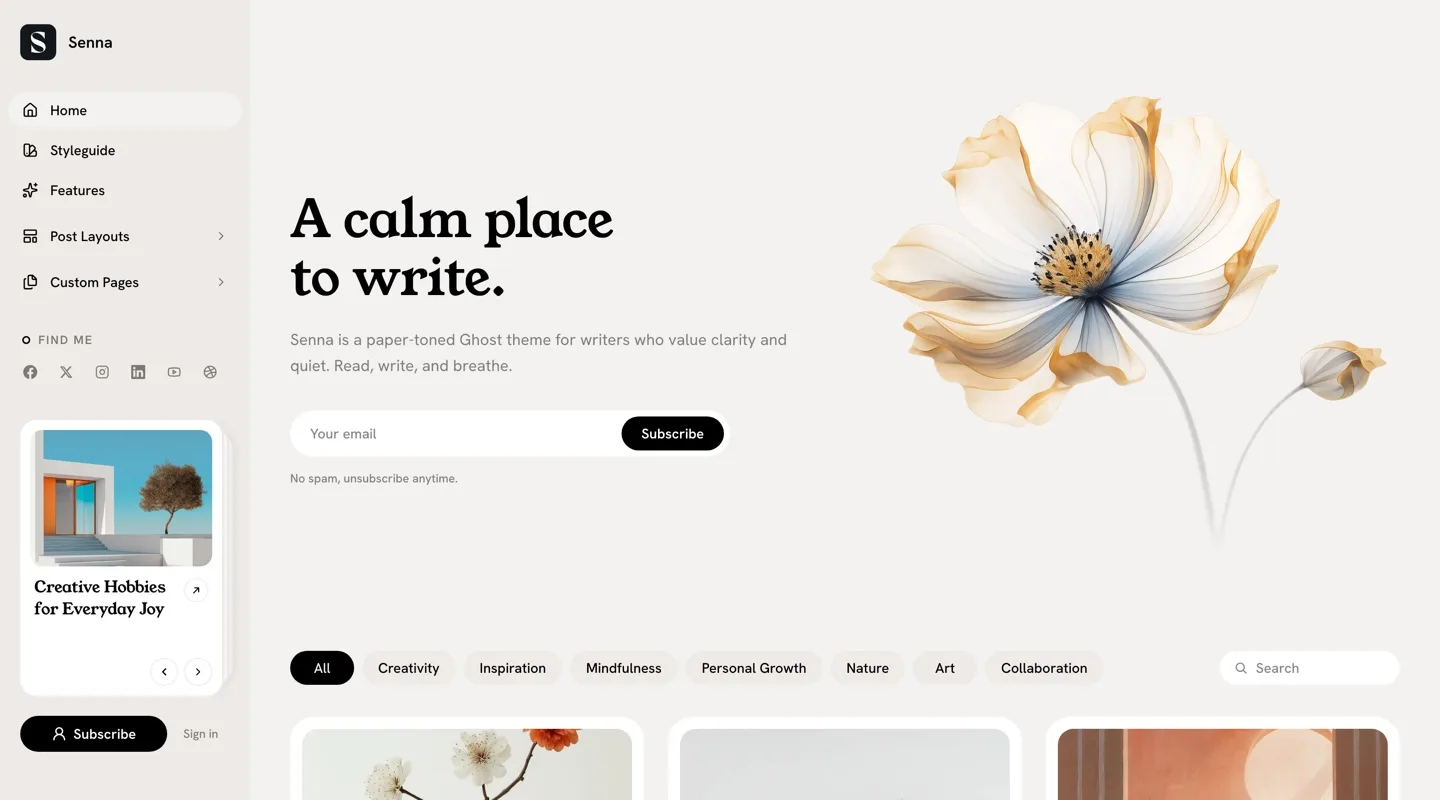
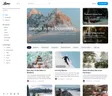
Navigation lives in a column on the left, on a slightly deeper shade of the same paper. Your menu, social links, featured stories and subscribe button stay in reach on every page, and nothing sits above the writing.
We gave your featured posts a permanent home in that column. Your best work is visible from every page, not only the front.
Written on Paper
The whole site sits on warm paper, with white cards resting on it and a serif carrying the headlines. Text reads like print, and a long essay feels lighter than it would on a white screen.
The homepage opens the same way a good first page does: a headline, a few lines about the publication, a place to subscribe, and one image. Then the stories, filtered by topic with a single tap.
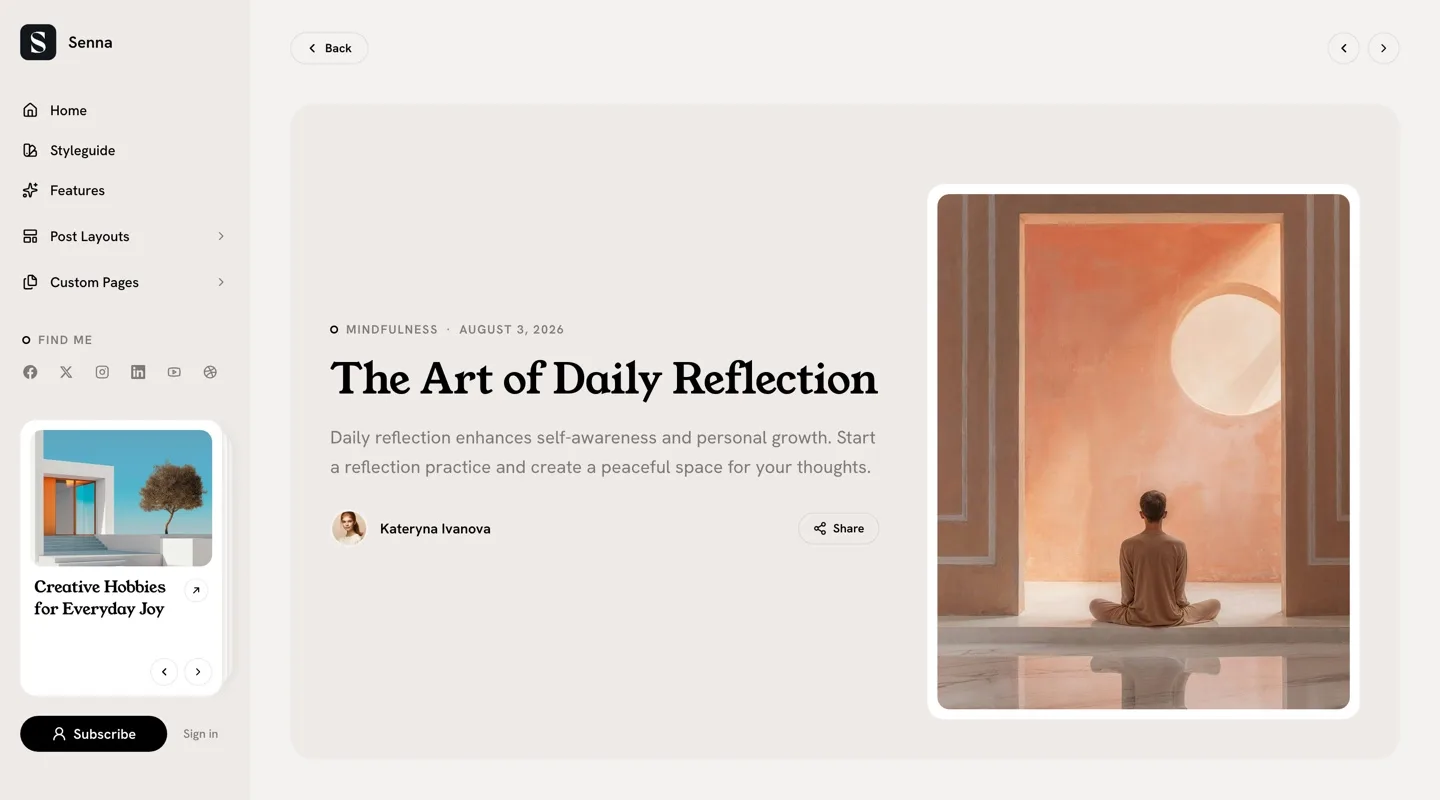
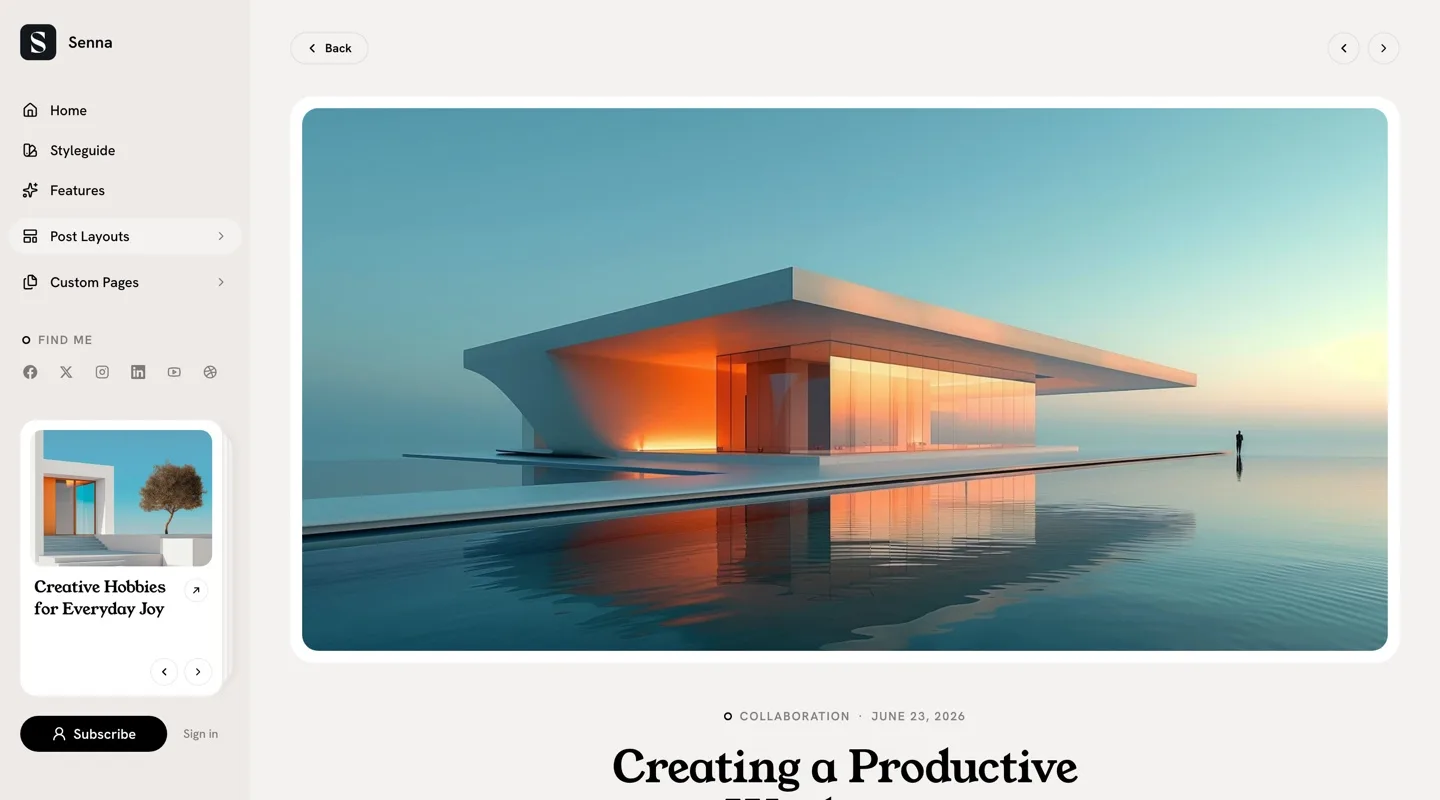
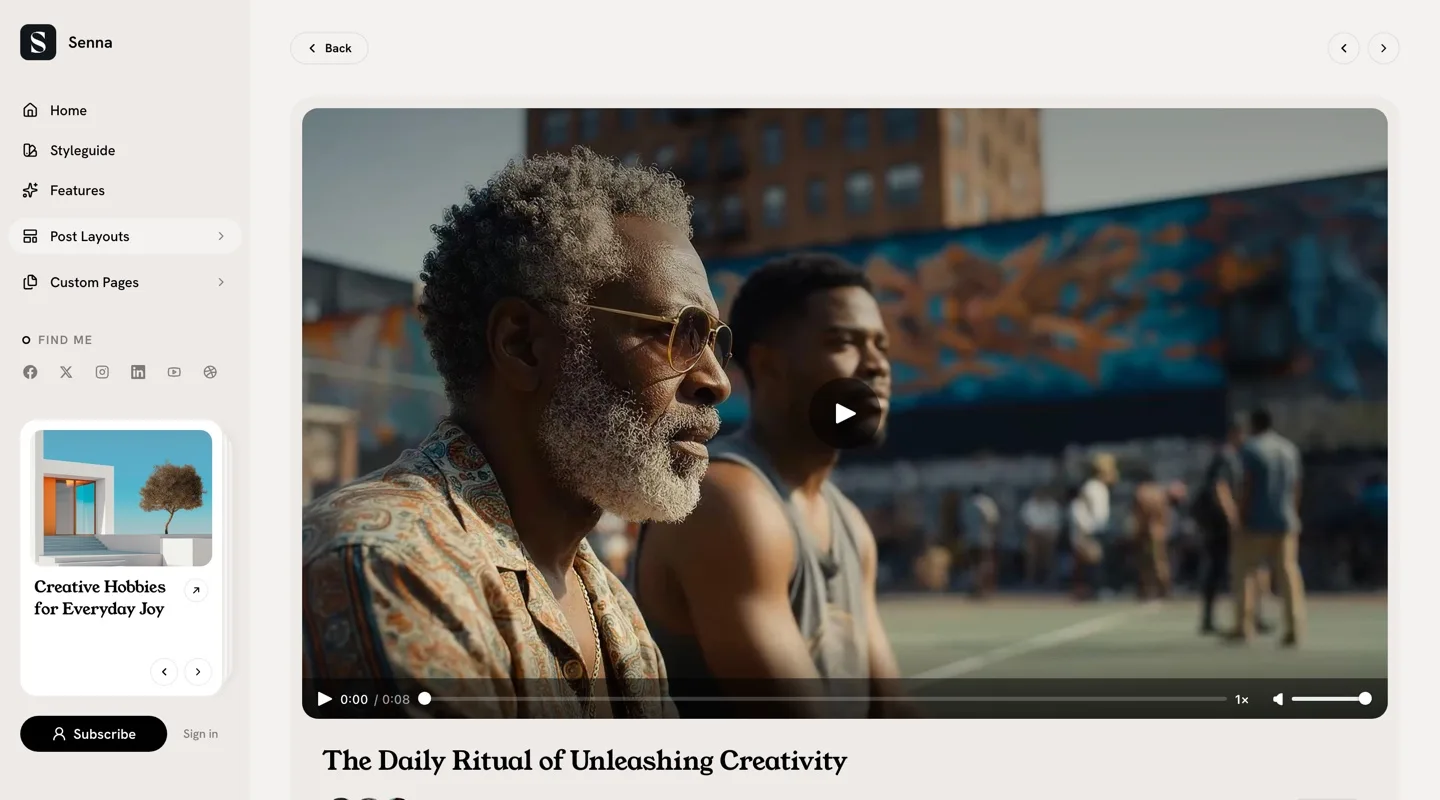
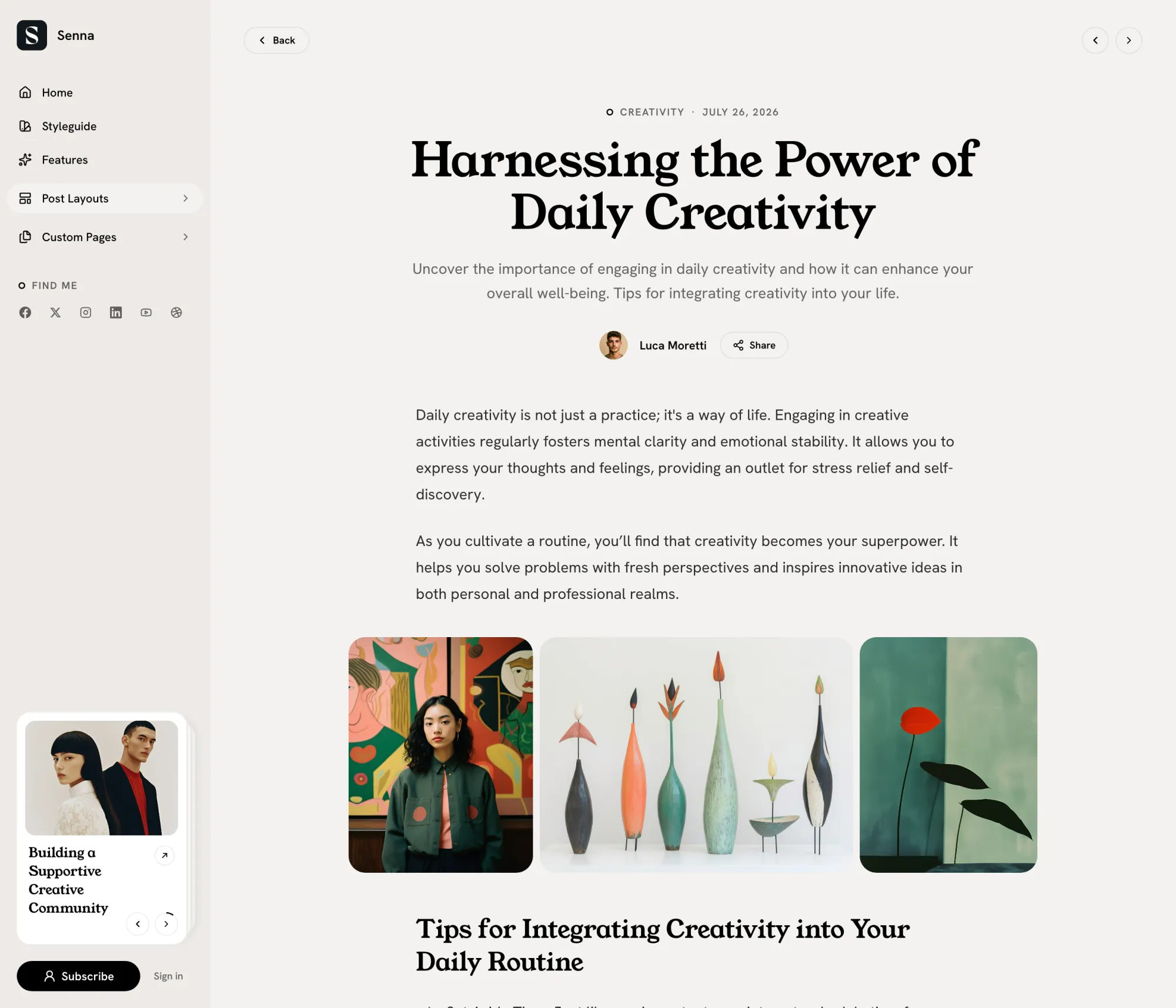
Six Ways to Open a Post
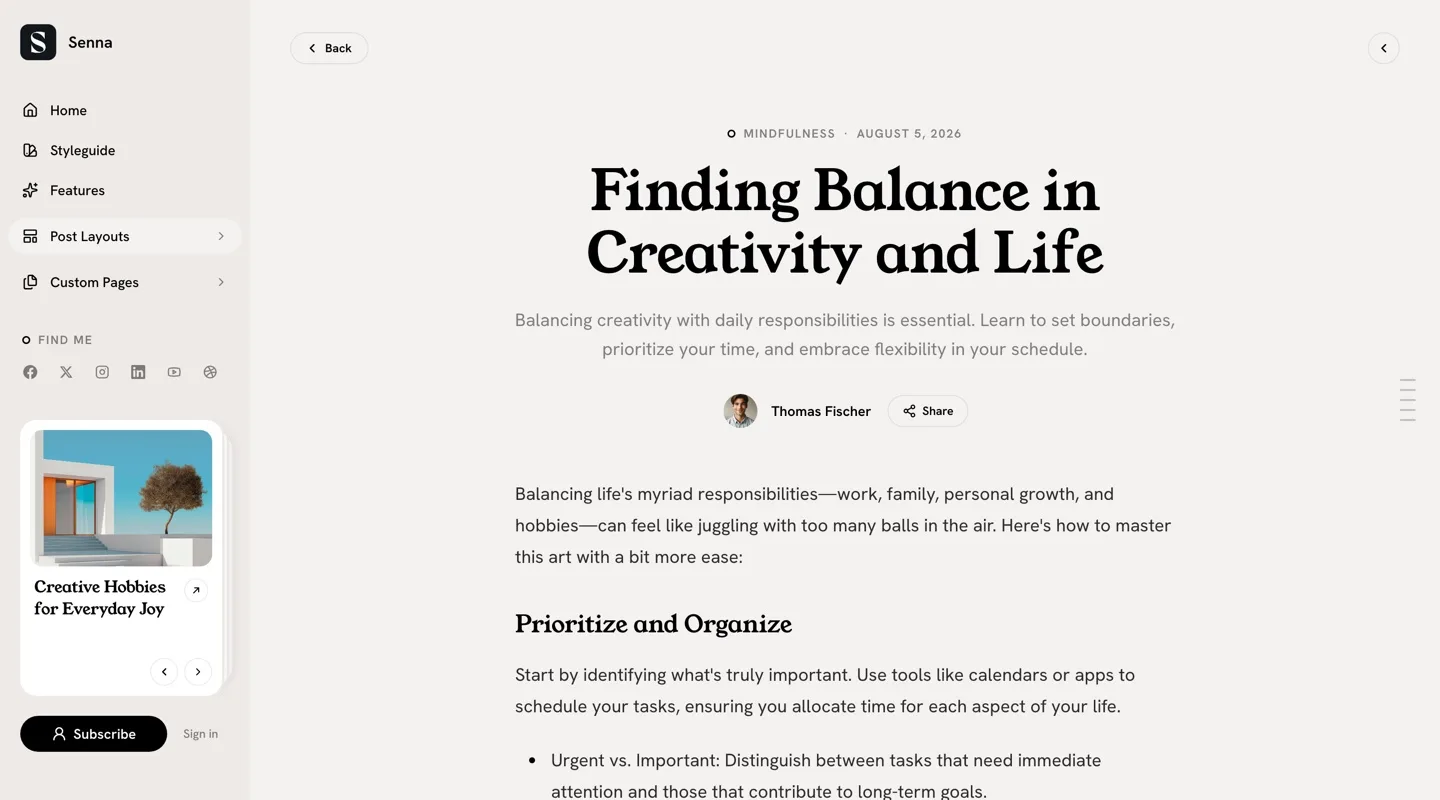
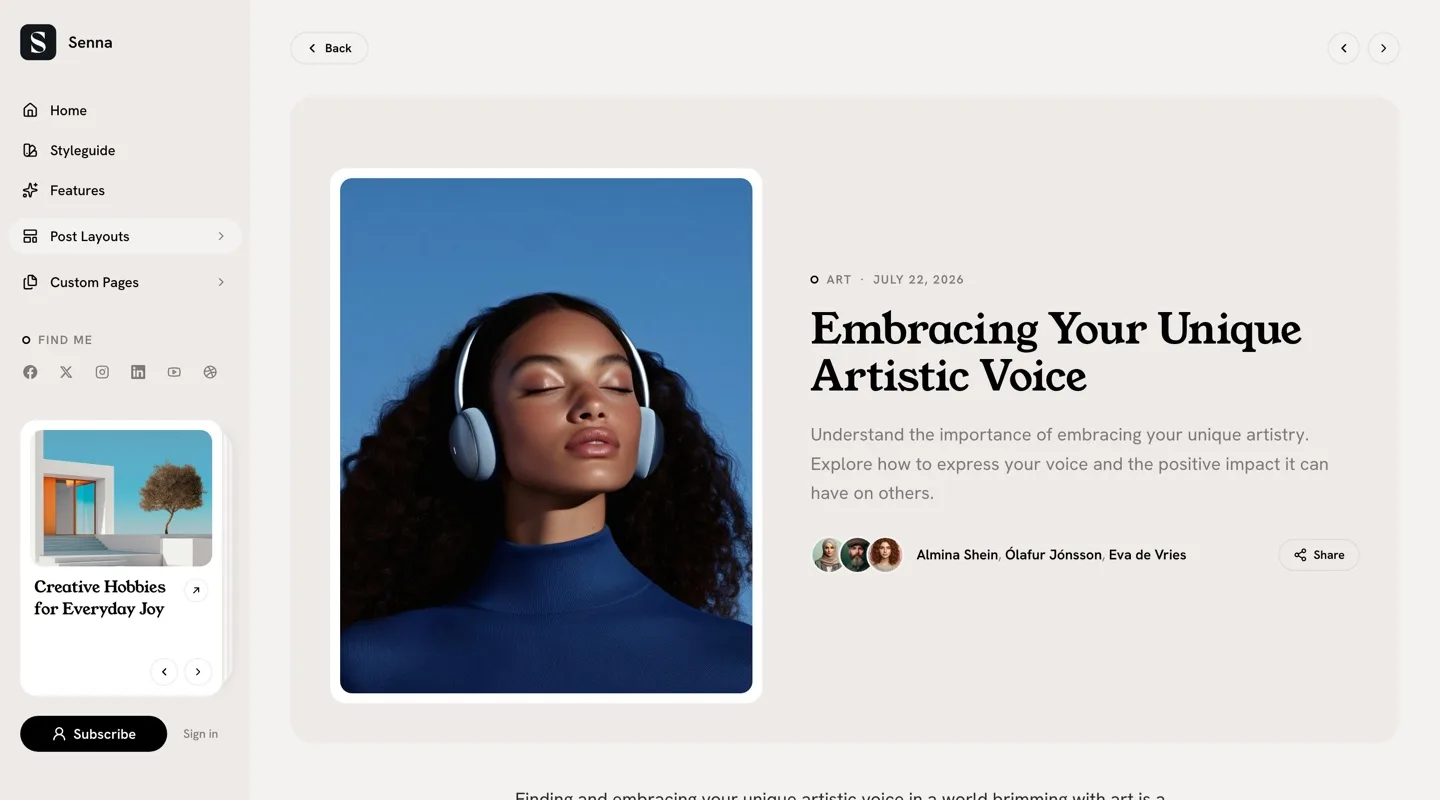
A framed portrait beside the title, on the left or the right. A wide image above it. A video lifted into its own panel with the byline. Or the title alone, straight into the reading column. You choose per post, in the editor.
Every Page a Publication Needs
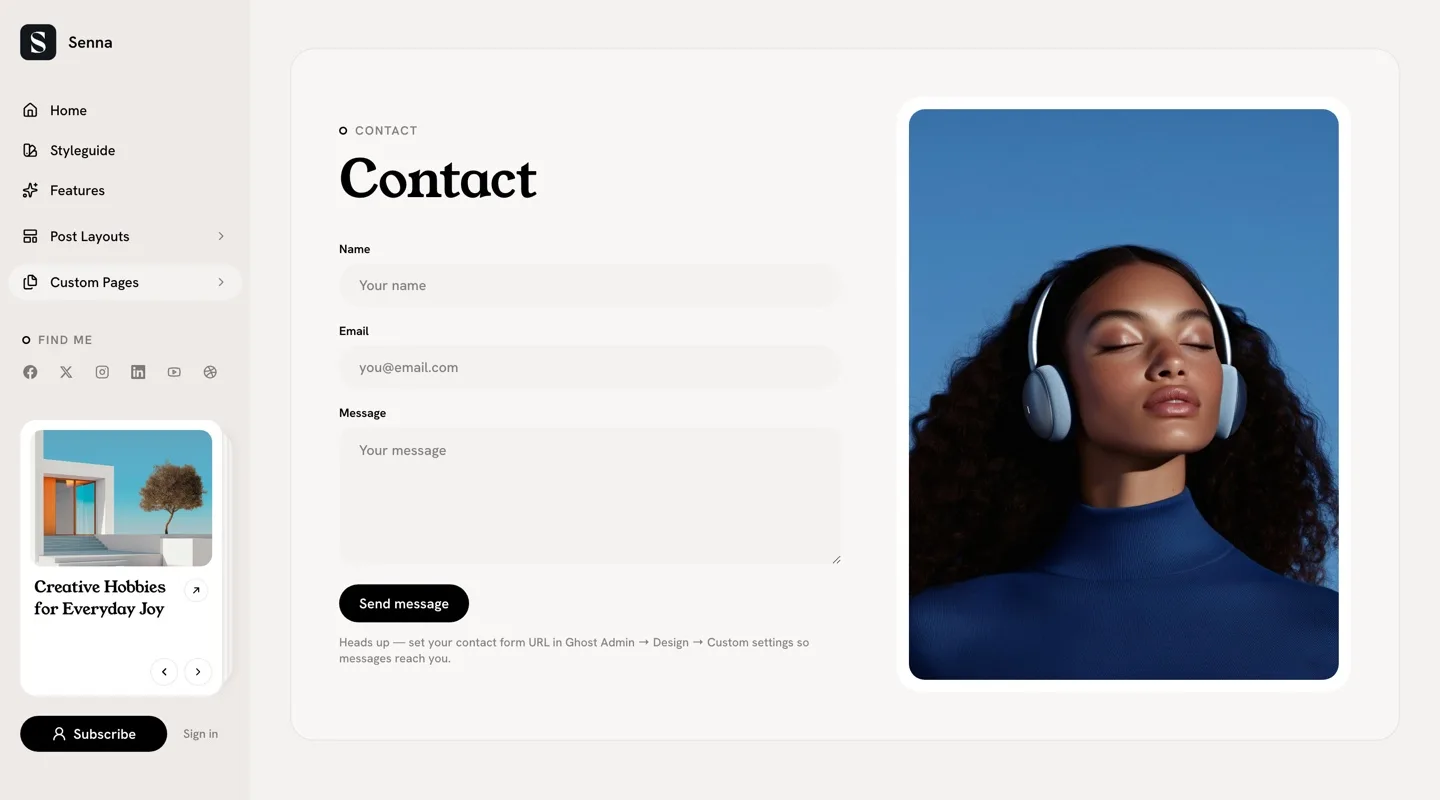
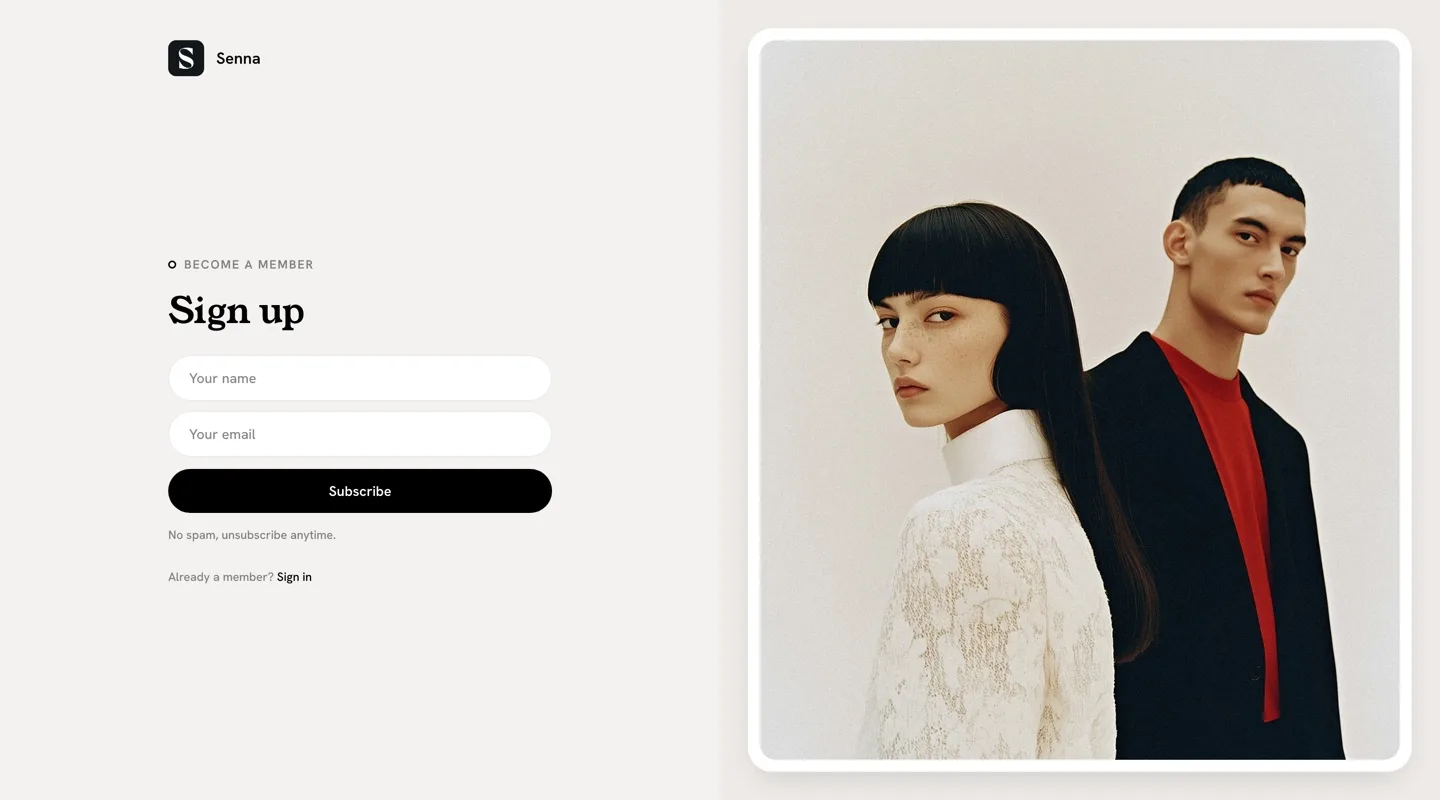
Authors with their photos and links, an A to Z index of your tags, a membership page priced from your Ghost tiers, a shop, a contact form, and sign-in and sign-up pages that look like the rest of the site. One design, carried through.
Built for Long Reads
A table of contents that follows the reader down the posts you mark for it, a progress line across the top, and previous and next stories at the end. Comments wait behind a button until someone wants them, and sharing covers twelve places from one dialog.
Made for Thumbs
On the phone the sidebar hands over to a tab bar at the bottom of the screen: Home, Search, Menu and Join. Everything a reader needs sits under the thumb, and the menu slides up as a sheet you can drag closed.
We treat the phone as a first screen, not a smaller one. Your site can be added to the home screen and opens like an app.
Seven Palettes, Your Type
The default paper, Light, Blush, Sage, Mist, Midnight and Dark, or a System option that follows the reader's device. Choose from 27 heading and 17 body fonts, give the dark schemes their own logo, and your accent color runs through buttons, links and the progress line.
Made For
Writers, essayists, newsletters and small magazines where the words come first. If your photographs carry the story, Reru gives images the room that Senna gives text.
The Details
| Post layouts | Default, Image Left, Image Right, Image First, Video, No Image |
|---|---|
| Page templates | Authors, Tags, Membership, Shop, Contact, Sign in, Sign up |
| Color | Seven schemes plus System, dark logo and icon slots, accent from Ghost |
| Fonts | 27 heading and 17 body fonts, or Ghost's own font settings |
| Reading | Table of contents on tagged posts, progress line, previous and next with previews, 12-platform sharing, image lightbox, code highlighting, native comments |
| Cards | Seven image aspect ratios, featured deck of up to six posts in the sidebar |
| Languages | 48, English plus 47 translations |
| Phones | Bottom tab bar, drag-to-close sheets, installable to the home screen |
| Ghost | 5 and 6 |
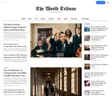
$249 lifetime, was $821
Senna questions
Can I put the menu at the top instead of in a sidebar?
How do I set up the homepage hero?
#hero, and the theme uses its title, text and feature image as the opening of your homepage. With an image the hero is two columns; without one the headline sits centered. If no page carries the tag, the homepage starts at the tag filter row. The hero section of the docs shows the setup.How do I add icons and dropdown groups to the sidebar menu?
[icon=name] to a label to show that Lucide icon beside it. To make a group, create an item with # as its URL and start the labels of the items under it with a dash. The group becomes a row with a chevron whose panel opens beside the sidebar. The navigation section of the docs walks through it.