 Luxe Themes
Running Ghost in Another Language, Including RTL
One setting changes the language of a Ghost site, but three layers decide what actually changes: Ghost, the theme and your content. We switched one to German.
Quick answer: One setting, under Settings → General → Publication language, changes the language of a Ghost site, and it touches three layers. Ghost’s own screens switch in any of its sixty-odd languages, the theme’s words switch only if the theme ships that language, and your posts never change. Right-to-left layout is the theme’s job, not Ghost’s, so check for it before you choose one.
You write in German, or Arabic, or Portuguese, and the site around your writing keeps saying “Subscribe” and “Read more” in English. Or you are choosing a theme and want to know whether it will speak your language before you pay for it. The language setting in Ghost is a single dropdown, and what it does is easy to misjudge in both directions.
This guide explains the three layers that setting touches, what each one changes, and where right-to-left languages fit. We switched one of our own sites to German while writing it, and the screenshots show what happened. It applies to any theme; where it depends on the theme, it says so. Our recommendation is to set the language first, see what is still in English, and judge a theme by whether it ships your language before you pay for it.
What the language setting does
Under Settings → General → Publication language Ghost offers a list of languages. Pick one and save. Three things happen, and they are worth separating, because each is handled by a different part of the system.
The page declares its language. Ghost exposes the setting to the theme. A theme that follows Ghost’s conventions writes it into the page as the language attribute search engines read. This is why the setting matters even on an English theme with English text. It tells search engines and screen readers what the content is.
Ghost’s own screens switch. The signup and account window, called Portal, the comments section, the search box, the embeddable signup form and the emails Ghost sends to members are all translated by Ghost itself. Ghost ships those strings in over sixty languages. This layer works for almost everyone with no theme involvement at all.
The theme’s words switch, if the theme lets them. Every word a theme prints that is not your content comes from the theme: “Subscribe”, “Read more”, “Page 1 of 5”, “Published with Ghost”. Ghost gives themes a way to translate those words. A theme that uses it ships a small text file per language. When your language has a file, the words switch. When it does not, the theme’s English appears.
We tested this on one of our own sites by switching the language to German and reloading. The page’s language attribute changed to German. The theme’s buttons and links changed, because the theme carries a German file. And the signup window, which is Ghost’s own, came up in German with no theme involvement.
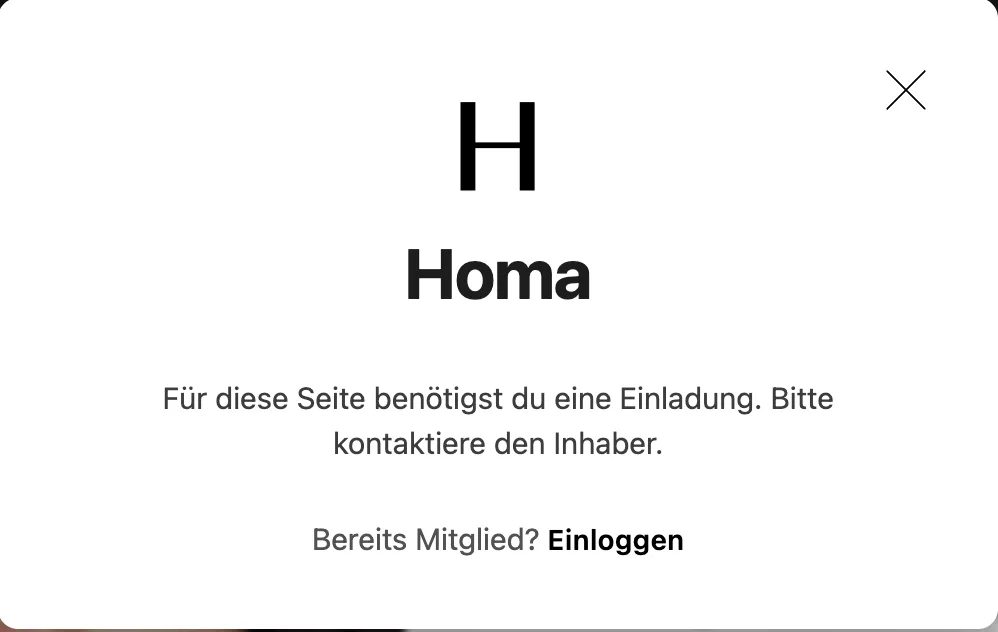
What did not change was every post. The titles, the excerpts and the articles stayed in the language they were written in, because that is content, and no setting translates content.
What the theme has to bring
The theme layer is where sites differ, so it is the layer to check before choosing a theme.
Ghost’s translation documentation describes the mechanism. A theme wraps each of its own words in a translation helper and ships a folder of language files, one per language. Each file is a list of English phrases and their translations. Ghost picks the file that matches the publication language. If a phrase is missing from the file, or the file does not exist, the English phrase is shown instead. A partly translated theme degrades gracefully rather than breaking.
Two consequences follow. A theme’s language support is a list, and it is worth reading. A theme with files for twenty languages speaks twenty, and a theme with none speaks English whatever you set. And the translations are the theme maker’s wording, which you may want to adjust. Both the file and the wording are inside the theme, which brings the usual trade-off. An edit to a theme file is lost on the next theme update, so keep a note of any changes you make there. Our theme update guide covers what survives an update.
For a word or two, there is a lighter route. A short piece of CSS or script in Settings → Advanced → Code injection can replace the visible text of a specific element without touching the theme. It survives updates. Our snippet for the search placeholder is an example of the pattern.
Right-to-left languages
Ghost’s own screens handle right-to-left text in the languages that need it, and Arabic, Hebrew, Persian and Urdu are all in the language list. The rest of the page is the theme’s responsibility. A page is laid out left to right unless something tells the browser otherwise, and that something has to come from the theme. It reads the language setting and, for a right-to-left language, switches the direction of the whole document. It then mirrors the layout, the navigation and the alignment to match.
A theme that does this will say so, usually in its documentation under a heading about languages or right-to-left support. A theme that does not will show your Arabic or Hebrew text correctly inside each paragraph, because browsers handle that on their own. The page structure stays built for left-to-right reading, with menus on the wrong side and alignment fighting the text.
For the technical reader: the usual convention is that the theme sets dir="rtl" on the document based on the site locale, and its stylesheet uses logical properties or mirrored rules so margins and floats follow the direction. Forcing the direction through code injection with a single CSS rule flips the text but not a layout written for left-to-right, so treat it as a stopgap.
Publishing in more than one language
The language setting is one value for the whole site, so a site cannot switch its interface per post. Two situations come up.
The same content, translated. When every post exists in both languages as a translation, Ghost’s documentation points to a translation service that sits in front of the site and serves each visitor their language. Nothing changes in Ghost itself.
Different content in each language. Ghost’s documentation recommends one Ghost site per language. Each site has its own language setting, its own theme translation, its own newsletter and its own audience, and nothing has to be worked around. It is the cleaner answer for most publications.
Both languages on one site. This is possible with tags. Tag posts by language and give each language its own collection or homepage section through the routes file. The interface, the newsletter signup and the emails stay in the one language you set. Readers of the other language get correctly written posts with the site’s furniture in the wrong language around them. That is a workable compromise for a bilingual personal site and a poor one for anything larger.
Ghost’s admin, the screens you use to write and manage the site, is English only. The setting changes what readers see, not what you see.
Where this leaves you
You know which of the three layers the language setting touches, and that the one which varies is the theme. Before choosing a theme for a language other than English, read its language list and, if you need it, its right-to-left support; both should be plainly stated. Our Ghost themes state the languages they ship, and the newer ones say where right-to-left layout is supported. If the setting is done and the newsletter is next, the Ghost newsletter guide picks up from here.
Frequently Asked Questions
How do I change the language of a Ghost site?
Does Ghost translate my posts?
Does Ghost support right-to-left languages?
Can I change the words a theme uses, like Subscribe or Read more?
Keep reading
Ghost Editor: Cards, Formatting & Publishing
How the Ghost editor works: formatting, the card menu for images, galleries, embeds and callouts, and how to preview, schedule and publish a post or newsletter.
Stopping Spam Signups on a Ghost Site
What spam signups do to a Ghost site, what Ghost already blocks on its own, and what to add in front of it. We tested the built-in limit on our own site.
Ghost ActivityPub: The Social Web, Set Up and Fixed
How Ghost's social web works, how to switch it on for Ghost(Pro) and self-hosted sites, the hosted service limits, and why the Network tab fails on some setups.
Ghost Newsletters Without Mailgun: Real Options
Self-hosted Ghost only sends newsletters through Mailgun. What SMTP can and can't do, how Amazon SES and Postmark fit, what the proxies cost, and what to pick.
Recommended Themes
Themes with at least one of the features this guide touches: multi-language support and RTL support.


Comparing options? Browse all premium Ghost themes side by side.
Get every theme in one bundle
The complete Luxe Themes bundle: every theme, one purchase.