 Luxe Themes
Ghost ActivityPub: The Social Web, Set Up and Fixed
How Ghost's social web works, how to switch it on for Ghost(Pro) and self-hosted sites, the hosted service limits, and why the Network tab fails on some setups.
Quick answer: Ghost can publish to the social web, the network of platforms such as Mastodon and Threads that use the ActivityPub protocol. On Ghost(Pro) it is a switch in the Network tab and a custom domain. On a self-hosted site it also works out of the box through Ghost’s hosted service, as long as your web server passes three paths through to it. When the Network tab fails, that routing is the cause nine times out of ten.
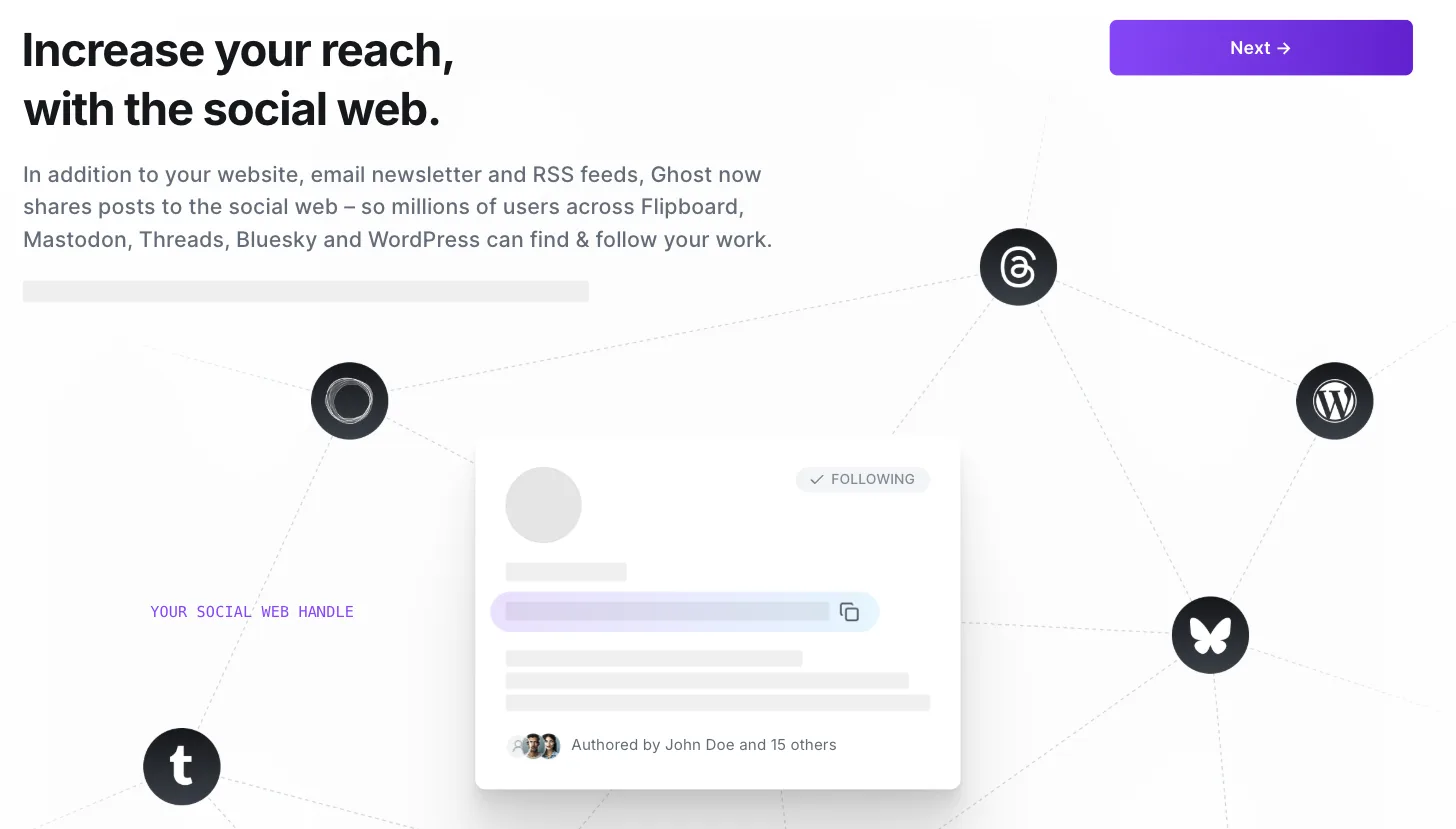
Your Ghost site already has a website, an email newsletter and an RSS feed. The social web is a fourth channel. Readers on Mastodon, Threads, Flipboard, WordPress and others can follow your publication the way they follow an account, and their replies and likes arrive back inside Ghost. Nothing is posted to a platform you do not control; the account is your domain.
This guide explains how that works, how to switch it on, and what changes on a self-hosted site. It ends with the one failure that causes most of the questions about it, and how to fix it. Ghost’s own social web guide is the reference for the feature itself, and it is still marked as beta. We checked it and Ghost’s self-hosting documentation in September 2026, and we tested the routing on one of our own sites.
What the social web is, and what Ghost does with it
ActivityPub is a shared language for social platforms. When two servers speak it, a person on one can follow, reply to and share content from the other. Mastodon is the most widely used platform built on it, and Meta’s Threads, Flipboard, WriteFreely and WordPress with a plugin all speak it too.
Ghost speaks it as a publication. Once switched on, your site has a handle in the form @index@yourdomain.com, where the first part can be changed in your profile. Anyone on a compatible platform can search for that handle and follow it. From then on:
- Every new post you publish is shared to your followers. There is no per-post switch. Ghost’s guide says it plainly. Publish a post on the website and it is available on the social web.
- You can post Notes. These are short updates that go only to followers and never appear on your website. Think of them as the short-form layer of a long-form publication.
- Replies, likes and reposts come back to you. The Network tab in Ghost admin is a reader and inbox: posts from accounts you follow, interactions with your own posts, and a place to reply.
- You can follow other accounts from Ghost. The Explore view in the Network tab finds them, and their long-form posts appear in your reader.
Compatibility is uneven, because every platform implements the protocol slightly differently. Ghost’s guide is candid about it: Mastodon and Ghost-to-Ghost work well, WordPress and WriteFreely work, Threads “works somewhat”, Flipboard mostly works, and Tumblr does not yet. Bluesky uses a different protocol entirely; to reach it, you follow the bridge account @bsky.brid.gy@bsky.brid.gy from Ghost, and the bridge mirrors your posts. Expect the rough edges of a beta: no mute or report tools yet, no video in Notes, and a search that does not find everything.
Switching it on
The requirements are the same everywhere. Your site needs its own domain, because the domain is your identity on the social web. A ghost.io address does not work, and neither does a site that lives in a subdirectory such as example.com/blog. If your domain uses www, the root domain has to redirect to it, which our custom domain guide covers.
On Ghost(Pro), open Network in the admin sidebar. A short setup asks for the handle and profile details, and the site is on the social web when it finishes. Test it from any Mastodon account: search for your handle, follow it, and publish a post. Ghost’s guide describes new posts as shared to followers at publish time, so it should turn up in that timeline shortly after.
On a self-hosted site the same Network tab does the same thing, provided the plumbing underneath is right. That is the subject of the next two sections.
Self-hosted: the hosted service and its limits
A self-hosted Ghost does not run the ActivityPub server itself by default. It uses one that Ghost runs, at ap.ghost.org, which Ghost’s documentation says is free for all self-hosters with some usage limits:
| Limit on the hosted service | Value |
|---|---|
| Followers | 2,000 |
| Accounts you follow | 2,000 |
| Interactions per day (posts, Notes, replies, likes, reposts) | 100 |
For most publications those limits are never reached. A post that travels far on Mastodon can push the daily interaction count over 100, and Ghost’s documentation does not say what happens then beyond the limit existing. If that is your situation, or you want nothing of yours passing through a third-party server, you run the service yourself.
Running your own. This is only supported on Ghost’s Docker Compose setup. In the .env file, add activitypub to the COMPOSE_PROFILES line and uncomment the line that points the target at the local container. Then recreate the two containers that route to it.
docker compose pulldocker compose up -d --force-recreate ghost caddyFor the technical reader: the target line is ACTIVITYPUB_TARGET=activitypub:8080, and the ActivityPub container is published for both AMD64 and ARM64, so an ARM server is not an obstacle. We checked the registry in September 2026.
A Ghost-CLI install can use the hosted service but cannot run its own. If self-hosting the social web matters to you, that is one more reason to be on the Docker Compose setup, which our self-hosting guide explains.
Why the Network tab fails, and the routing that fixes it
This is the failure most people ask about, and it has one cause. The ActivityPub service answers for exactly three paths on your domain.
/.ghost/activitypub/*/.well-known/webfinger/.well-known/nodeinfoYour web server, or whatever sits in front of Ghost, has to send those three to the ActivityPub service and everything else to Ghost. Ghost’s Docker Compose setup does this in its Caddy configuration, and current Ghost-CLI installs get the same routing in the nginx configuration the installer writes. What still needs attention is everything else. That means a Ghost-CLI site whose nginx configuration was generated before mid-2025 and never regenerated, a hand-built web server configuration, or anything layered in front of Ghost that knows nothing about those paths, such as a control panel, a NAS or a cloud proxy.
Two things go wrong. The first is that the three paths never leave Ghost. Ghost does not know them, so it answers with a redirect or a 404. Other platforms cannot discover your account, and the Network tab shows “Loading interrupted” or an empty handle. We reproduced this on one of our own sites, which sits behind a generic proxy with no ActivityPub rules. The discovery paths come back as redirects from Ghost, and the setup screen never fills in the handle.
The second is routing too much. Ghost publishes its signing keys at /ghost/.well-known/jwks.json, and the ActivityPub service reads them from your Ghost, not from itself. If a proxy rule matches every .well-known path and sends that one to the service too, the service cannot verify your site and answers with 403 errors. A Ghost engineer, diagnosing exactly this for a self-hoster in public, put it plainly. Only the activitypub path and the webfinger and nodeinfo paths go to the service. The rest stays with Ghost.
For the technical reader, the two nginx blocks look like this. On a Ghost-CLI install, running the installer’s nginx setup again with a current Ghost-CLI writes a fuller version of them for you.
location ~ ^/\.well-known/(webfinger|nodeinfo) {    proxy_pass https://ap.ghost.org;    proxy_ssl_server_name on;    proxy_set_header Host $http_host;    proxy_set_header X-Forwarded-For $proxy_add_x_forwarded_for;    proxy_set_header X-Forwarded-Proto $scheme;}
location /.ghost/activitypub/ {    proxy_pass https://ap.ghost.org;    proxy_ssl_server_name on;    proxy_set_header Host $http_host;    proxy_set_header X-Forwarded-For $proxy_add_x_forwarded_for;    proxy_set_header X-Forwarded-Proto $scheme;}
If Cloudflare sits in front, make sure no access rule or redirect applies to those three paths, and keep the encryption mode at Full (strict). In one case we followed, a self-hoster’s Network tab came alive only after two fixes. A Cloudflare access rule had to stop redirecting the ActivityPub path, and the Ghost and Caddy containers had to be recreated against the right target.
To check your own setup, request the webfinger path for your handle from outside the server. A working site answers with a small JSON document about the account. A redirect, a 404 or a Ghost error page means the path is not reaching the service.
Limits worth knowing before you rely on it
- Your domain is your identity. As on any ActivityPub server, changing the domain changes the handle, and followers of the old handle do not come with you. Treat the decision as permanent.
- Federation is not instant. Most posts arrive within seconds; slower or busy servers can take minutes.
- Edits and deletions travel imperfectly. An edited post is sent again, but not every platform replaces the old copy, and a deleted post may survive in caches elsewhere for a while.
- It is a beta. Ghost’s guide lists the gaps and updates them as the feature matures. Expect changes.
- It is a channel, not a strategy. If your readers are on Mastodon, Threads or Flipboard, this is free distribution with no platform in the middle. If they are on X, Instagram or LinkedIn, it does not reach them, and nothing here replaces your newsletter.
Common questions
Does the social web help with search rankings?
Not directly. Follows and replies happen between servers, not on a public page a search engine indexes. What it does is bring readers to your site, where the usual things happen: they read, they subscribe, and some of them become members. Our membership setup guide covers that side.
Can I keep a post off the social web?
Not with a switch. Ghost shares every new post it publishes to the website. A post sent as email only is not published to the website, which should keep it out of the feed. Ghost’s documentation does not say so explicitly, so we would not build a workflow on it yet.
Is this the same as running a Mastodon server?
No. Mastodon is a platform for short posts; Ghost is a publication that also speaks the same protocol. A Mastodon user can follow your site and see your posts. Ghost gives you no timeline of strangers, no hashtags to browse, and no way to host other people’s accounts.
Where this leaves you
The social web is switched on, your handle resolves, and posts travel to whoever follows it. If you self-host and the Network tab still fails, the routing section above is the checklist. The next thing most publications tune is what a new follower sees when they click through, which is the job of the site itself and of the Portal signup window.
Frequently Asked Questions
What is ActivityPub on Ghost?
How do I enable ActivityPub on Ghost?
Does ActivityPub work on self-hosted Ghost?
Why does the Network tab say Loading interrupted?
Keep reading
Ghost Editor: Cards, Formatting & Publishing
How the Ghost editor works: formatting, the card menu for images, galleries, embeds and callouts, and how to preview, schedule and publish a post or newsletter.
Running Ghost in Another Language, Including RTL
One setting changes the language of a Ghost site, but three layers decide what actually changes: Ghost, the theme and your content. We switched one to German.
Stopping Spam Signups on a Ghost Site
What spam signups do to a Ghost site, what Ghost already blocks on its own, and what to add in front of it. We tested the built-in limit on our own site.
Ghost Newsletters Without Mailgun: Real Options
Self-hosted Ghost only sends newsletters through Mailgun. What SMTP can and can't do, how Amazon SES and Postmark fit, what the proxies cost, and what to pick.
Recommended Themes
Themes with at least one of the features this guide touches: membership pages and newsletter integration.

Tribune
Strongest hereTribune is the front page of a newspaper. Lead stories beside the day's picture, a Featured list at the edge, then your sections by topic, each in its own layout, under a masthead that folds away as the reader scrolls. Built for newspapers and multi-author magazines that publish several stories a day, and managed entirely from Ghost admin.

Luno
Strongest hereLuno is a blog that works like an app. A menu that stays open in a fixed sidebar, search a keystroke away, a light and dark switch beside your logo, and a homepage that opens with three featured stories as cover cards. Built for travel, lifestyle and product blogs whose readers expect an interface they already know, and managed entirely from Ghost admin.


Comparing options? Browse all premium Ghost themes side by side.
Get every theme in one bundle
The complete Luxe Themes bundle: every theme, one purchase.