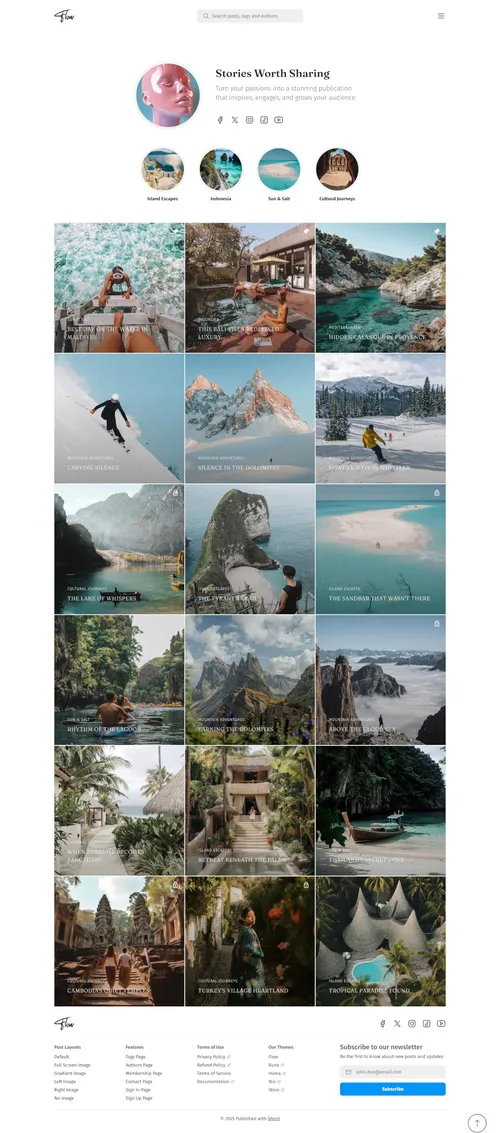
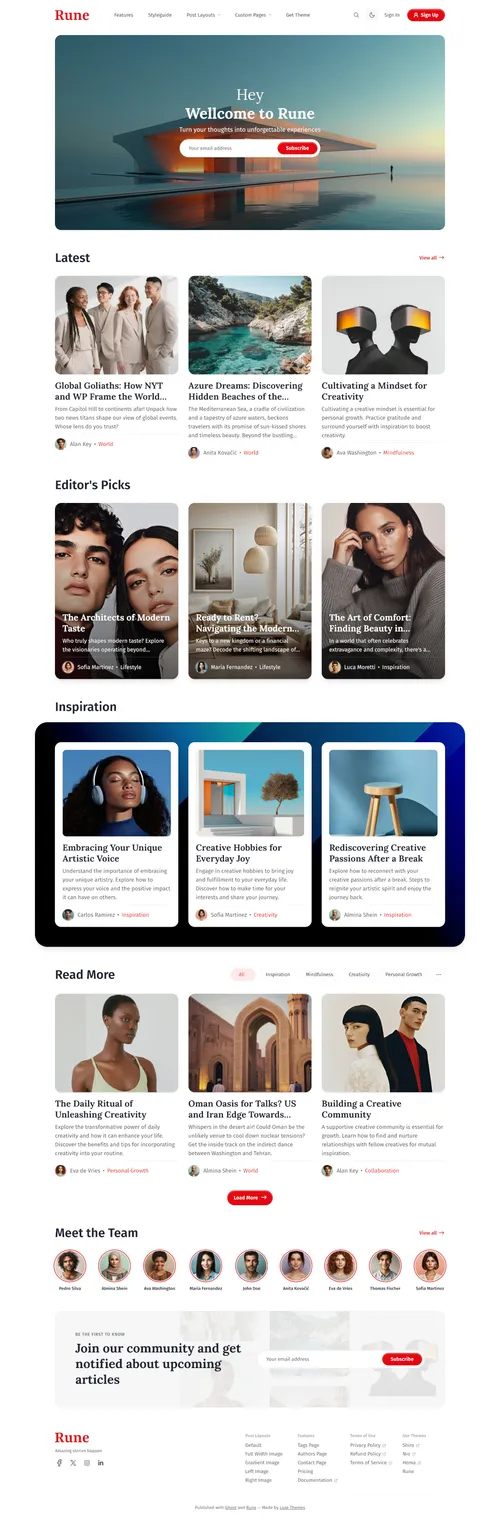
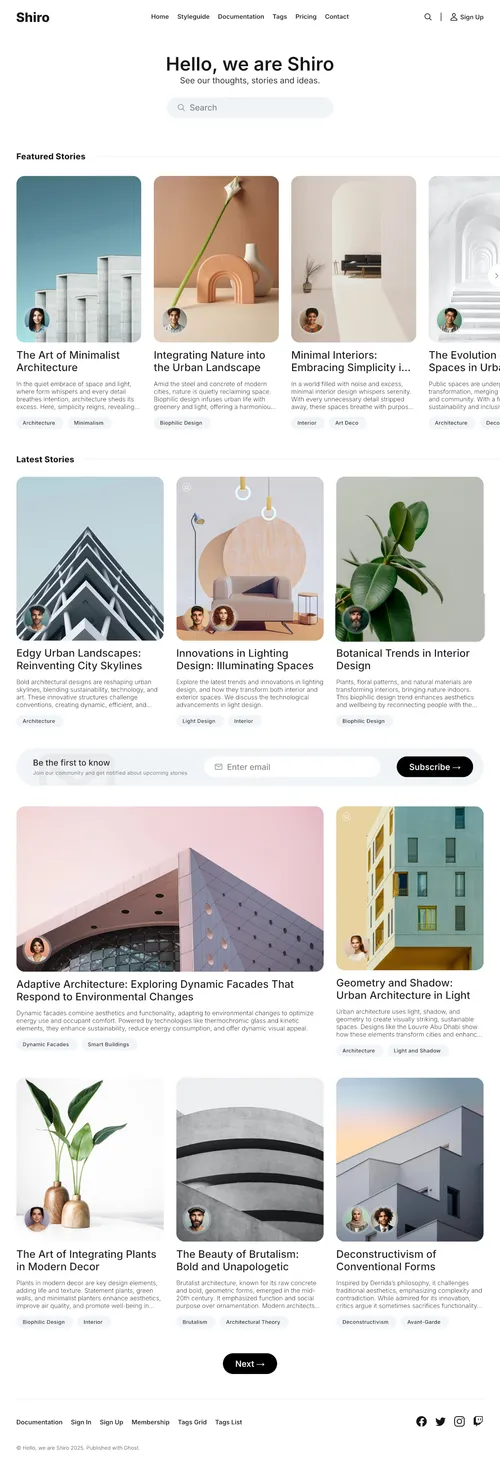
 Luxe Themes
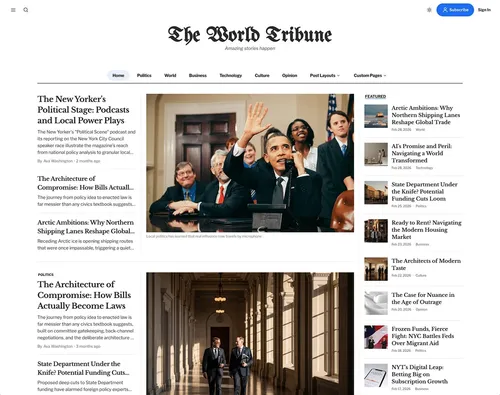
Tribune
$89
Updated June 2026
A membership website lets your readers subscribe — free or paid — for access to your content. Ghost has everything you need built in: free and paid tiers, Stripe payments, content gating, and member management, with 0% revenue share (you only pay Stripe's ~2.9% + $0.30 fee). No plugins, no middlemen, and a theme designed for memberships ties it all together.
Most membership platforms take a cut of every subscription and lock your audience inside their walls. Ghost is built for publishers who want to own their business outright.
0% revenue share
Ghost takes nothing. On $5,000/mo in subscriptions, you keep ~$500/mo that Substack or Patreon (10%) would take.
Your own Stripe account
Payments go straight to you. You own the customer relationship and the payout — not the platform.
Memberships built in
Tiers, paid subscriptions, newsletters, and content gating are native — no membership plugins to install or maintain.
You own your audience
Export your member list any time. Your subscribers are yours, not the platform's — no lock-in.
Comparing your options? See how Ghost stacks up against Patreon, Substack, MemberPress, and the rest in our best membership platforms comparison.
Four steps get you from a blank Ghost site to a working membership business. For the full walkthrough — Stripe configuration, tier strategy, and content gating — see our complete Ghost membership guide.
Connect Stripe
Link your own Stripe account in Ghost Admin. Payments go directly to you — Ghost never touches your money or takes a cut.
Create membership tiers
Set up free and paid tiers (monthly and yearly) with your own pricing. Add benefits and descriptions for each tier.
Gate your content
Choose per post whether it's public, for free members, or for paid members only. Mix free and premium content freely.
Add sign-up & account pages
A membership-ready theme gives you polished sign-in, sign-up, pricing, and account pages — no custom code needed.
Already running members elsewhere? See how Ghost compares in our Ghost vs Substack breakdown, or explore membership support across our themes.
Every Luxe theme supports Ghost memberships. These include dedicated, polished sign-in, sign-up, pricing, and account pages so your membership flow looks as professional as your content.
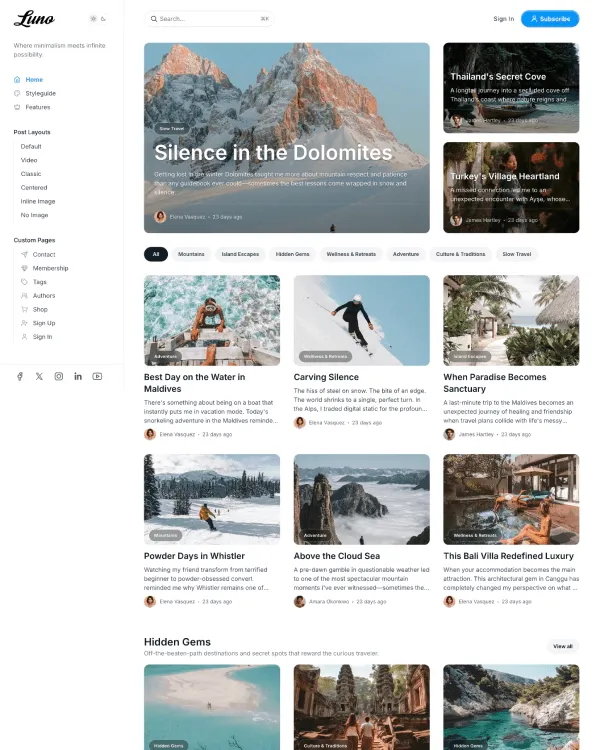
$89
A beautifully crafted Ghost theme designed for modern publishers. Clean typography, flexible layouts, and powerful customization options make Luno perfect for blogs, magazines, and professional publications.