 Luxe Themes
Free vs Premium Ghost Themes: Worth It?
Is a premium Ghost theme worth paying for? What free themes handle well, what breaks as a site grows, and exactly what the upgrade buys, compared plainly.
The Real Difference Between Free and Paid
Ghost offers a set of free official themes maintained by the Ghost team. They work. They are responsive. They receive updates. For many publishers starting out, a free theme is the right choice.
But free themes are designed to be generic: they need to work for every type of publication. Premium themes are designed to be specific: they are built for particular publishing use cases with features that free themes cannot justify including.
This is not about free being “bad.” It is about understanding what you get, what you give up, and when the upgrade makes financial sense.
What Free Themes Include
Ghost’s official free themes (Source, Casper, Dawn, Edition, Solo and the rest of the official set) include:
- Responsive design across all devices
- Basic Ghost membership integration (signup modal, login)
- Clean typography and readable layouts
- RSS feed support
- Translation files for about 15 languages
- One post layout in most themes
- One color scheme in most themes
- Regular updates from the Ghost team
- Compatible with latest Ghost versions
A few of the official themes go further:
- Casper: light, dark and automatic color schemes, plus font, header and feed layout settings
- Dawn: automatic, light and dark color schemes, and post templates with a full, narrow or no feature image
- Edition and Headline: extra post templates, such as a full-width feature image
These are genuinely good themes. Casper was the default Ghost theme for years, Source is the default now, and both handle basic publishing well.
What Free Themes Lack
The gaps become visible when you compare feature-by-feature:
No Dark Mode Toggle
Most free themes ship with one color scheme. Casper and Dawn let you pick light, dark or automatic (following the reader’s device), and Alto offers light or dark. None of the official themes gives readers a toggle to switch for themselves. Many readers now expect a dark option, and a site without one can feel dated.
Premium themes typically include light, dark, and system-auto modes. Some offer additional color schemes (Shiro has 7).
Single Post Layout
Most free themes give you one way to display posts. Every article looks the same: same header style, same content width, same image placement. Dawn, Edition and Headline are the exceptions, with two or three extra post templates each.
Premium themes offer 3-9 post layout options. A photo essay gets a full-width image header. A long-form analysis gets a text-first layout with a table of contents. A news update gets a compact layout. Different content deserves different presentation.
No Custom Search
Ghost has built-in search that any current theme can use, so readers of a free theme can still search your posts, tags and authors. It opens Ghost’s standard search window, which looks much the same on every site.
A few premium themes build their own. Shiro, for example, has a search window of its own that shows post images, authors and tags as you type. Most themes, including most of ours, use Ghost’s built-in search, and for most archives that is enough.
Basic Membership Pages
Free themes render Ghost’s default Portal modal for signup and login. There are no custom membership pages: no branded sign-in page, no pricing table showing your tiers, no account management page styled to match your site.
Many premium themes include purpose-built membership pages:
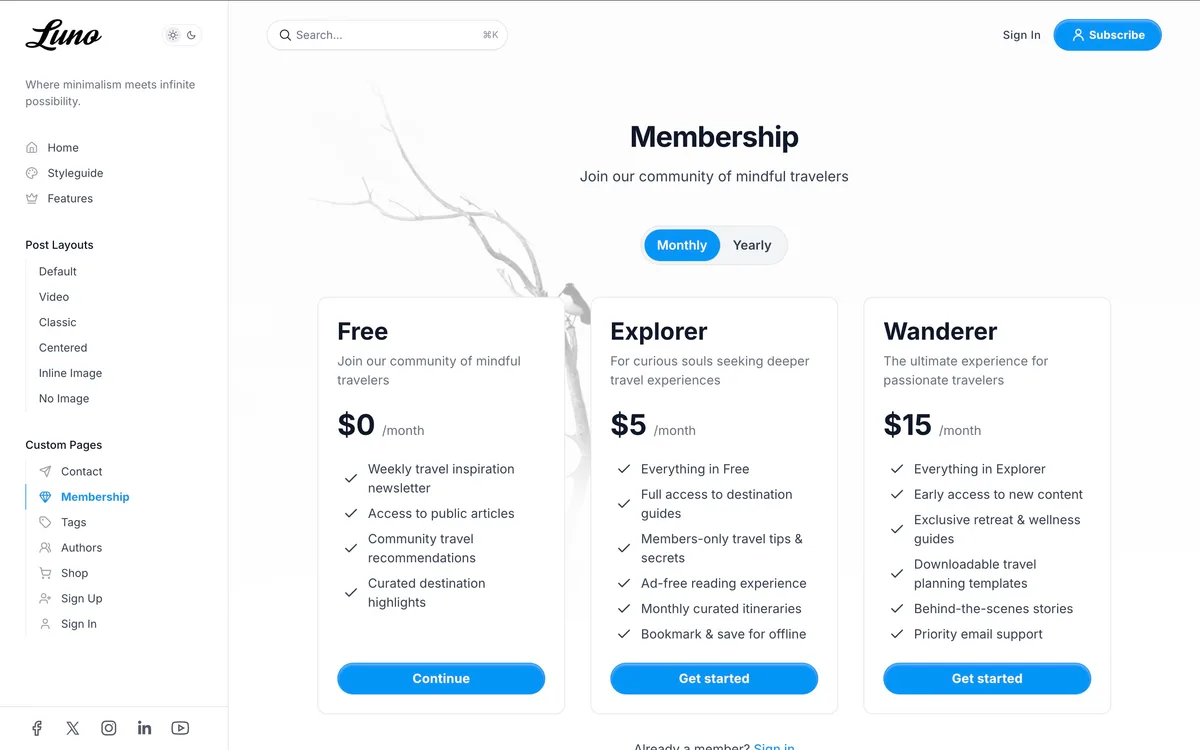
Custom membership pages can convert better because they match your brand and provide clear tier comparison.
Limited Internationalization
Ghost’s official themes ship translation files for about 15 languages, including German, French, Italian and Chinese, and they lay pages out left to right only. If your audience reads Spanish, Arabic, Hebrew, Persian or another language outside that set, a free theme needs manual translation work in the theme files.
Premium themes often ship with more translation files, and ours carry 46 or more languages each. Right-to-left layout support (for Arabic, Hebrew, Persian) is available in some premium themes, including our Flow, Nio, Reru and Tribune.
Limited No-Code Customization
Ghost Admin lets theme developers expose custom settings (fonts, colors, layout options) that publishers can change without touching code. Free themes expose a modest set, mostly fonts, navigation layout and, in some themes, a header style or feed layout. Premium themes expose extensive customization panels: pick a hero layout, choose from more than twenty fonts, set the shape of post card images, all from Ghost Admin.
Community-Only Support
Free themes have no dedicated support channel. If something breaks, you post on a forum or file a GitHub issue and hope for a response. Some community themes have not been updated in years.
Premium themes come with dedicated developer support (typically 6-12 months included). You email the developer, they fix it. This matters when Ghost releases a major update and your theme needs compatibility adjustments.
The Feature Gap Table
| Feature | Free Themes | Premium ($69-149) |
|---|---|---|
| Responsive design | Yes | Yes |
| Ghost membership support | Basic (Portal) | Custom pages |
| Dark mode | A few (Casper, Dawn, Alto) | Standard |
| Post layouts | 1 in most (up to 4 in Dawn, Edition) | 3-9 |
| Color schemes | 1-2 | 2-7 |
| Custom search | No (Ghost’s built-in search works) | Some themes |
| Table of contents | No | Available |
| PWA support | No | Some themes |
| i18n / translations | About 15 languages | Varies (46+ in ours) |
| RTL support | No | Available |
| No-code customization | Modest | Extensive |
| Reading progress bar | No | Common |
| Dedicated support | No | 6-12 months included |
| Update reliability | Variable | Regular |
When Free Themes Make Sense
You are experimenting with Ghost. Before committing to a premium theme, test Ghost’s workflow with a free theme. Casper or Source will give you a clear picture of the platform.
Budget is truly zero. If you cannot spend $69 right now, a free theme lets you start publishing. Upgrade when revenue allows.
You are a developer. If you can customize Handlebars templates, a free theme is a starting point you can modify. Ghost’s theme architecture is well-documented.
Your site is a simple personal blog. If you are writing for a small audience with no monetization goals, Casper or Solo covers the basics.
You are using a well-maintained official theme. Ghost’s team-maintained themes (Casper, Source, Dawn) receive regular updates. They are reliable, if limited.
When Premium Themes Are Worth It
You are monetizing. Custom membership pages with branded pricing tables and sign-in flows can convert better than Ghost’s default Portal modal. If you are charging for subscriptions, the theme pays for itself with a handful of conversions.
SEO matters to your strategy. Premium themes tend to have cleaner, more optimized code. Some target PageSpeed 100 across all categories. Page speed is one of the signals search engines weigh. Clean structured data and semantic HTML help Google understand your content.
Brand identity matters. Thousands of Ghost sites use Casper. A premium theme gives your publication its own visual identity. Readers associate design quality with content quality, and a polished site signals professional publishing.
Your audience is international. If you publish in multiple languages or serve RTL-reading audiences, premium themes with i18n and RTL support save weeks of manual template work.
You lack development skills. Premium themes expose extensive no-code settings in Ghost Admin. Change layouts, colors, and features without touching template files. Free themes require code changes for most customizations.
Long-form content is your format. Table of contents, reading progress bars, and multiple post layouts make long articles more readable. Free themes offer no table of contents or reading progress bar, and only a few offer more than one post layout.
The Cost Perspective
Premium Ghost themes are one-time purchases with lifetime updates (varies by provider). Compare this to ongoing costs:
| Option | Cost | Recurring? |
|---|---|---|
| Free theme | $0 | N/A |
| Premium theme | $69-149 | One-time |
| Theme bundle | $199-499 | One-time or annual |
| Custom development | $2,000-10,000 | One-time + maintenance |
| Ghost(Pro) Publisher | $29/mo | Monthly |
A $69-149 theme is a single payment. Your Ghost(Pro) subscription, your email delivery, and your domain are the recurring costs. The theme is a one-time investment that lasts the lifetime of your publication.
At $89 (the price of our Flow theme), you pay about what three months of Ghost(Pro) Publisher cost. That buys a permanent design upgrade with dark mode, 46+ languages, an add-to-home-screen app mode, and 6 post layouts.
Recommendation
Start free if you are testing Ghost. Use Casper or Source for your first month. Get comfortable with the platform, decide if Ghost is right for you.
Upgrade to premium when you are committed. Once you know Ghost is your platform, a premium theme is the highest-value investment you can make in your publication’s appearance. The cost is trivial compared to monthly platform fees, and the impact on reader perception is significant. When you’re ready to compare, the full Luxe Themes collection lists every theme by feature side by side.
Consider the Ghost(Pro) plan requirement. Custom and premium themes require Ghost(Pro) Publisher ($29/month) or higher. The Starter plan limits you to official free themes. Factor this into your decision: if you are upgrading to Publisher for paid memberships anyway, premium theme support comes included.
Where this leaves you
Start free while you are deciding whether Ghost is your platform, and move to a premium theme once you are publishing for readers rather than for yourself. Our Ghost themes all include dark mode and multiple post layouts, and most add their own membership pages. The pages for magazines, tech blogs and writers show which one suits each kind of site.
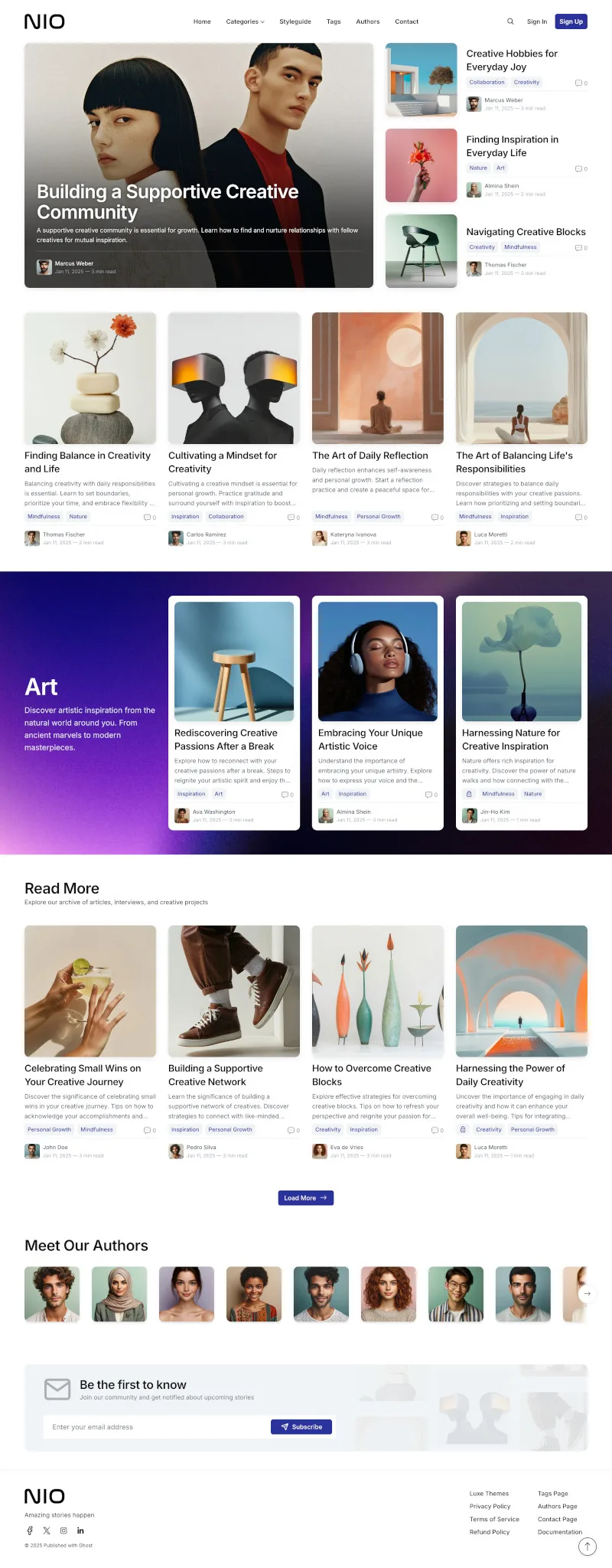
For picks by kind of publication, see our best Ghost themes guide.
Frequently Asked Questions
Are free Ghost themes good enough?
What do premium Ghost themes add over free ones?
How much do premium Ghost themes cost?
When should I upgrade from a free to a premium theme?
Keep reading
Best Ghost Themes: Premium and Free, Compared
The best Ghost themes for newsletters, magazines, blogs and membership sites, free and premium: what each kind of publication needs and when free is enough.
How to Choose a Ghost Blog Theme
Your Ghost theme defines your reader experience. Learn what to look for in layouts, performance, membership support, and design customization.
Ghost Website Examples: 12 Real Sites on Ghost
Twelve real Ghost sites, including 404 Media, Platformer, Tangle, Buffer, Duolingo and Troy Hunt, with what each does well and how to build the same on Ghost.
Email Newsletter Design: A Practical Guide
Design a newsletter people actually read: layout, typography, color, dark mode and images, plus how Ghost's built-in email design settings handle each one.
Recommended Themes
Themes with at least one of the features this guide touches: dark mode, membership pages, multi-language support and newsletter integration.
Tribune
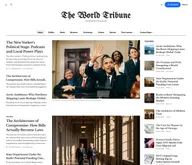
Strongest hereTribune is the front page of a newspaper. Lead stories beside the day's picture, a Featured list at the edge, then your sections by topic, each in its own layout, under a masthead that folds away as the reader scrolls. Built for newspapers and multi-author magazines that publish several stories a day, and managed entirely from Ghost admin.
Luno
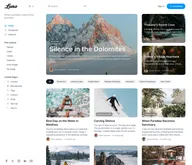
Strongest hereLuno is a blog that works like an app. A menu that stays open in a fixed sidebar, search a keystroke away, a light and dark switch beside your logo, and a homepage that opens with three featured stories as cover cards. Built for travel, lifestyle and product blogs whose readers expect an interface they already know, and managed entirely from Ghost admin.


Comparing options? Browse all premium Ghost themes side by side.
Get every theme in one bundle
The complete Luxe Themes bundle: every theme, one purchase.