 Luxe Themes
14-day money-back guarantee
See how Shiro compares in the best Ghost themes guide, or compare all Ghost themes by feature.
Shiro
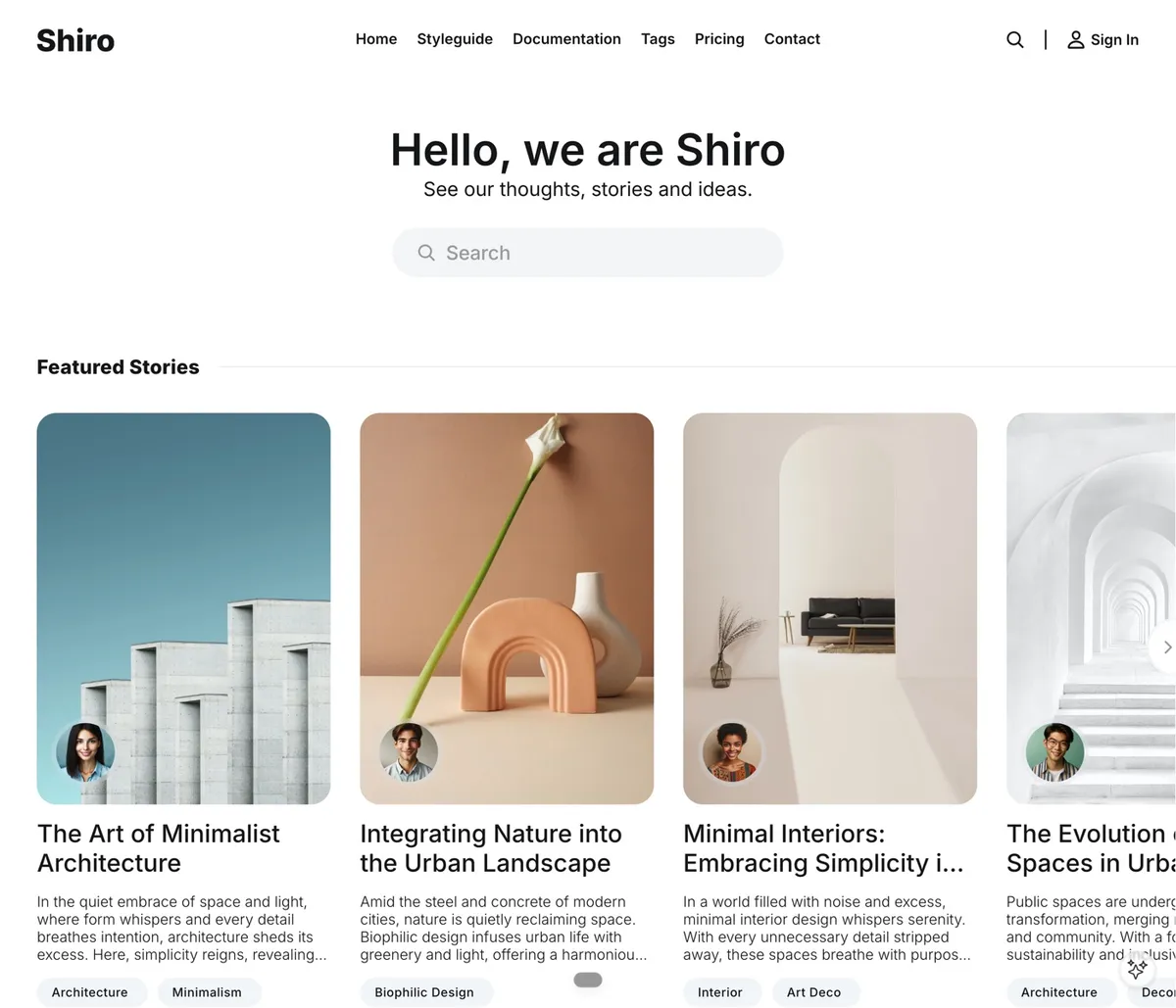
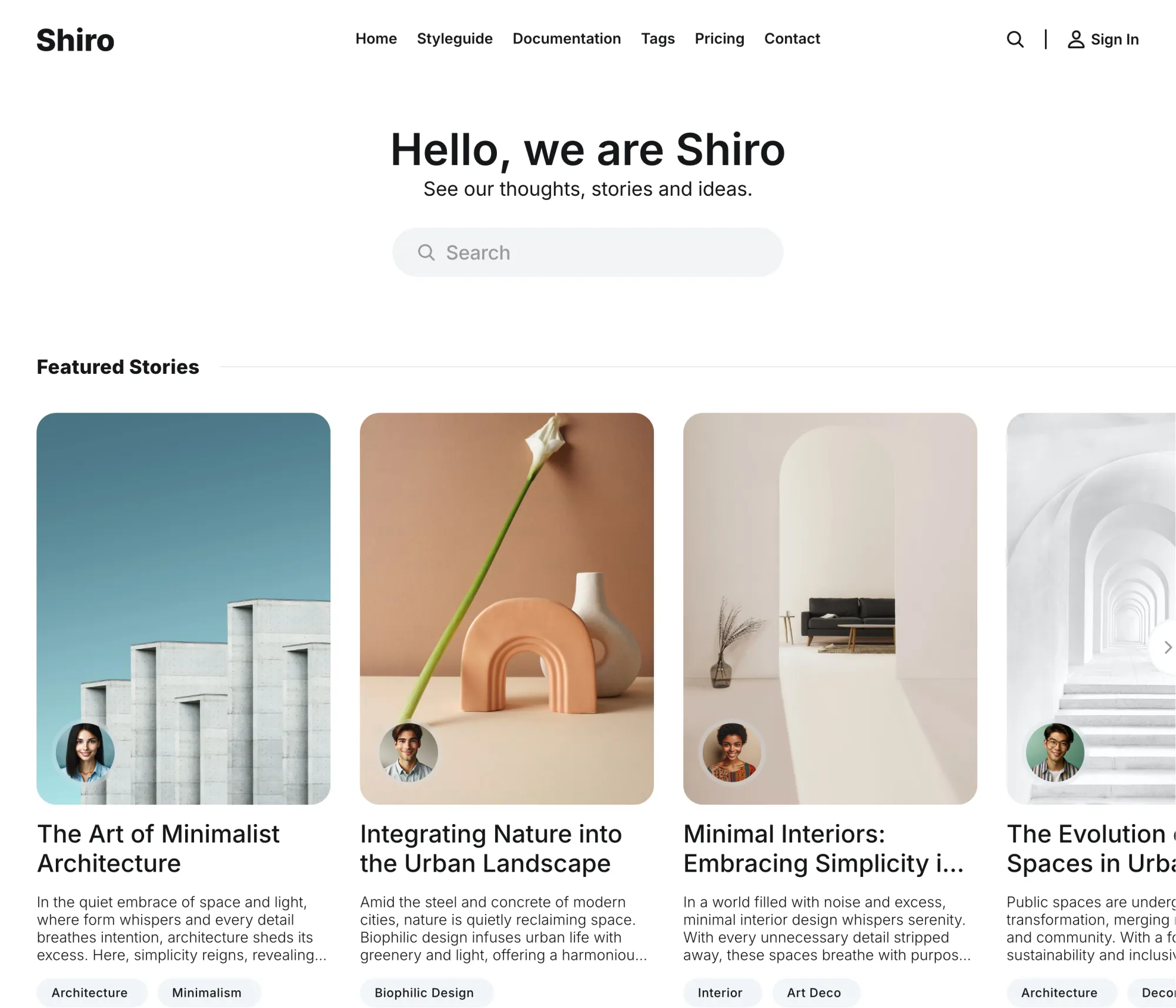
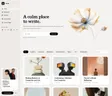
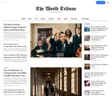
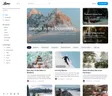
Shiro starts with a search. Your name, one line, and a search field where a hero usually goes, then your featured stories as portrait cards on white or one of seven shades of paper. Nine ways to open a post and membership pages inside the theme. Built for minimal magazines and archives that readers search rather than browse, and managed entirely from Ghost admin.
Features
- Homepage that opens with a search field
- Search built into the theme: posts, authors, tags
- Nine post layouts, with or without a blurred backdrop
- Seven color schemes, two of them dark
- Dark scheme follows the reader's device
- Featured Stories carousel
- Membership pricing from your Ghost tiers
- Account page with plan, card and billing date
- Sign-in and sign-up pages without site chrome
- Tags page as a grid or a list
- Ghost or Disqus comments
- 46 languages
Start With a Search
The homepage opens with your name, one line about the site, and a search field. Beneath it, your featured stories in a carousel of portrait cards, then the latest. A reader with a question gets an answer before they scroll.
We put search where a hero usually goes. An archive is only as good as the way in.
Search That Knows Your Site
The theme's own search window covers posts, authors and tags, and suggests your writers and most-used topics before a single letter is typed. Results come with the post image, the authors and the tags, so a reader can tell what they found.
Nine Ways to Open a Story
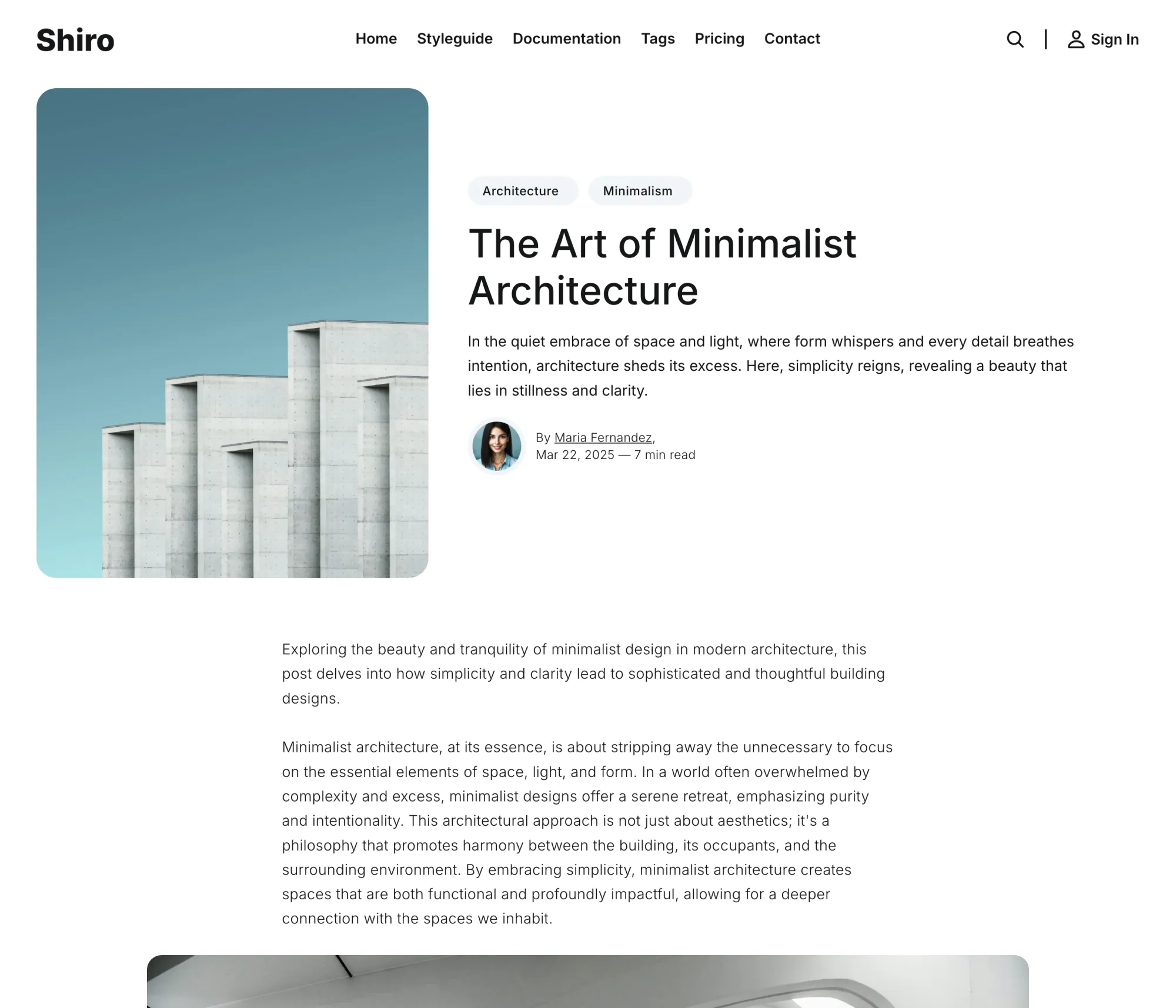
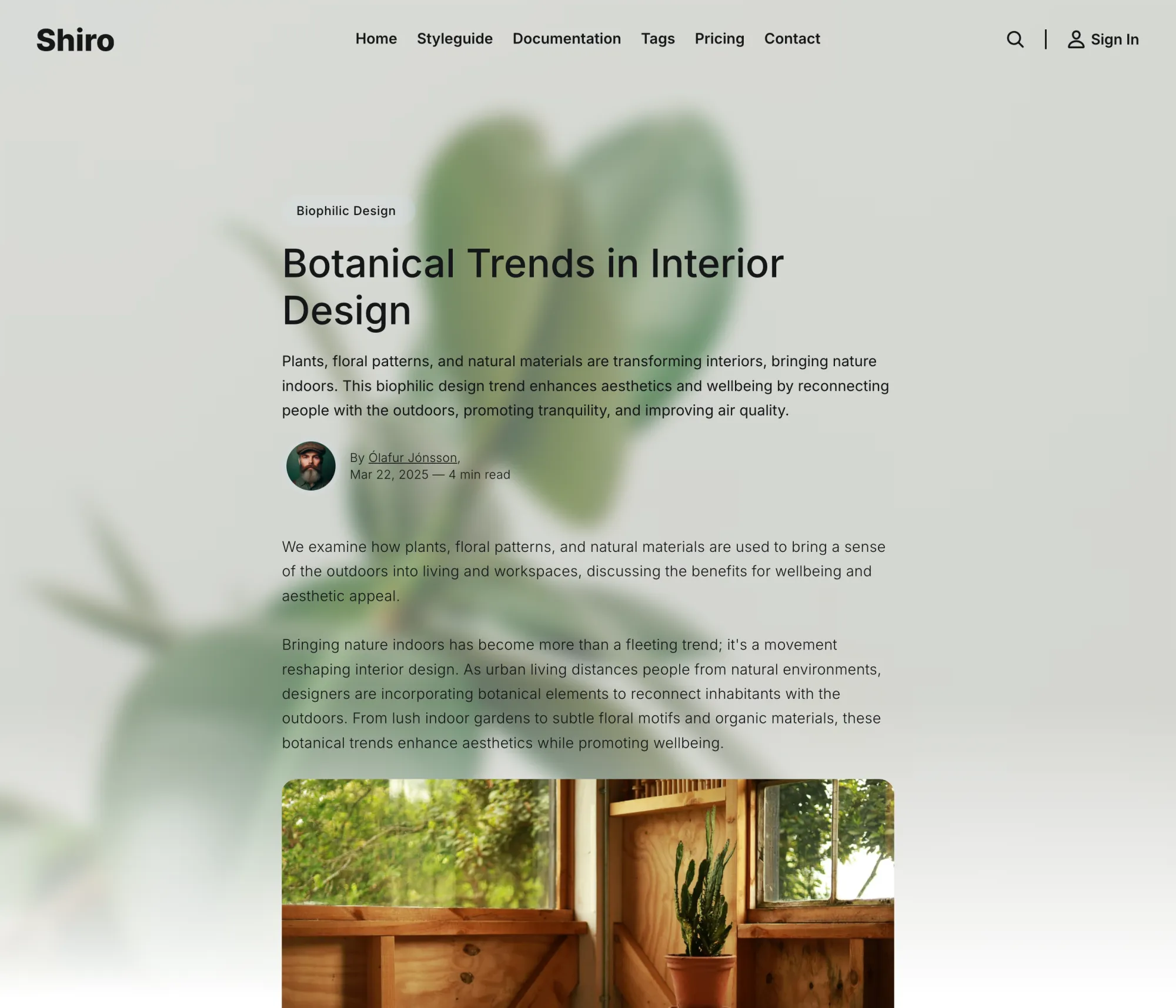
The picture beside the title, above it, or after it, each plain or with a soft blur of the same image behind the header. Or the blur alone. A portrait, an interview and a quiet essay each get the opening they deserve, chosen per post in the editor.
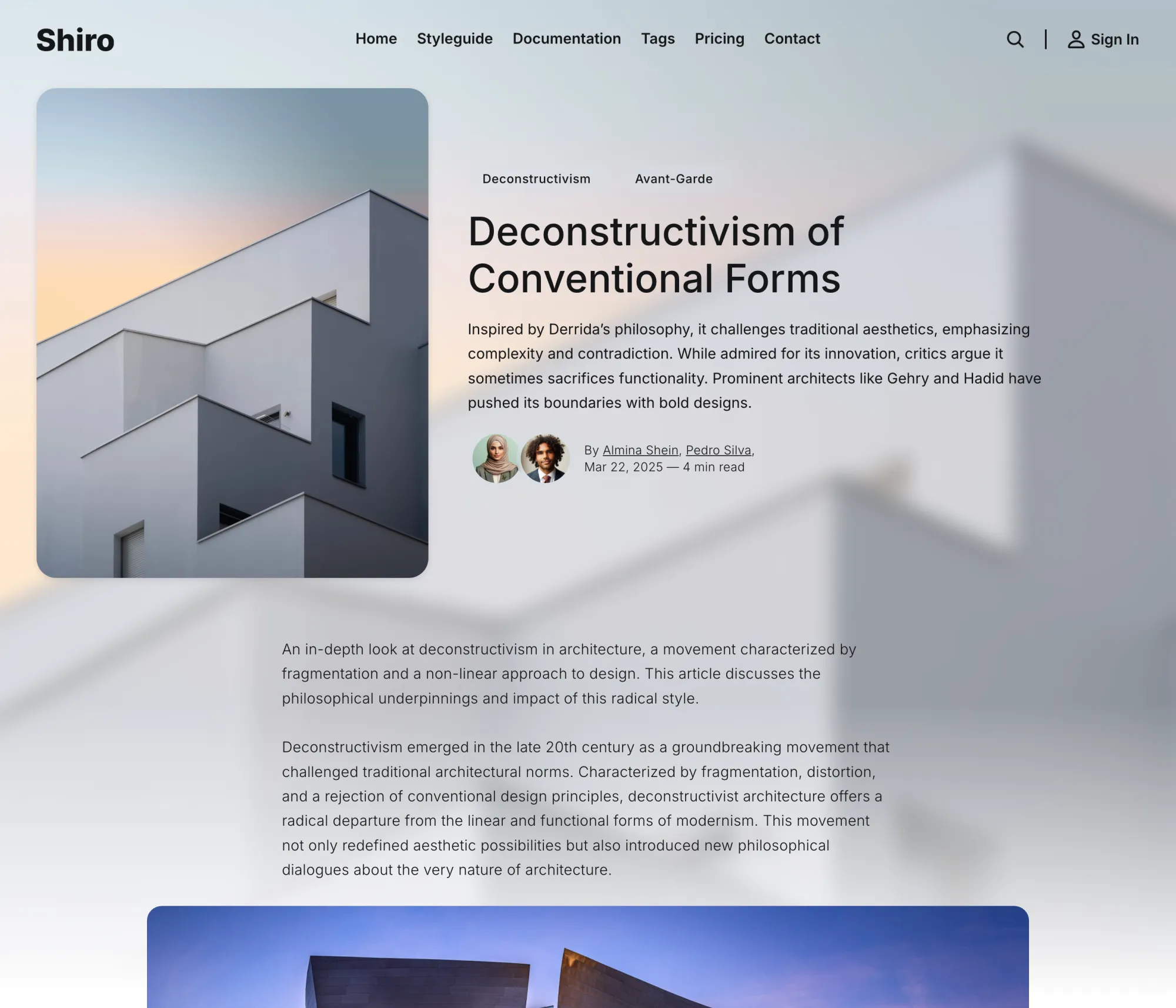
Seven Shades of Paper
Light, Zensen, Sakura, Botan, Blau, Midnight and Dark. Five are tints of the page, from warm stone to pale blue, and two are dark. Turn on the dark option and the site follows the reader's device into Midnight or Dark, with your logo inverted to match.
Membership, Inside the Theme
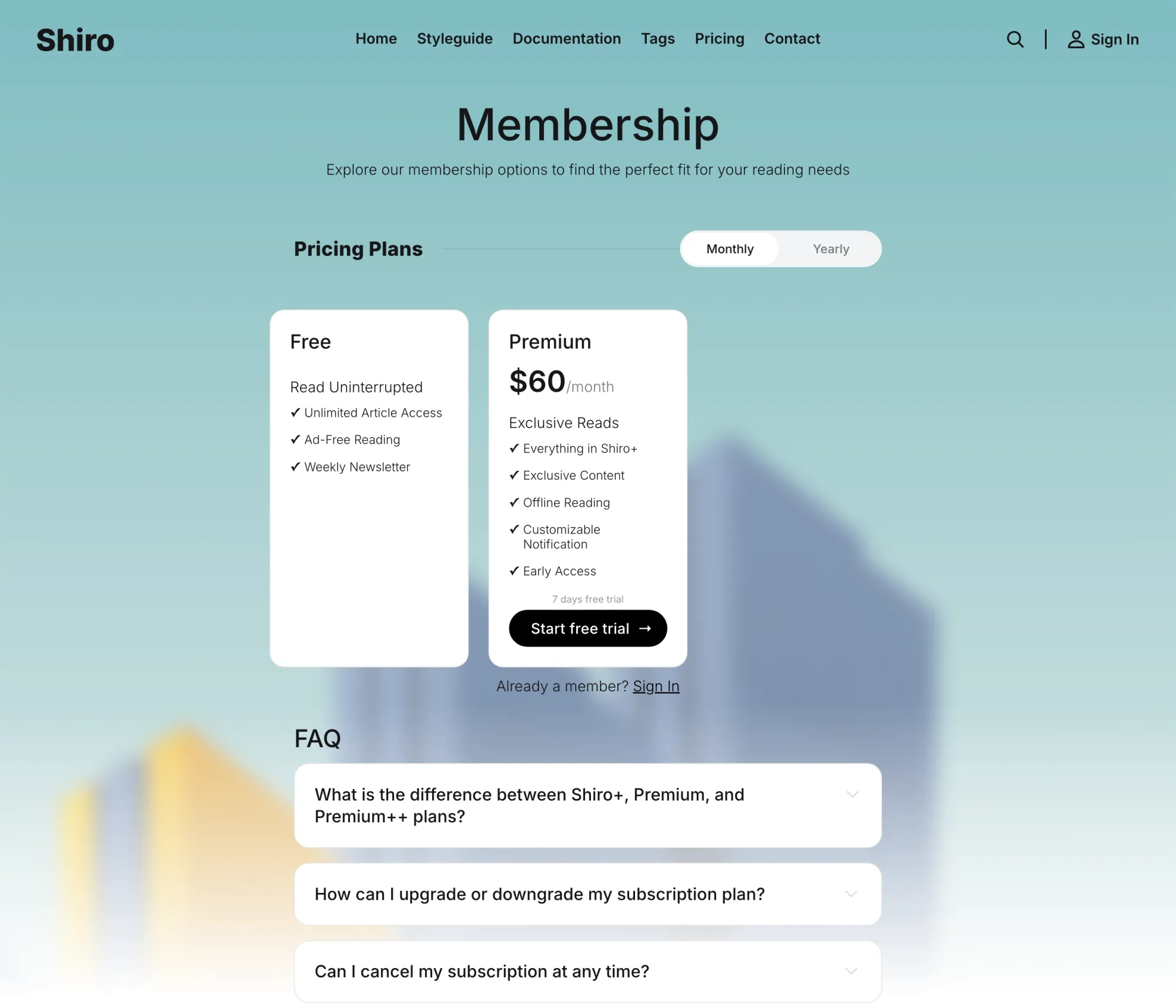
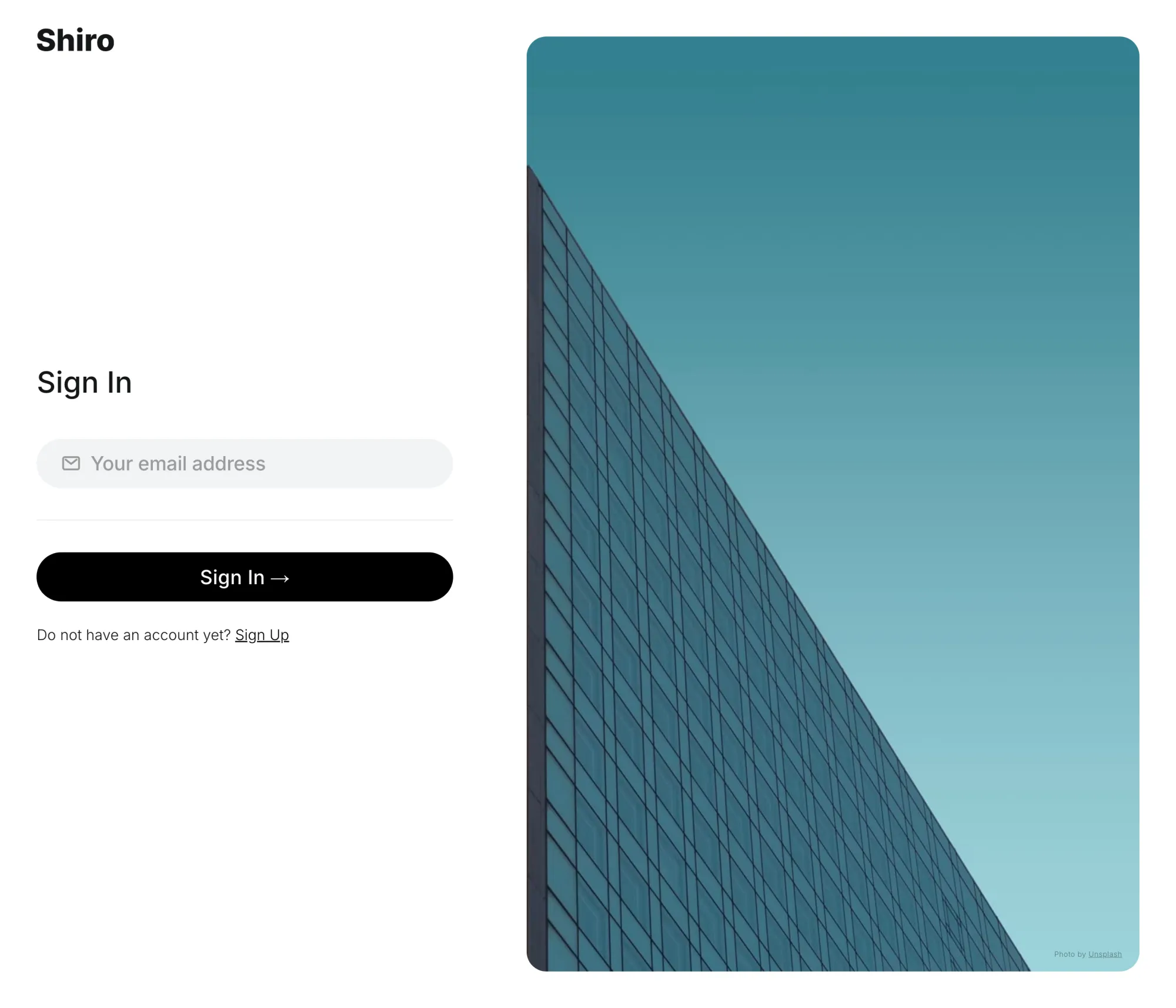
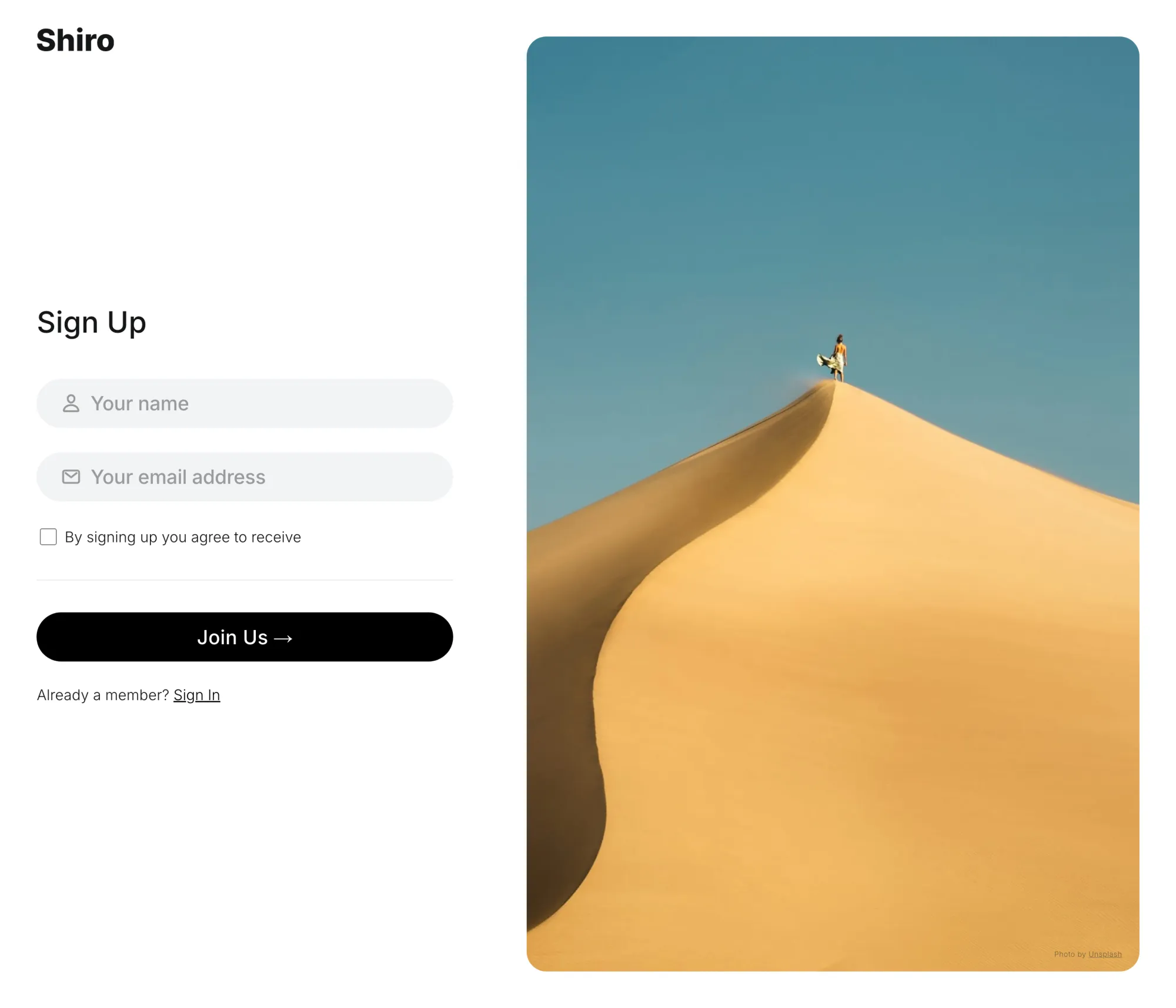
A membership page priced from your Ghost tiers, sign-in and sign-up pages without the site chrome, and an account page where each member sees their plan, their card and their next billing date. Gated stories show a preview and a crown on their cards.
Tags, Two Ways
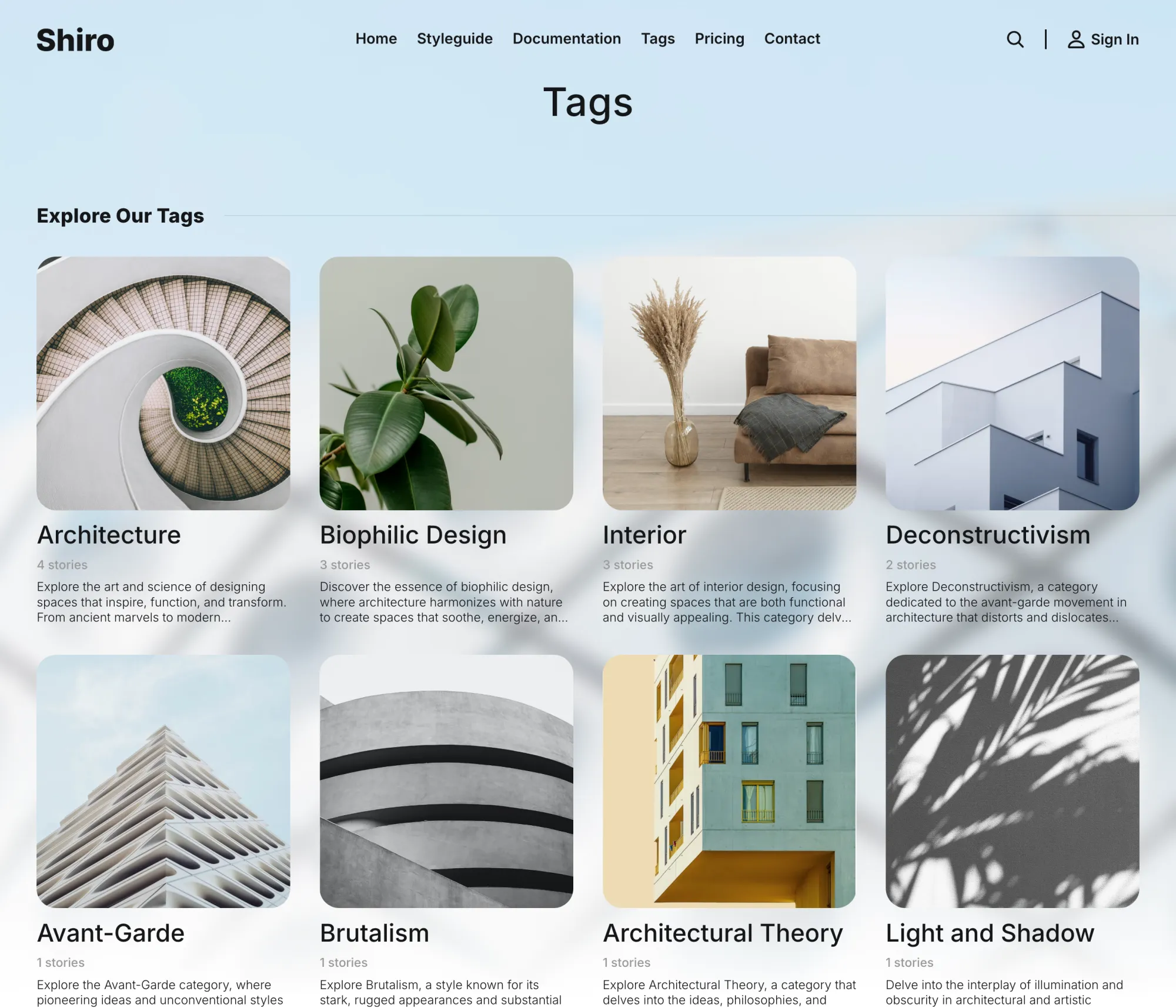
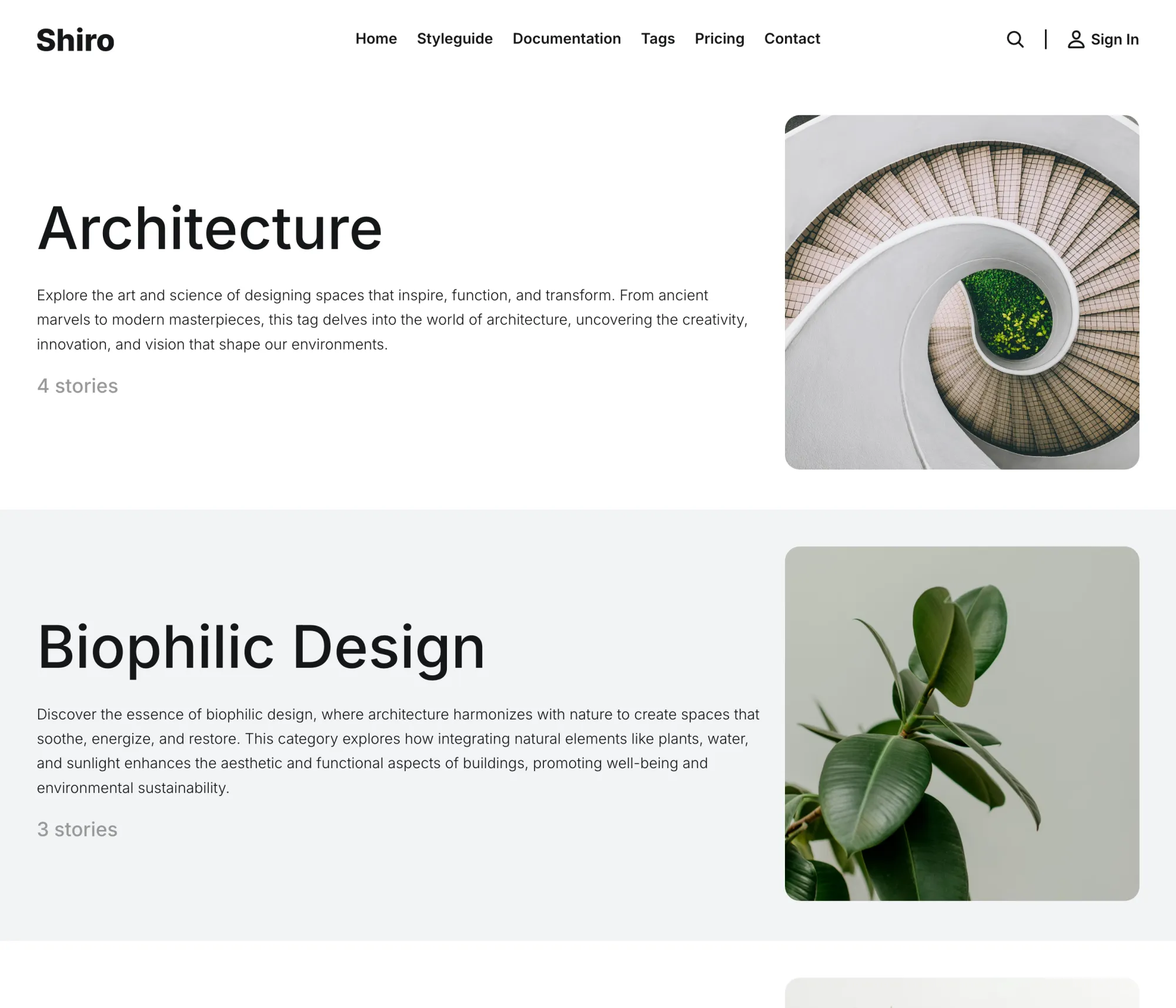
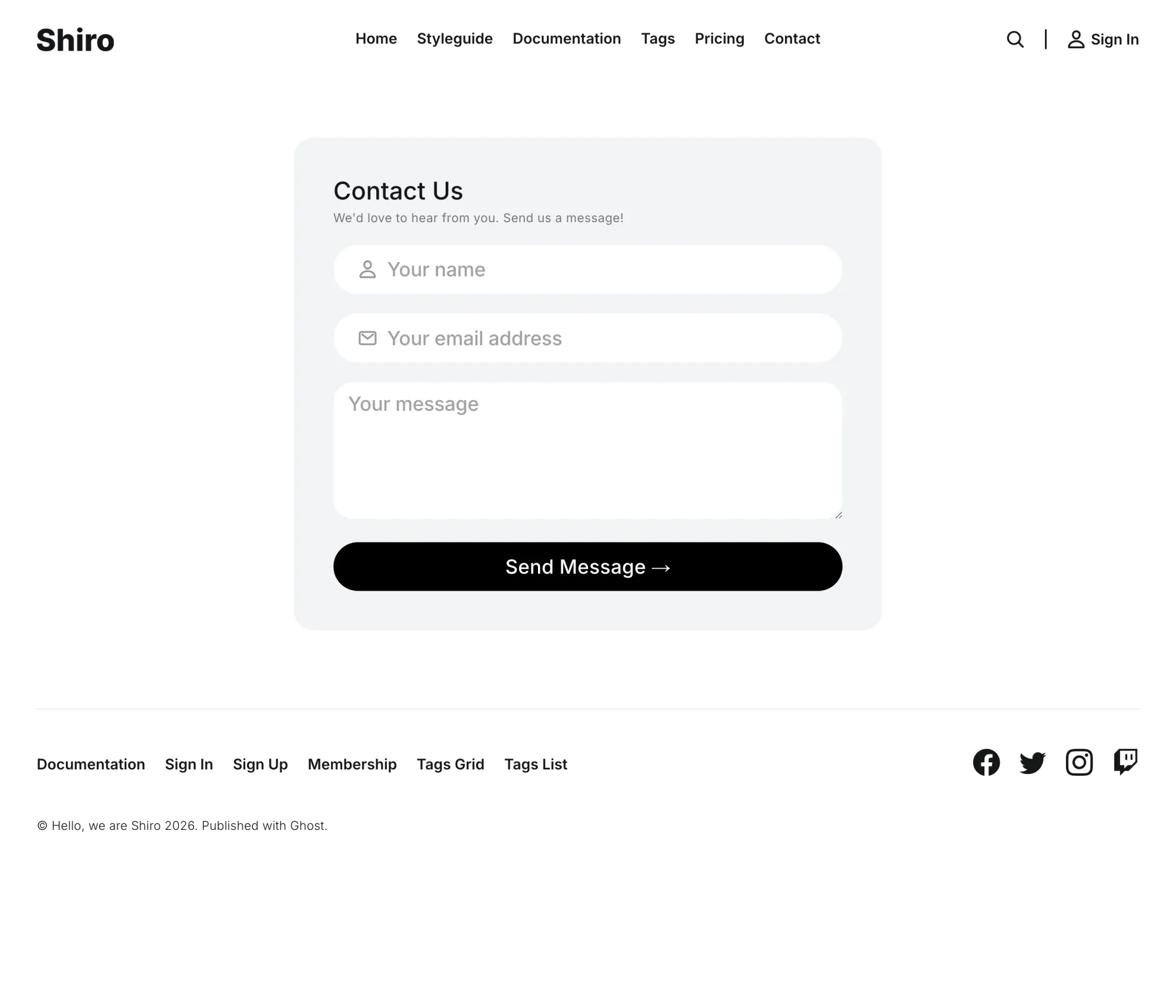
A tags page as image cards, or as a list with descriptions and counts. Pick whichever suits the number of topics you have. A contact page rounds out the set.
Made For
Minimal magazines, creatives and archives that readers search rather than browse. If your readers want a light and dark switch of their own, Rune and Nio offer one. If they want the menu always in view, Senna keeps it in a sidebar.
The Details
| Post layouts | Nine: image left, right, above or after the title, each plain or with a blurred backdrop, plus backdrop only |
|---|---|
| Page templates | Membership, Account, Sign in, Sign up, Tags grid, Tags list, Contact |
| Homepage | Title, description and search field with an optional cover image left, right or behind; Featured Stories carousel; Latest Stories with a subscribe card; previous and next, Load More or infinite scroll |
| Color | Seven schemes, dark follows the reader's device, logo inverted on dark, accent from Ghost |
| Fonts | Five, or Ghost's own font settings |
| Search | Built into the theme, covering posts, authors and tags |
| Reading | Related posts, sharing to seven places plus copy link, image lightbox, code highlighting, Ghost or Disqus comments, optional progress bar, subscribe form after every post |
| Languages | 46 |
| Phones | Menu in a centered popover, optional app mode for the home screen |
| Ghost | 5 and 6 |
$249 lifetime — was $821
Shiro questions
What does the search cover?
Is there a dark mode?
Why nine post layouts?
How do I set up the membership pages?
signin, signup, account and membership, give each its matching template, and turn on the custom membership pages setting. From then on the header links open your pages instead of Portal. The membership page prices itself from your tiers, and the account page shows each member their plan, card and next billing date. The members section of the docs walks through it.